Free and open sourceStar on GitHub

Agent-native video editing

Pick a style, let your agent make the video. Point at any frame, add your feedback, and your agent makes the next version.

Free, local, open source

MIT licensed. No account, no uploads. Everything stays on your computer.

Works with your agent

A local MCP server for Cursor, Claude Code and Codex, or any agent that speaks MCP. It opens right next to the chat.

Pinpoint feedback

Click the exact frame. No more describing timestamps in chat.

Install

Install in three steps

One prompt adds the FrameJam MCP server and skill, and opens FrameJam next to the chat.

Restart once, then type /framejam.

  1. 1
    Paste this into Claude Code
    PromptRun `npx -y framejam install claude` and open the link it prints in your built-in browser.
  2. 2
    Restart once

    Quit Claude Code and start it again so the FrameJam tools load.

  3. 3
    Type /framejam

    FrameJam opens and your agent asks what to make, or picks up the video you're on.

Needs Node 22+ and ffmpeg. Manual setup

How it works

Four steps from style to final cut

Step 01

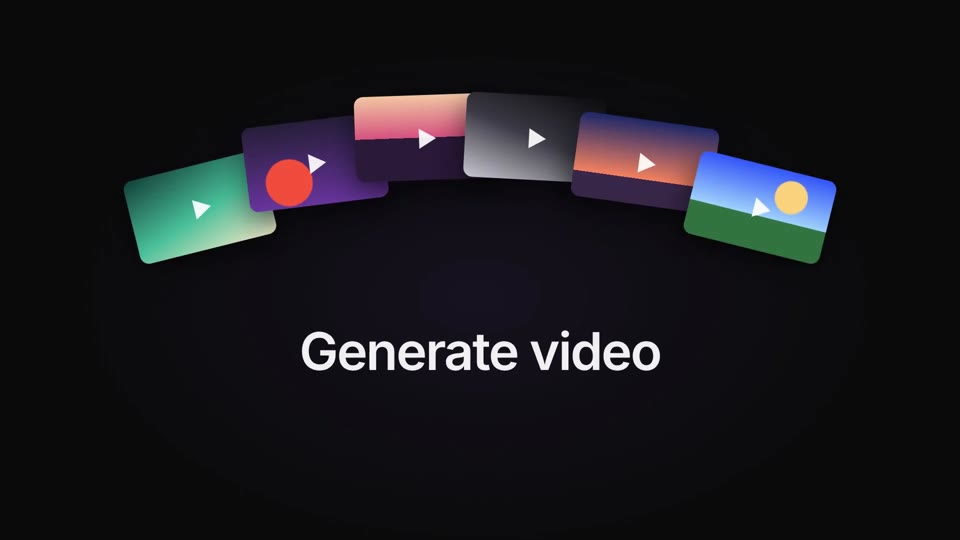
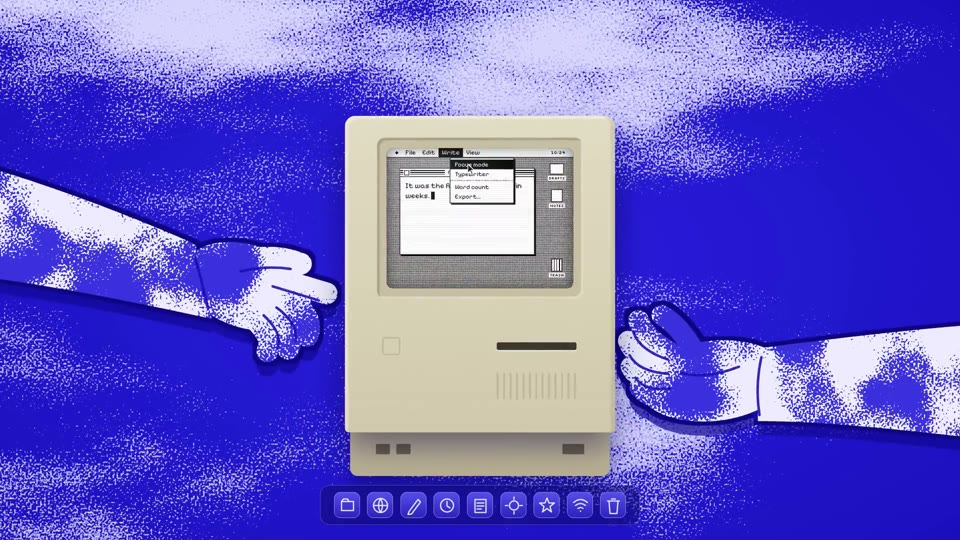
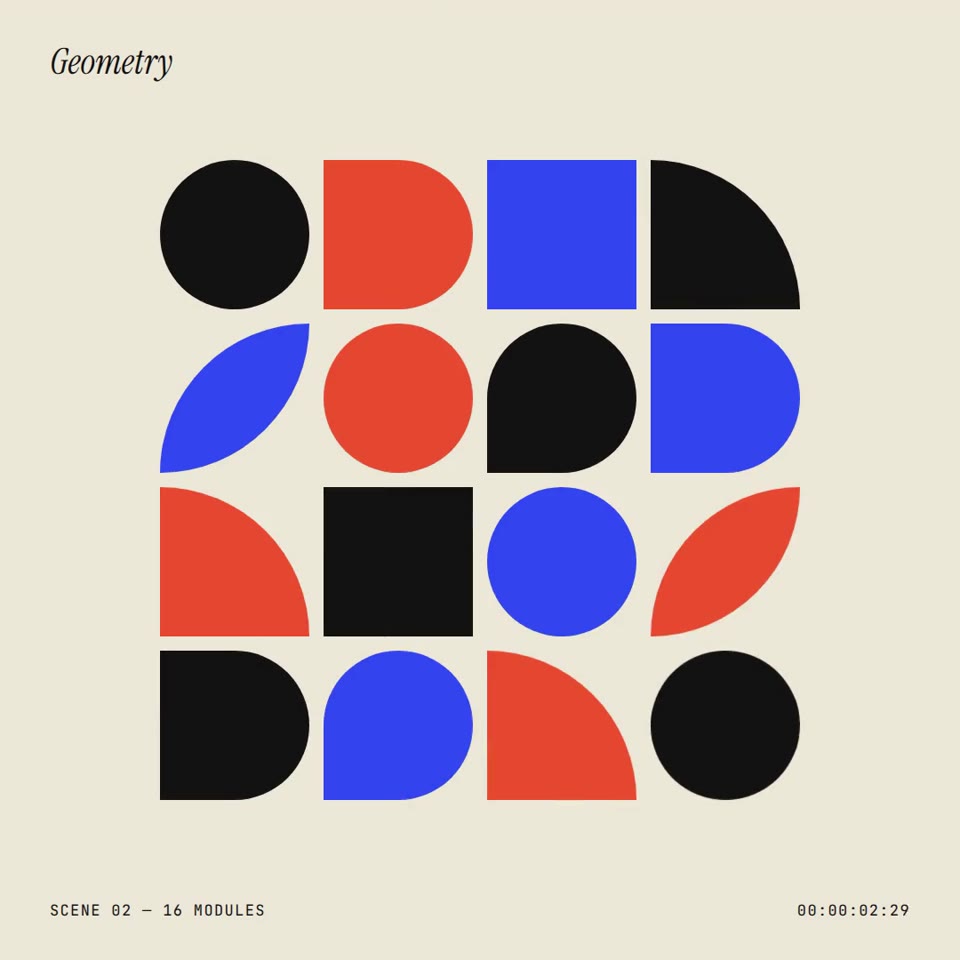
Pick a style

Watch the styles. Press Use.

Your agent gets the exact colors, fonts and motion.
See all 30 styles

Hover to play.

Step 02

Ask for a video

Ask in your own words.

Your agent builds it and opens it for review.

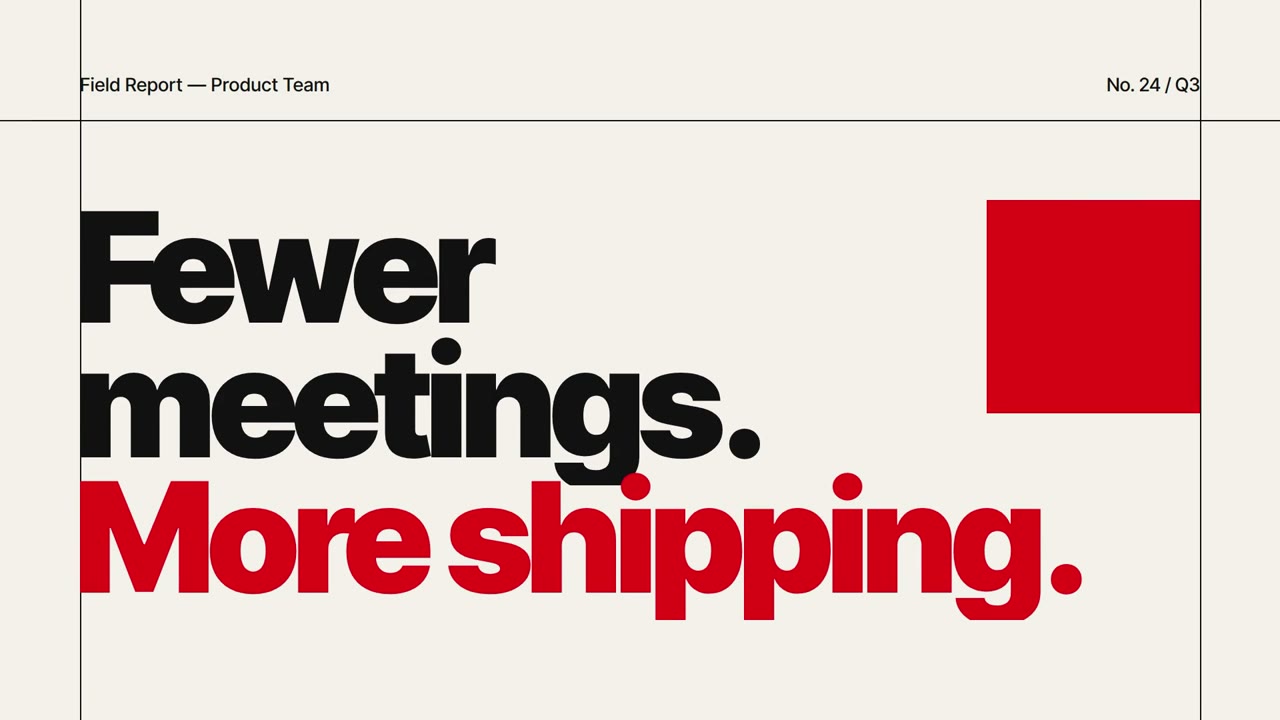
Make a 7-second launch teaser with FrameJam and open it for review.
AgentDone. It's open for review. Waiting for your notes.
Step 03

Point at what to change

Click the frame. Add your feedback.

Your agent knows exactly what you clicked.

Launch teaserVersion 1 · 3 comments not sentAgent listening
0:01.51Click the frame
12
2Drag a range
0:01.5 · on “More shipping.”
Make the red line a bit smaller
Range Whole videoEnter
3Add your feedback
Step 04

Get version 2

Press Finish review.

Your agent picks up every note.

Version 2 shows up in the same tab.

You Finish review · 3
Agent
AgentGot 3 notes. Making v2…
Same tab
Launch teaser
New
Faster grid. Smaller red line. Slower columns.

Community

Level up your AI videos.

FrameJam is free. If you want to level up faster, join Prompt Warrior, the community from the maker of FrameJam: weekly calls, new styles first, and early features.

  • Learn the workflowTraining for FrameJam, Claude Code and Cursor. Make videos that look made by a studio.
  • New styles firstFresh styles land in the community before anywhere else.
  • Early accessTry new FrameJam features before they ship.
  • Weekly callsBring your video, get feedback and direct help from Moritz.
Join Prompt Warrior
Get updates

Hear when new styles and features ship.

Questions

What does it cost?

Nothing. FrameJam is free, local and open source under the MIT license. No account needed. The code is on GitHub.

Do I need Hyperframes?

No. FrameJam reviews videos from any tool. Your agent opens the mp4 and you give feedback on exact frames and times. Hyperframes is the default way to build, and the styles come as Hyperframes templates your agent follows. A beta live player lets you click the exact element to change.

How does my agent talk to FrameJam?

Over MCP. FrameJam runs a local MCP server with tools to pick styles, open reviews and wait for your feedback. Any agent that supports MCP can use it. See the MCP tools.

Does it work with any video?

Yes, any mp4 from any tool. Clicking on exact elements is a beta feature that needs a Hyperframes video.

Where does my work go?

Nowhere. It stays in ~/.framejam on your computer.

Can I contribute?

Yes. Bug reports, ideas and pull requests are welcome on GitHub. A star helps more people find it.

Where can I learn to make better videos with it?

In Prompt Warrior, my community on Skool: training for FrameJam, Claude Code and Cursor, new styles before anyone else, early access to new features, and weekly calls.