Cyanotype Mac
A beige 1984 compact computer on a dithered cobalt sky, its 1-bit desktop clicking through your product.
Retro-desktop product demo style for minimalist apps, browsers and writing tools. A CSS-drawn beige compact computer sits centred on a full-bleed ultramarine cyanotype backdrop of dithered clouds and two reaching hands; its tiny black-and-white screen plays a classic desktop: menu bar, striped title bars, zoom-rect window opens, a clicking arrow cursor, menus and dialog boxes in a pixel font. A dock of small blue icons sits at the bottom; the camera slowly pushes in, then rushes into the screen for a crisp pixel title card.
With Frame Jam installed, press Use this style in the local gallery, or just ask your agent:
Make a video with the Frame Jam style "cyanotype-mac" and open it for review.Palette
Type
- Display
- Pixelify Sans 400, 7001-bit desktop UI (menus, title bars, documents) at 17–23px on a 2x screen canvas; 104px bold for the title card
- Body
- Silkscreen 400Tiny caps for icon labels, the clock and the URL line, 12–15px
Motion
- Push
- power1.inOut
- Rush
- power3.inOut
- Cursor
- power2.inOut
- Pixel
- steps(5)
- Dock
- back.out(1.6)
- Average shot
- 8s
One continuous shot. A UI beat every 0.5–1s on the tiny screen (open, type, menu, click, maximize, dialog, OK) while the camera creeps in; the last 2s are the rush and the title card.
Transitions and text
- slow camera push-in toward the screen (scale 1 → 1.42 over ~5.5s), then a 1s power3.inOut rush until the screen fills the frame
- on-screen changes are instant 1-bit swaps: dashed zoom-rects for window opens, inverted highlights for clicks
- CRT boot: a black cover collapses with steps(4)
- document text types character by character at ~30 chars/s with a blinking block caret
- menu items invert (black bg, white text) on hover and click
- title card pieces appear with stepped eases (steps(3–7)), never smooth fades
Style guide your agent follows
- Backdrop is a full-bleed cobalt #1d1dd3 cyanotype: feTurbulence cloud noise plus fine noise, hard-thresholded with feColorMatrix (alpha slope ~30) into two dither tones #7272ff and #dcdcff. Hands or other figures are masks over the same dithered texture with a #10109a offset shadow. Everything outside the screen is blue monochrome.
- The computer is pure CSS: beige #e4dbc4 body with bevel shadows, recessed bezel, floppy slot, vents, a plain badge (never a real logo). It stays centred; only the camera moves.
- Build the screen UI on a 2x canvas (580x436) scaled 0.5: strictly black and white, 2px borders, 4px hard drop shadows, 50% checker desktop, striped title bars, Pixelify Sans 17–23px and Silkscreen 12–15px for labels.
- Script real UI beats 0.4–1s apart: dashed zoom-rect (steps(5), 0.25s) before a window opens, typing at ~0.035s/char, cursor moves with power2.inOut 0.2–0.45s, clicks invert the target, a modal dialog with a ringed default OK button.
- Camera: slow push scale 1 → ~1.4 with power1.inOut, then a ~1s power3.inOut rush to ~3.85x so the screen fills the frame; fade the bottom dock away just before the rush.
- End on the screen itself: white title card with a 104px bold pixel wordmark, a dotted rule, one tagline and a Silkscreen URL, each revealed with stepped eases. Avoid smooth fades, gradients or colour on the screen.
Similar styles
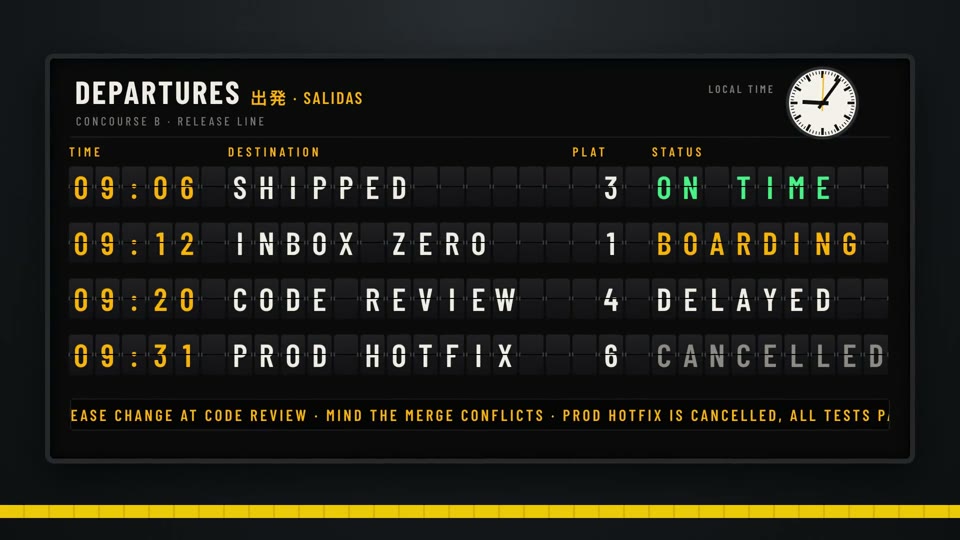 16:9 · Medium
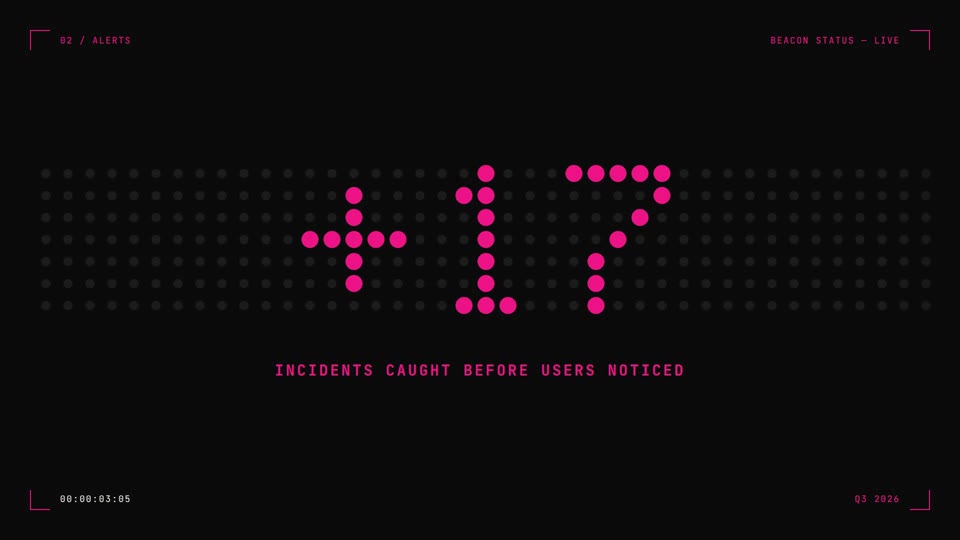 16:9 · Medium
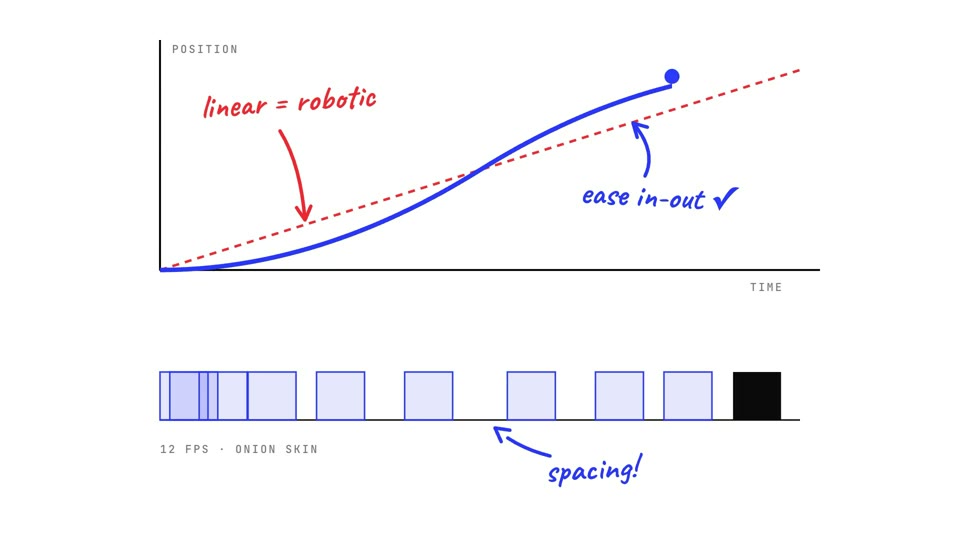 16:9 · Fast
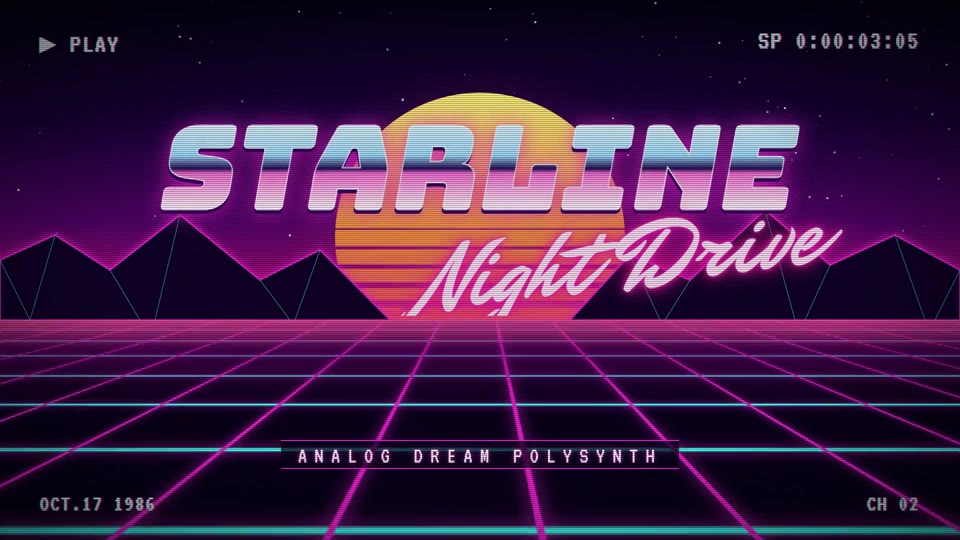 16:9 · Fast