Works inside your agent

Agent-native video editing

Pick a style, let your agent make the video. Point at any frame, add your feedback, and your agent makes the next version.

Free and local

No account. No uploads.

Works with your agent

Cursor, Claude Code and Codex.

Pinpoint feedback

Click the exact frame and element. No more describing timestamps in chat.

Install

Paste one prompt

Your agent installs Frame Jam.

Then it opens it next to the chat.

Paste this into Cursor.

PromptInstall Frame Jam for me: add it as an MCP server named "framejam" in ~/.cursor/mcp.json (command "npx", args ["-y", "framejam", "--stdio"]), copy the skills/framejam folder from the framejam npm package to ~/.cursor/skills/framejam, then open http://localhost:4517 in the browser.

Needs Node 22+ and ffmpeg. Manual setup

How it works

Four steps from style to final cut

01

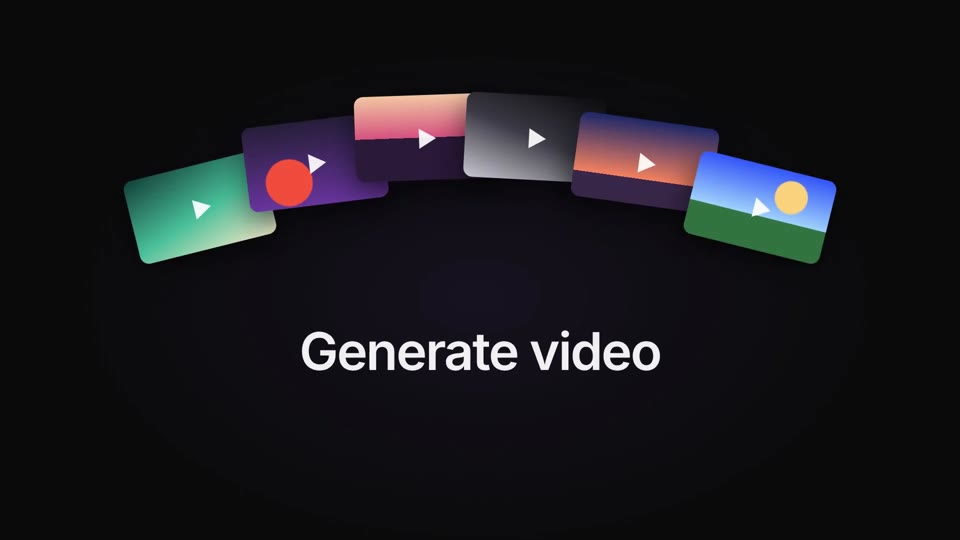
Pick a style

Watch the styles. Press Use.

Your agent gets the exact colors, fonts and motion.

See all 42 styles

Hover to play.

02

Ask for a video

Ask in your own words.

Your agent builds it and opens it for review.

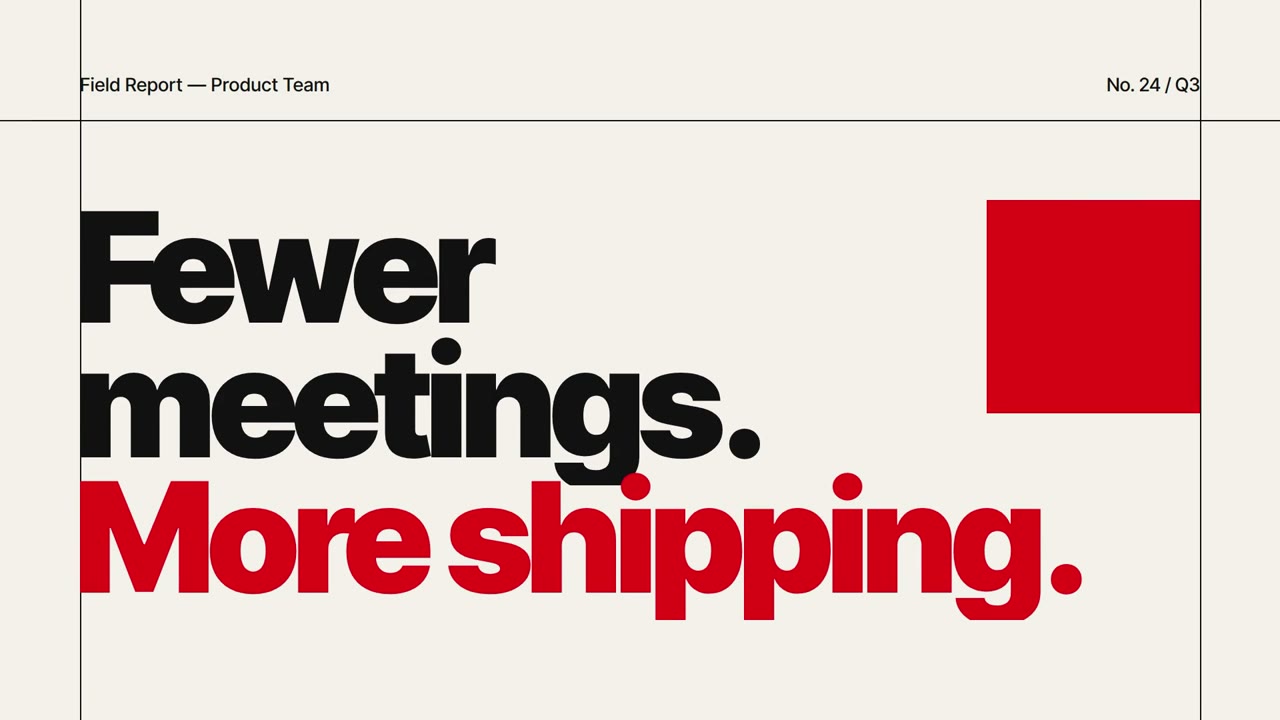
Make a 7-second launch teaser with Frame Jam and open it for review.
AgentDone. It's open for review. Waiting for your notes.
03

Point at what to change

Click the frame. Add your feedback.

Your agent knows exactly what you clicked.

Launch teaserVersion 1 · 3 comments not sentAgent listening
0:01.51Click the frame
12
2Drag a range
0:01.5 · on “More shipping.”
Make the red line a bit smaller
Range Whole videoEnter
3Add your feedback
04

Get version 2

Press Send.

Your agent picks up every note.

Version 2 shows up in the same tab.

You Send 3 to agent
Agent
AgentGot 3 notes. Making v2…
Same tab
Launch teaser
New
Faster grid. Smaller red line. Slower columns.

Hosted Frame Jam

Share a link. Get client notes. Coming soon

  • Share linksClients comment in the browser. Their notes reach your agent.
  • Cloud renderingNo Chrome or ffmpeg needed.
  • Hosted MCPUse Frame Jam from cloud agents.
Join the waitlist

Be first to try hosted Frame Jam.

Which agent do you use?

One email. No newsletter.

Questions

What does it cost?

Nothing. The local app is free. No account needed.

Do I need to know Hyperframes?

No. Your agent writes the Hyperframes code, guided by the skill that ships with Frame Jam. It renders with the Hyperframes CLI through npx, which fetches its own Chrome. You only need Node 22+ and ffmpeg. Already use Hyperframes? Your compositions work as they are, and you can click on their exact elements.

Does it work with any video?

Yes, any mp4. Clicking on exact elements needs a Hyperframes video.

Where does my work go?

Nowhere. It stays in ~/.framejam on your computer.