
See it in other styles
A style is the starting point. The video gets its own look built from it. These are made for this playbook; any other style works too.
Motion Design Showreel
Give it your logo and a few things to show off, get a short motion piece cut to the beat.
A 12–25 second show-off video for a product, a brand or your own motion skills. One shape from your brand, like the logo mark, stays on screen and does a new trick every bar: clicks, trails, colour floods, words that land on the beat, 3D type and grids, then it lands as your logo. It comes with a ready project that's already timed to the music.
By Moritz Kremb · Inspired by @uxmiles
With FrameJam installed, paste this into your agent and replace the part in brackets with what the video is about and your files:
Make a video with the FrameJam playbook "Motion Design Showreel" (id: motion-showreel). Call get_playbook("motion-showreel") and follow it. [Add more context here]You bring
- Your logo, brand colours and fonts
- 3–6 things to show off: features, values or skills
- Optional: music you have the rights to
- Optional: screenshots or screen recordings of the product
You get
A 12–25 s 16:9 motion piece at 60 fps, timed to the music and ending on your logo
What you need
- Showreel starter, a 120 BPM music track and beat tools
- Hyperframes
- Node, Python 3 and ffmpeg
- A music generator, for your own trackElevenLabs Music, Suno, Udio
Starts a new project.
What your agent does
- Pick the shape that stays on screen and the things to show off
- Plan one trick per bar on the music
- Check the key frames in FrameJam
- Build it on the beat in the included project
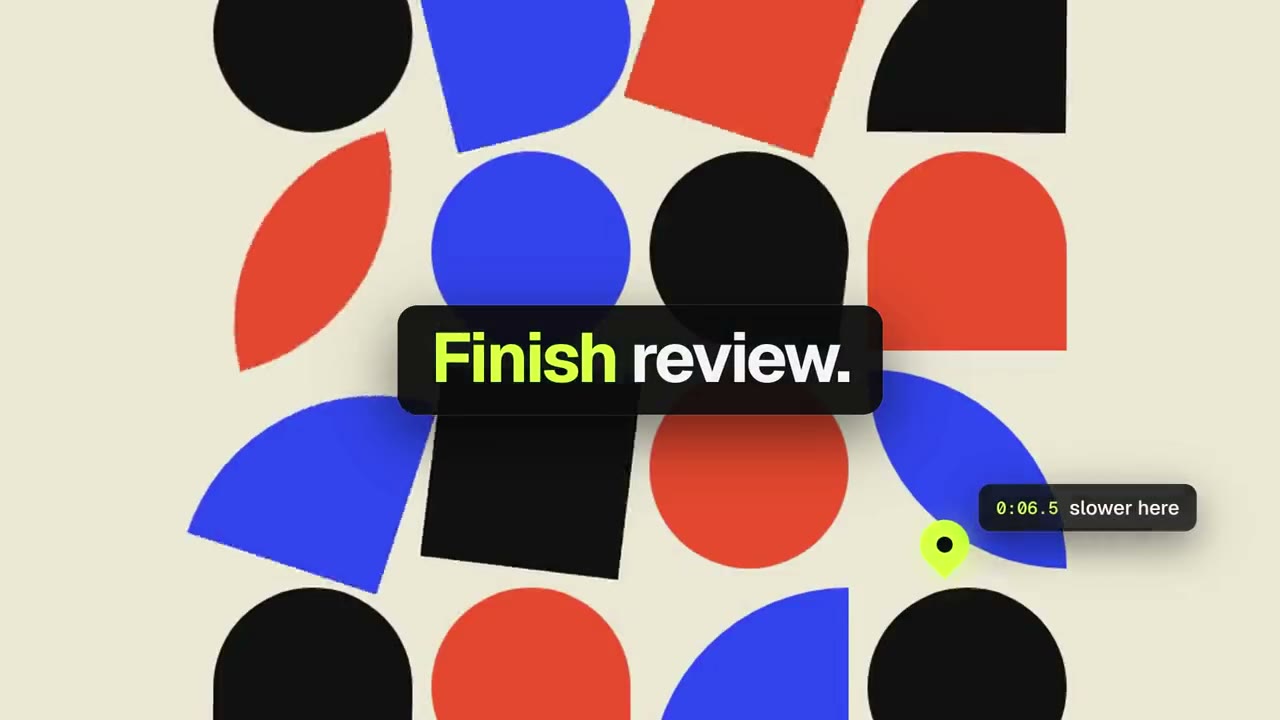
- Review the video in FrameJam until it's right
Related playbooks
Also try make a 15-second launch teaser with AI, make an animated lyric music video with AI or make a product launch video with AI.
 Free to run
 Needs 1 paid tool
 Free to run