
Launch Teaser
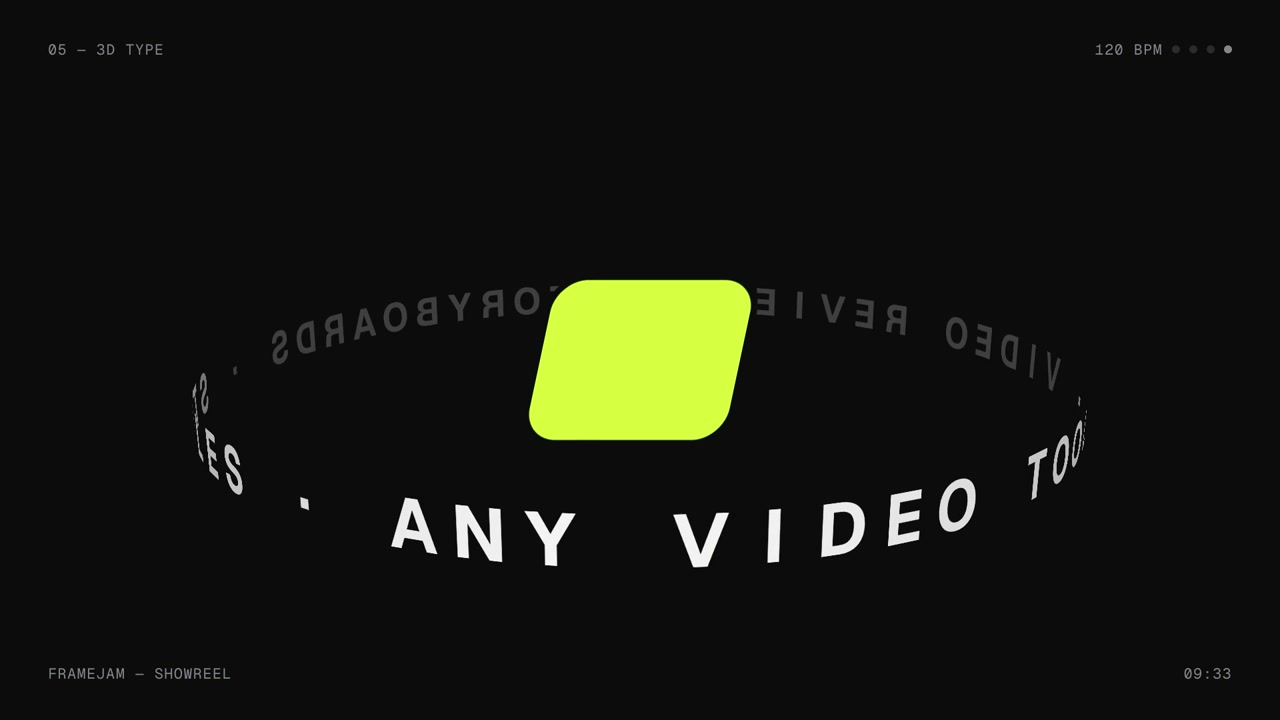
A name, one promise and a few real clips go in, a 15-second teaser that lands the name on the beat comes out.
A short teaser for launch day or the week before: a few big words, fast glimpses of the real product, a beat drop on the name, and the date, link or install command. It makes people curious instead of explaining everything. Good as a post on its own or at the end of a thread.
By Moritz Kremb
With FrameJam installed, paste this into your agent and replace the part in brackets with what the video is about and your files:
Make a video with the FrameJam playbook "Launch Teaser" (id: launch-teaser). Call get_playbook("launch-teaser") and follow it. [Add more context here]You bring
- The name and one line about what it does
- A few short clips or screenshots of the real product
- The date, link or install command to end on
You get
A 10–20 s teaser with music and sound effects (16:9, or 9:16 on request)
What you need
- Teaser starter scene and music script
- Hyperframes (or your project's video tool), Python 3 and ffmpeg
- Music, if you want a real trackthe included music script (free), YouTube Audio Library, Epidemic Sound (paid)
Works in your existing project, with the tool it already uses.
What your agent does
- Write the few words and pick the one visual idea
- Lay everything out on a music beat
- Cut the best moments from your clips
- Make the music and sound effects for this exact cut
- Build and render the teaser
- Review each version in FrameJam until it's right
Styles to try with Launch Teaser
Your style sets the whole look. Any style in the Styles gallery works. A few to start with:
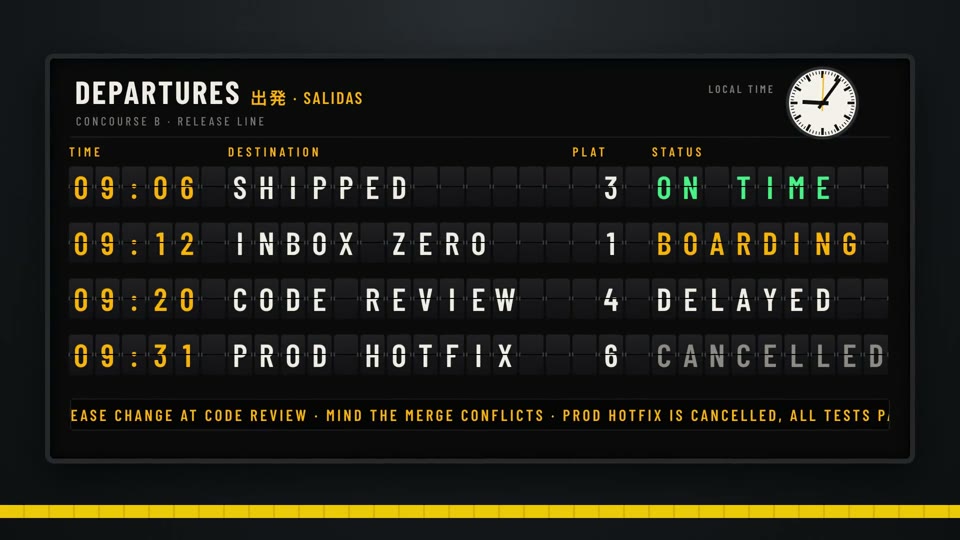 16:9 · Medium
 16:9 · Slow
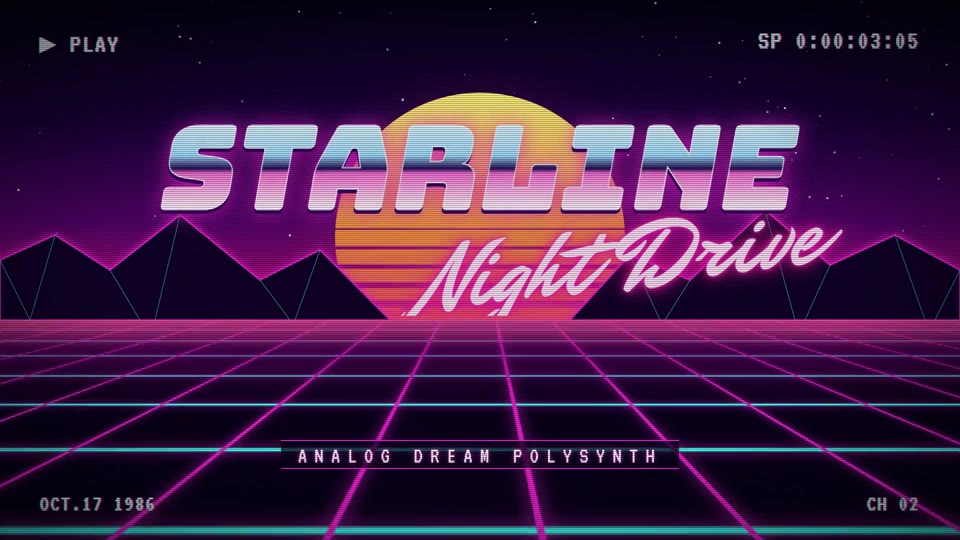 16:9 · Fast
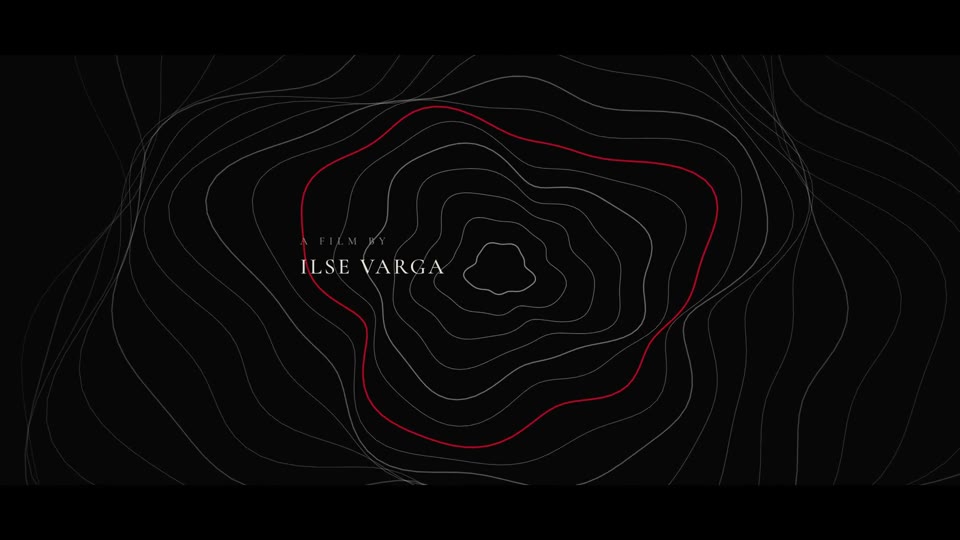 16:9 · Slow
Related playbooks
Also try make a product launch video with AI, make a motion design showreel with AI or make a founder launch video for X with AI.
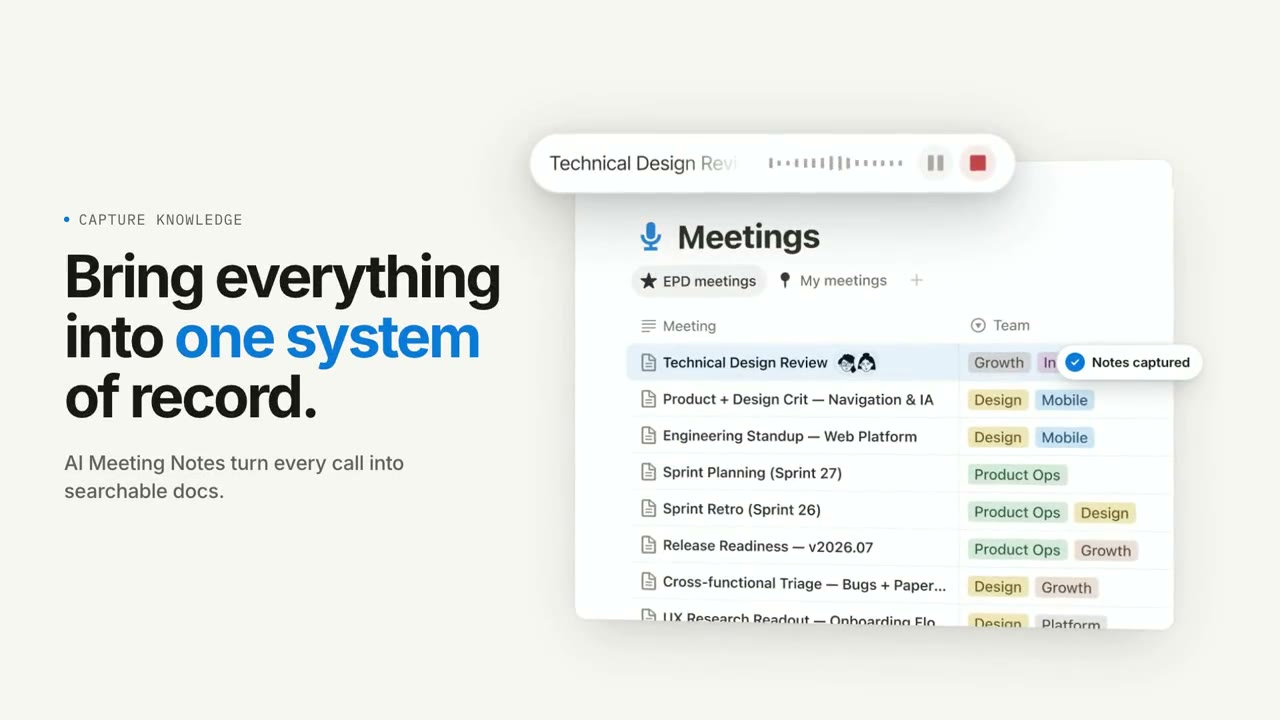 Free to run
 Free to run
 Free to run