
See it in other styles
A style sets the colours and fonts. These are made for this playbook; any other style works too.
Math Animation
A math or science idea goes in, a calm animated explainer in the style of 3Blue1Brown comes out.
A narrated video where equations morph, graphs draw themselves and shapes rearrange until the idea clicks. It's for teachers, students and anyone explaining something technical. What makes it good: one clear insight, shown as a picture before the formula, with the voice paced to every move.
By Moritz Kremb · Inspired by 3Blue1Brown
With FrameJam installed, paste this into your agent and replace the part in brackets with what the video is about and your files:
Make a video with the FrameJam playbook "Math Animation" (id: math-animation). Call get_playbook("math-animation") and follow it. [Add more context here]You bring
- The idea you want to explain: a proof, a formula, a concept
- Optional: notes, a textbook page or a script
- Optional: your own voice recording
You get
A 1–5 min 16:9 animated explainer at 1080p60 with narration
What you need
- Starter Manim project
- Manim, Python 3 and ffmpeg
- A narration voiceYour own recording, Kokoro (runs locally), macOS say
- LaTeX for typeset equations
- Background musicYouTube Audio Library, ElevenLabs Music, Suno
Starts a new project.
What your agent does
- Find the one idea the video should make click
- Plan the picture that proves it and review it as a storyboard
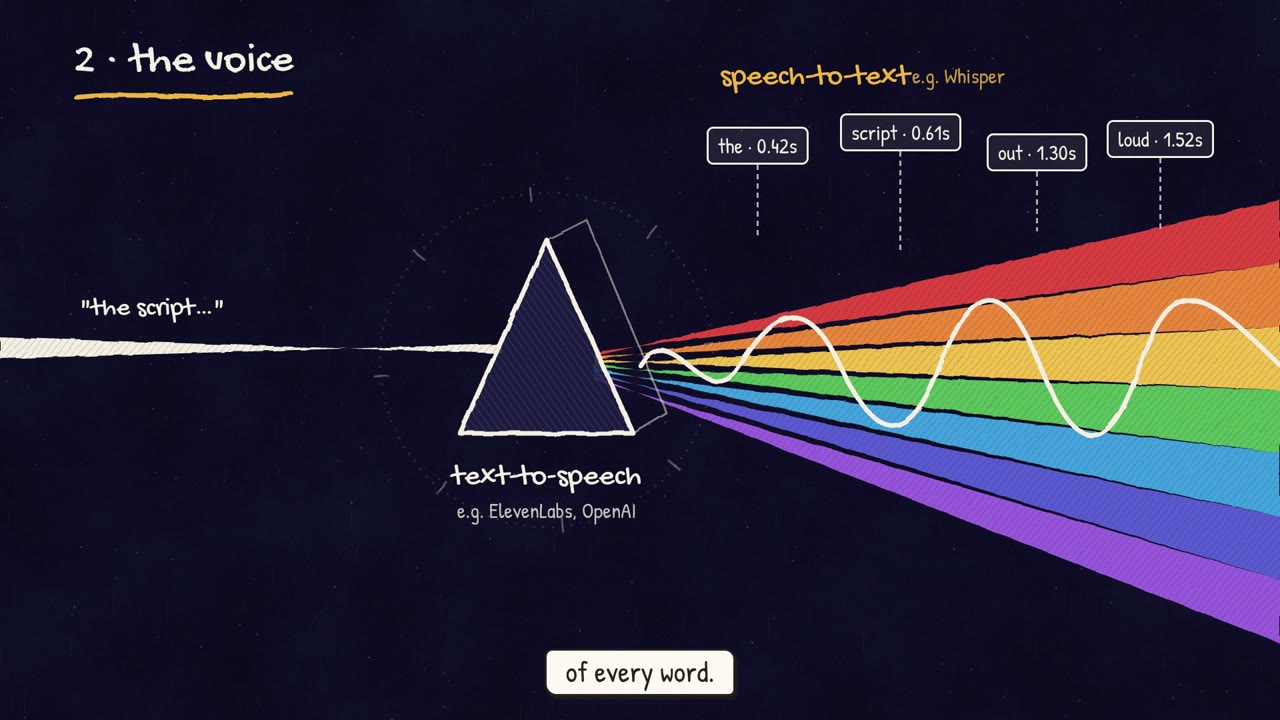
- Write the narration and make the voice
- Animate each scene, paced to the voice
- Join the scenes and add the voice and music
- Review each version in FrameJam until it's right
Related playbooks
Also try make a narrated animated explainer video with AI, make an animated lyric music video with AI or make a cartoon music video with AI.
 Free to run
 Needs 1 paid tool
 Needs 1 paid tool