
Guides
Make videos with your AI agent
Walkthroughs for real projects, from a raw recording to the finished video. For how each part of FrameJam works, see the docs. Using Remotion, Hyperframes or Cursor? See what FrameJam works with and how the tools compare.
 How to edit videos with ClaudeHow to edit videos with Claude: cut a raw recording, add animations, then point at the exact frames to change. Full video walkthrough.
 How to make videos with ClaudeHow to make videos with Claude and how Claude video generation works: HyperFrames, Remotion or Manim, prompts, storyboards and feedback. Full video.
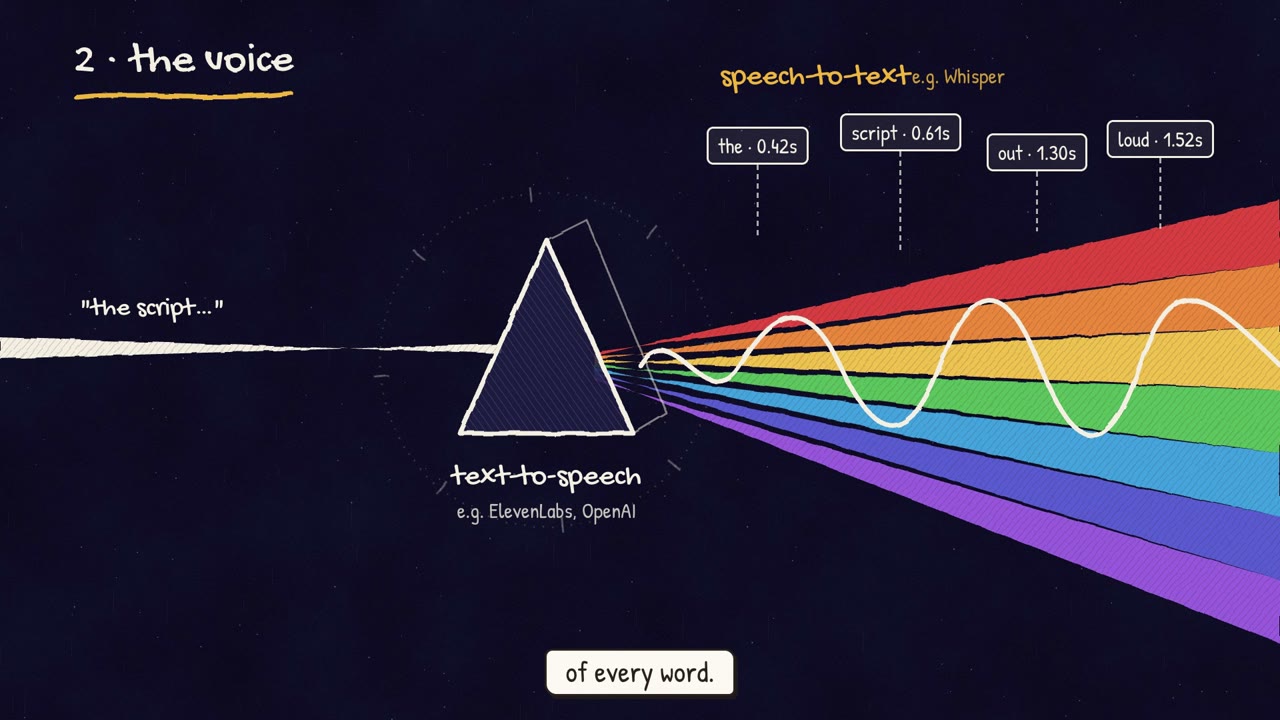 Explainer video words per minuteExplainer video words per minute: plan narration at about 150 WPM, keep scenes to 12 to 45 words, and let your AI agent time every cut to the voice.
Know what you want to make? Start from a playbook, the method for one kind of video, like a product launch video or a vertical short, and pick its look in the Styles gallery, or let the AI video prompt generator write the prompt. Making shorts? Check your frames with the YouTube Shorts safe zone checker, one of our free tools. New to FrameJam? Install it first.