
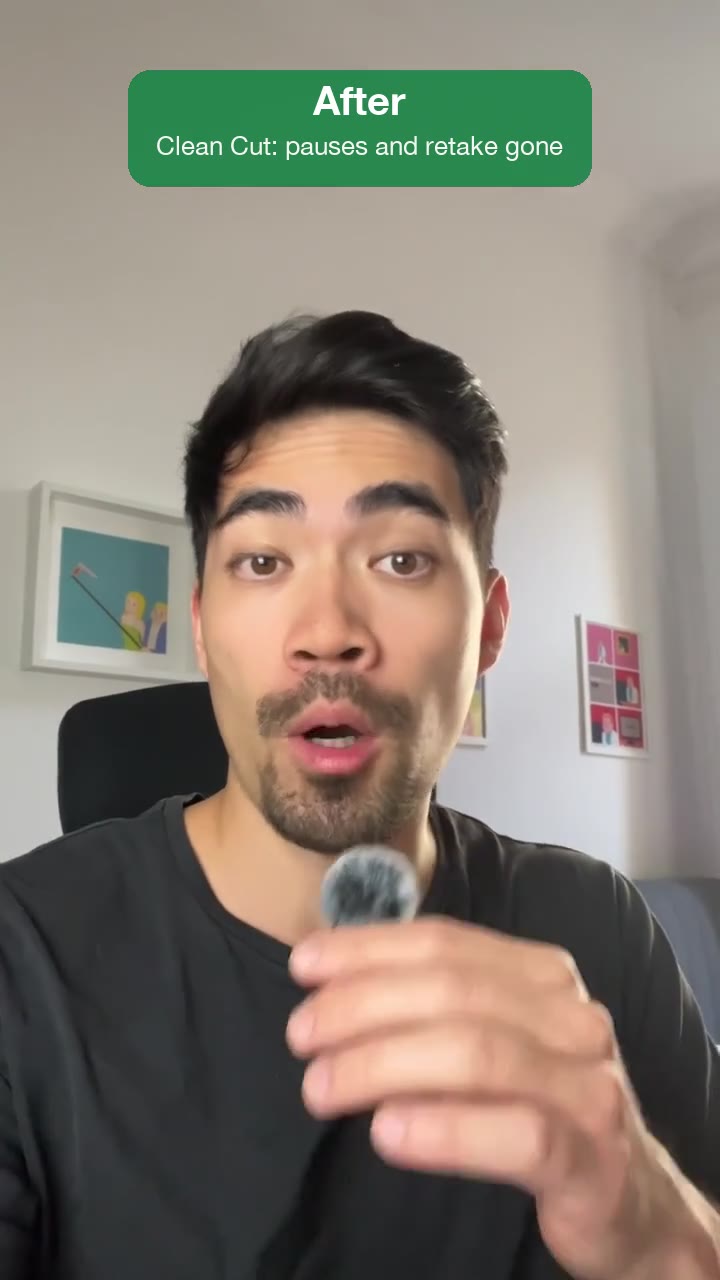
Clean Cut
A raw recording goes in, the same video as a tight, fast-paced jump cut without pauses, fillers and retakes comes out.
The basic cleanup every recording needs, cut tight: dead air, "um"s and "uh"s, false starts and earlier takes are removed, every pause becomes a beat, and the last take of every line stays. Nothing gets added, and you also get a cut list to keep editing in Resolve, Premiere or Final Cut.
By Moritz Kremb
With FrameJam installed, paste this into your agent and replace the part in brackets with what the video is about and your files:
Make a video with the FrameJam playbook "Clean Cut" (id: clean-cut). Call get_playbook("clean-cut") and follow it. [Add more context here]You bring
- A raw recording of you talking: to camera, over a screen recording, a talk or a podcast
- Optional: how tight it should feel
You get
The same video, shorter and clean, plus a cut list for your editor
What you need
- Python 3 and ffmpeg
- Speech to textwhisper on your computer (free), ElevenLabs Scribe (paid), OpenAI (paid)
Works in your existing project, with the tool it already uses.
Styles
This playbook has its own look. Styles aren't used.
Pick one in the Styles gallery.
What your agent does
- Turn your recording into text
- Find the pauses, fillers, false starts and repeated takes
- Cut them out tight, keeping the last take of every line
- Check every cut and export a cut list for your editor
- Review it in FrameJam until it's right
Related playbooks
Also try turn a talking-head recording into a vertical short, make a founder launch video for X with AI or turn talking-head clips into vertical shorts with AI.
 Free to run
 Free to run
 Free to run