

See it in other styles
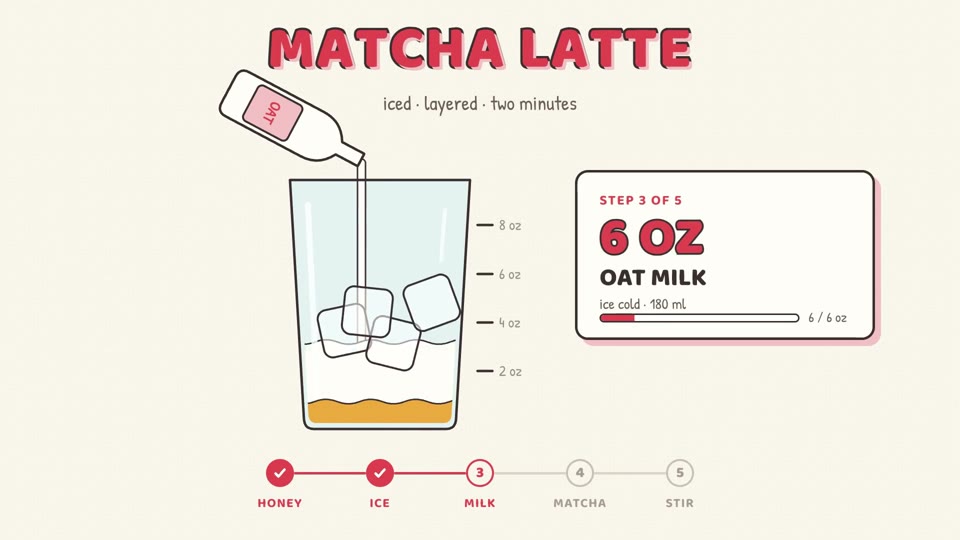
A style sets the colors, fonts, captions and the title and step cards. These are made for this playbook; any other style works too.
Dynamic Layout Short
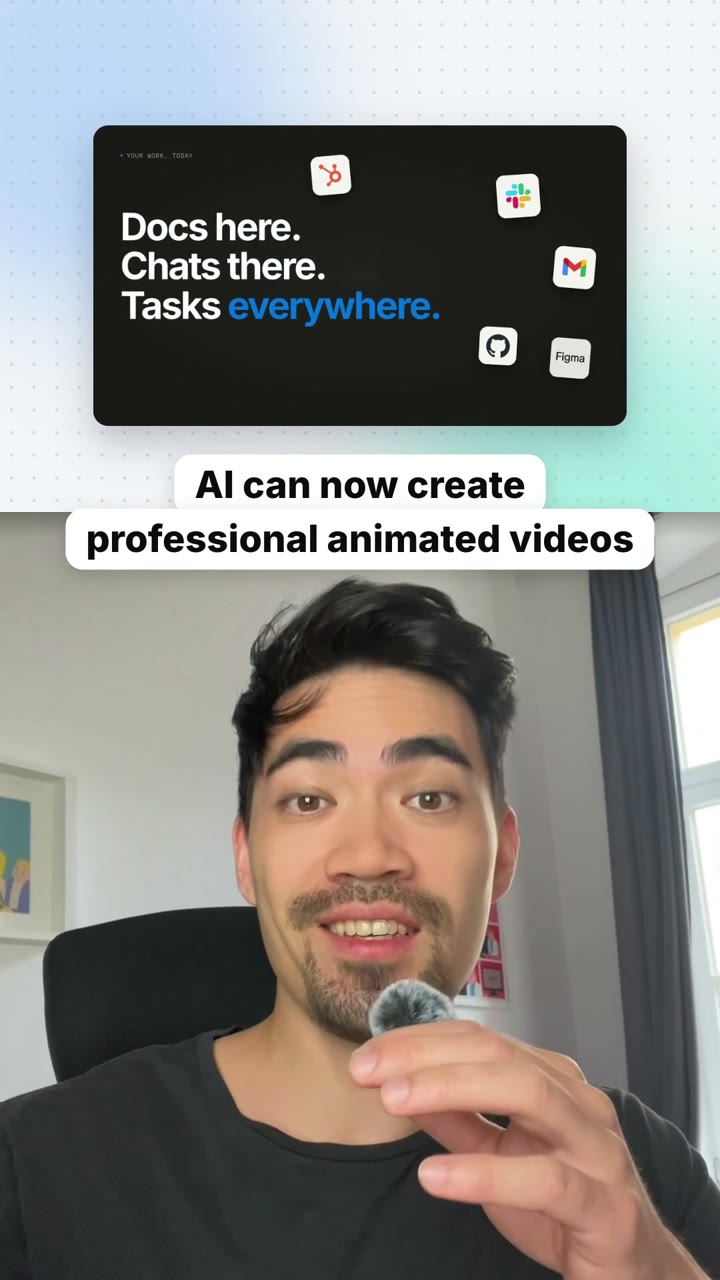
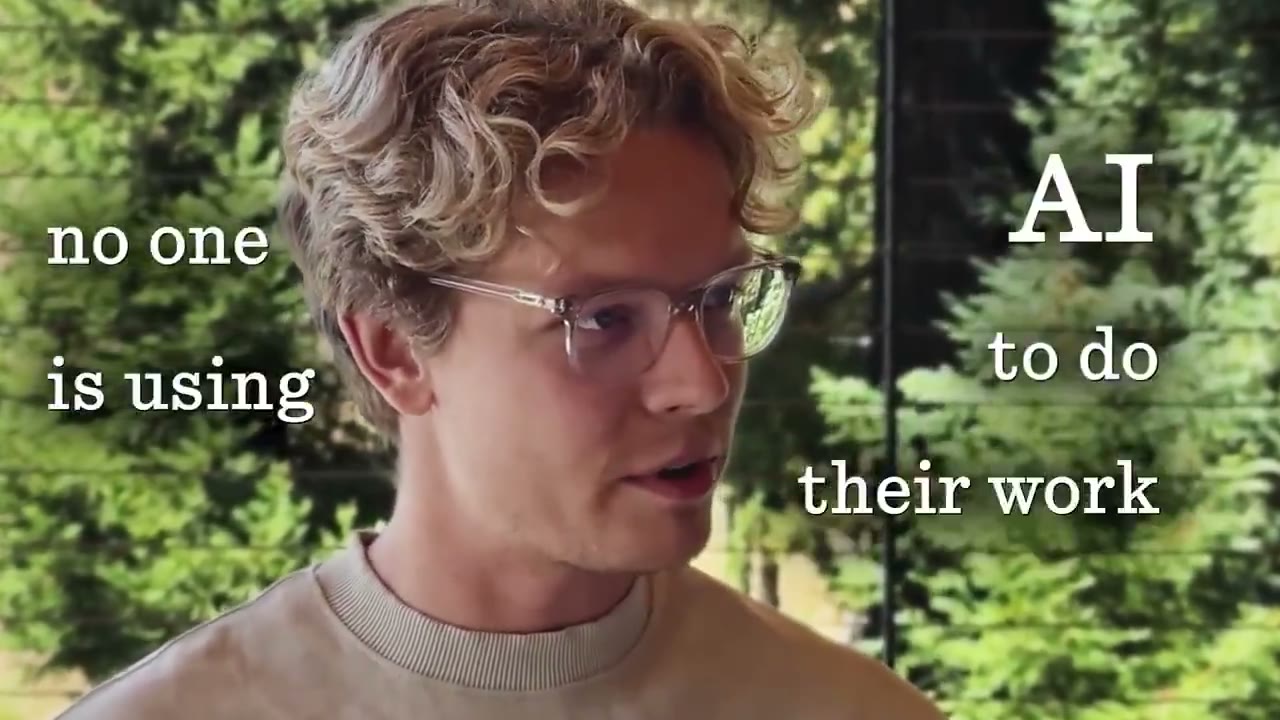
A raw talking-head recording goes in, a vertical short that switches layout with what you say comes out.
A how-to short that never sits still: you alone for the big claims, split screen when you name something, the thing full-screen with you cut out in front when you show a process, and a step list that comes back at every new step. Pauses and earlier takes are cut out, and short captions sit where each layout leaves room.
By Moritz Kremb
With FrameJam installed, paste this into your agent and replace the part in brackets with what the video is about and your files:
Make a video with the FrameJam playbook "Dynamic Layout Short" (id: layout-switch-short). Call get_playbook("layout-switch-short") and follow it. [Add more context here]You bring
- Your raw recording of you talking to camera, best with clear steps
- Screen recordings, screenshots or photos of the things you talk about
- Optional: the steps in a few words each
You get
A 45–90 s vertical video that changes layout every few seconds, with captions
What you need
- Layout template and helper scripts
- Python 3, ffmpeg and Node
- Hyperframes, which also cuts you out of the background
- Speech to textwhisper on your computer (free), ElevenLabs Scribe (paid), OpenAI (paid)
Works in your existing project, with the tool it already uses.
What your agent does
- Cut the pauses and keep the last take of every line
- Give every few seconds of speech a layout
- Prepare the pictures and cut you out for the full-screen parts
- Build it from the template and add captions
- Review each version in FrameJam until it's right
Related playbooks
Also try turn talking-head clips into vertical shorts with AI, make a founder launch video for X with AI or make a step-by-step how-to video with AI.
 Free to run
 Free to run
 Free to run