
More examples
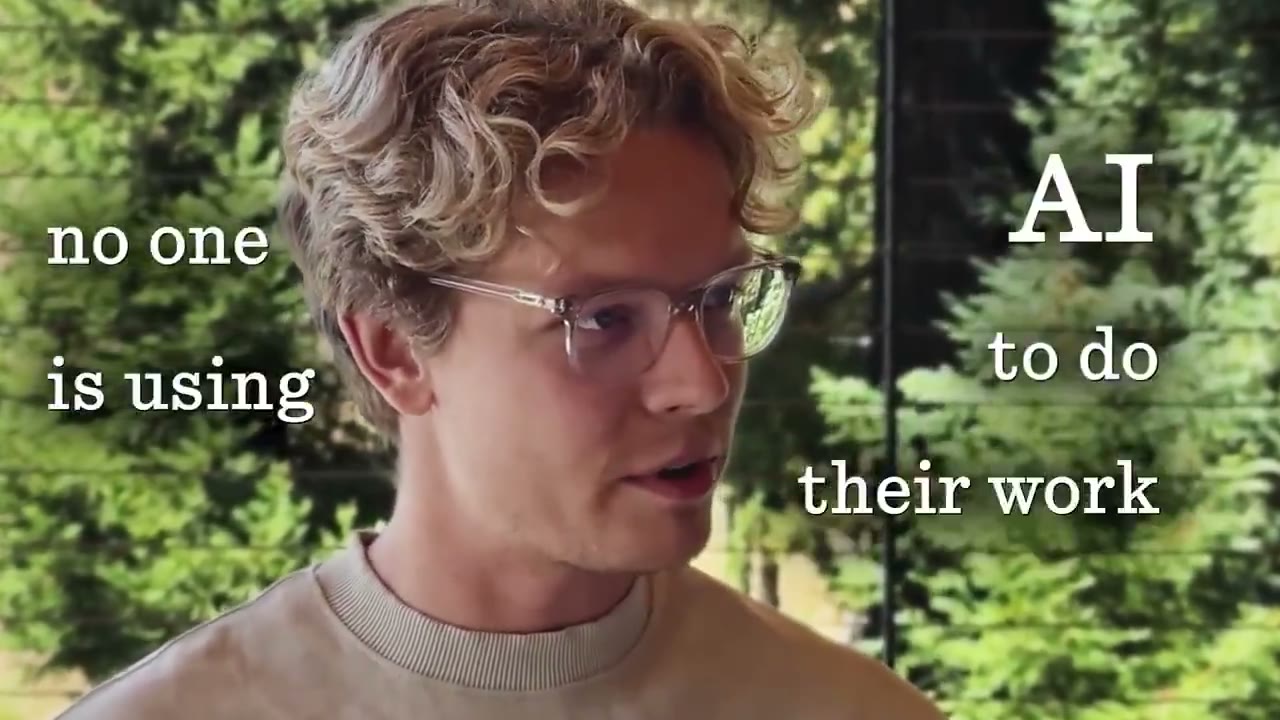
A style sets the captions, cards and graphics.
YouTube Hook
Your intro script or recording goes in, the 20–60 second opening that keeps people watching your long video comes out.
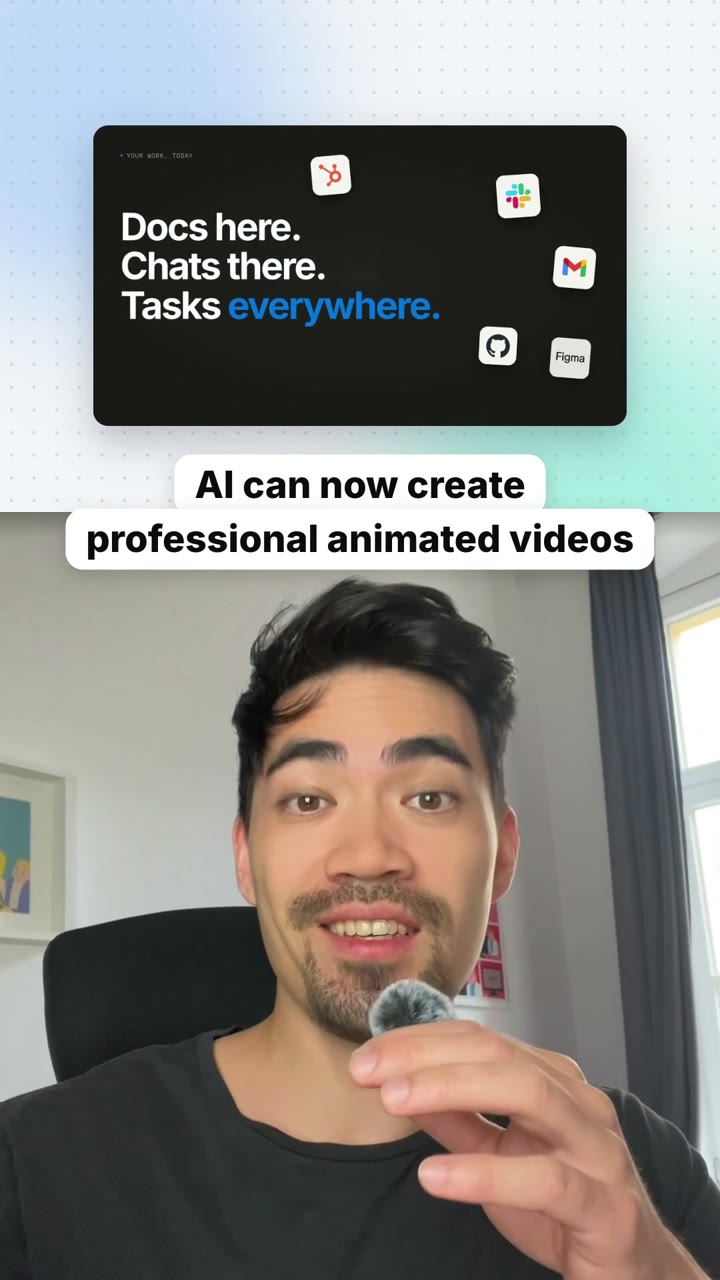
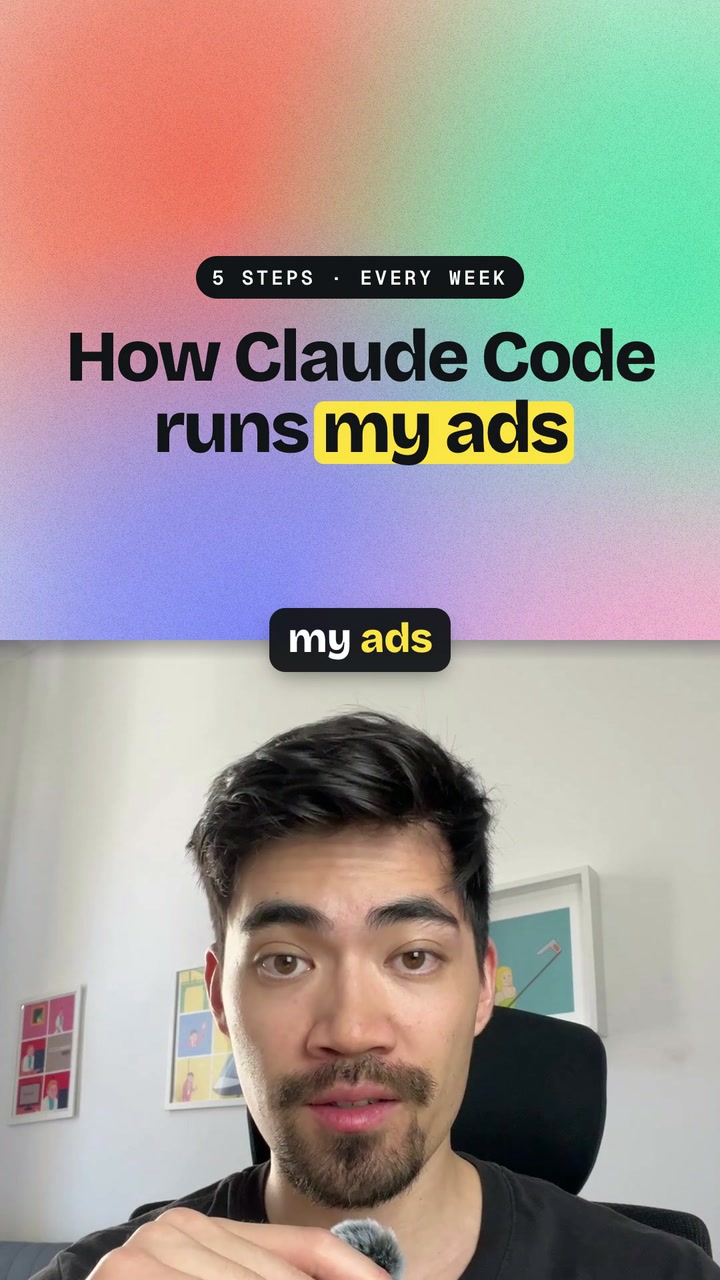
The opening that keeps people watching: what happened with the proof on screen, why it matters, the three things the video will show, then straight into the video. It follows the formula from Moritz Kremb's own channel, either as an edited talking head with captions, cards and a graphic, or as a framed screen recording with your camera beside it.
By Moritz Kremb · Inspired by Riley Brown
With FrameJam installed, paste this into your agent and replace the part in brackets with what the video is about and your files:
Make a video with the FrameJam playbook "YouTube Hook" (id: youtube-intro). Call get_playbook("youtube-intro") and follow it. [Add more context here]You bring
- The video's topic and title
- Your intro as a script, a camera recording or a screen recording
- Optional: screen recordings, posts or results to show
- Optional: music you have the rights to
You get
A 20–60 s 16:9 intro, edited and with graphics, ready to put at the start of your video
What you need
- Intro scripts
- Python 3 and ffmpeg
- A transcription servicelocal whisper.cpp (free), ElevenLabs Scribe, OpenAI Whisper API
- Hyperframes, or your project's video tool
Works in your existing project, with the tool it already uses.
What your agent does
- Write the intro in four parts: hook, why it matters, three promises, let's dive in
- Record it, or bring the recording you have
- Cut the pauses and retakes
- Add zooms, captions, cards and one graphic, or frame it next to your screen
- Review it in FrameJam until it's right
Styles to try with YouTube Hook
Your style sets the captions, cards and graphics. Any style in the Styles gallery works. A few to start with:
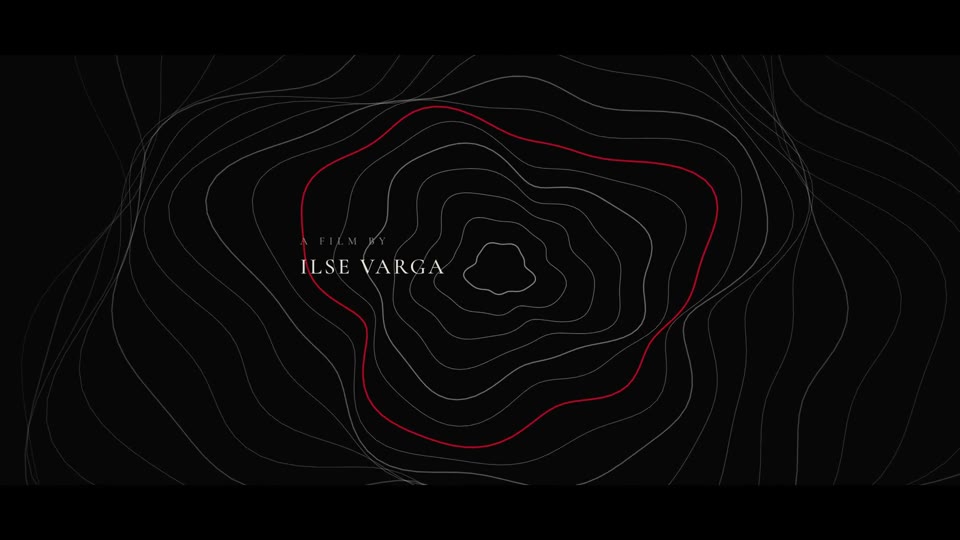 16:9 · Slow
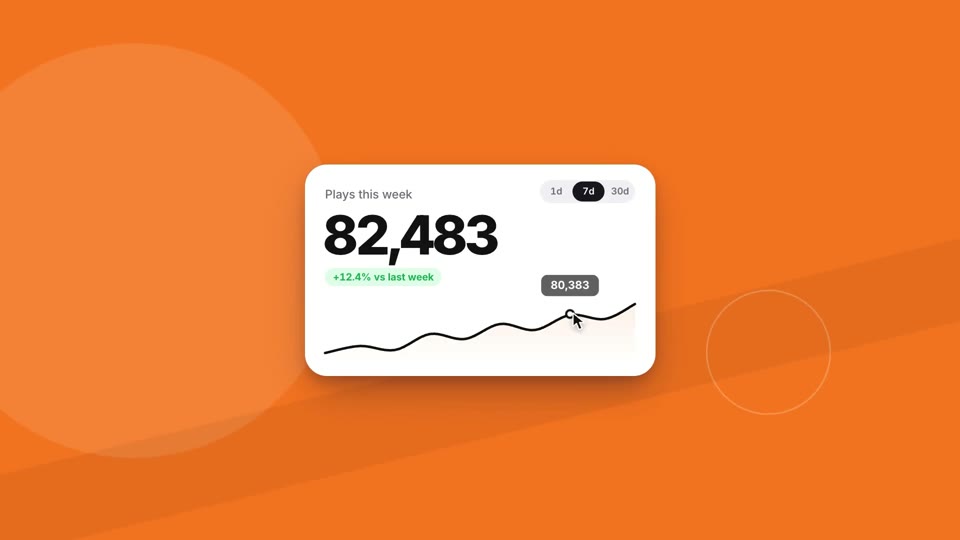 16:9 · Medium
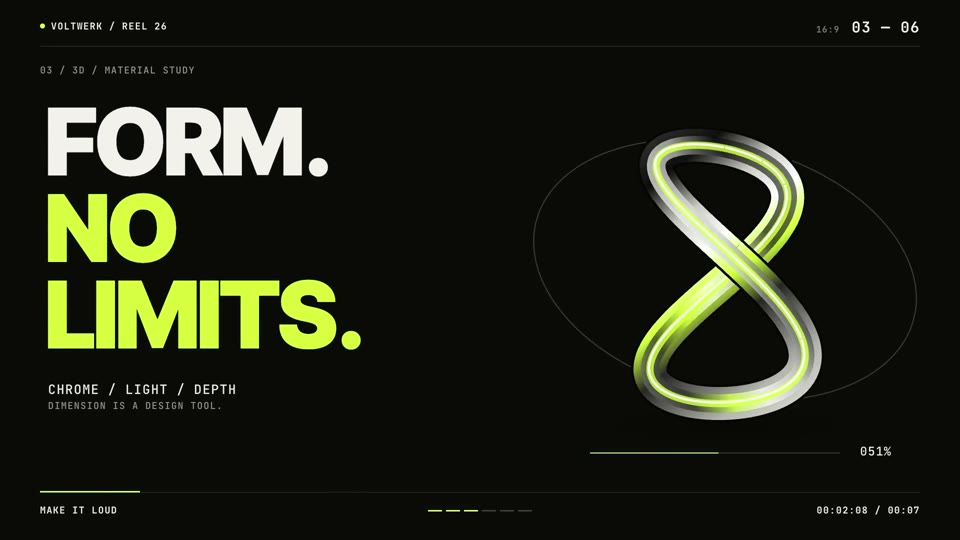 16:9 · Fast
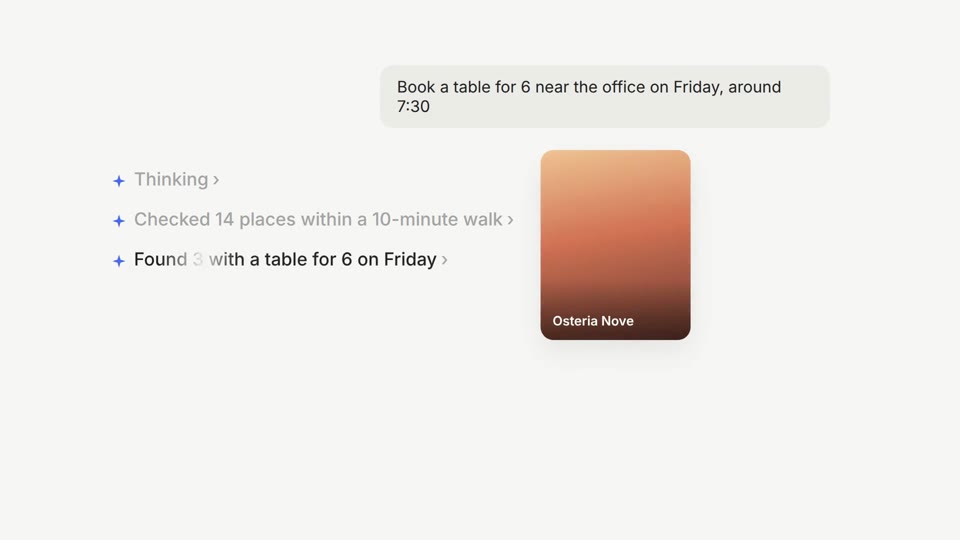 16:9 · Medium
Related playbooks
Also try turn talking-head clips into vertical shorts with AI, turn a talking-head recording into a vertical short or make a founder launch video for X with AI.
 Free to run
 Free to run
 Free to run