
How-to
A process goes in, a short step-by-step video that's clear even with the sound off comes out.
A 30–90 second video that walks through a recipe, a setup or any process with a handful of steps. One scene stays on screen and changes step by step, a step card says where you are, and every step shows its one action with the exact amount or setting. Good for tutorials, onboarding and recipes.
By Moritz Kremb
With FrameJam installed, paste this into your agent and replace the part in brackets with what the video is about and your files:
Make a video with the FrameJam playbook "How-to" (id: how-to). Call get_playbook("how-to") and follow it. [Add more context here]You bring
- The steps: a recipe, notes, a doc or a recording that walks through the process
- Optional: photos or screen recordings of the steps
- Optional: your own voice recording
You get
A 30–90 s video (16:9, or 9:16 on request) with a step card, captions and optional voiceover
What you need
- Voice, timing and sound scripts (from the Explainer playbook)
- Hyperframes (or your project's video tool), Python 3 and ffmpeg
- A voice, if you want narrationYour own recording, Kokoro (runs locally), ElevenLabs (paid)
Works in your existing project, with the tool it already uses.
What your agent does
- Turn the process into 4–8 steps, each one action with its exact amount or setting
- Plan one scene that changes in place, with a step card and progress dots
- Record or generate the voice and time each step to it, if there is one
- Animate every step and add captions
- Review each version in FrameJam until it's right
Styles to try with How-to
Your style sets the whole look. Any style in the Styles gallery works. A few to start with:
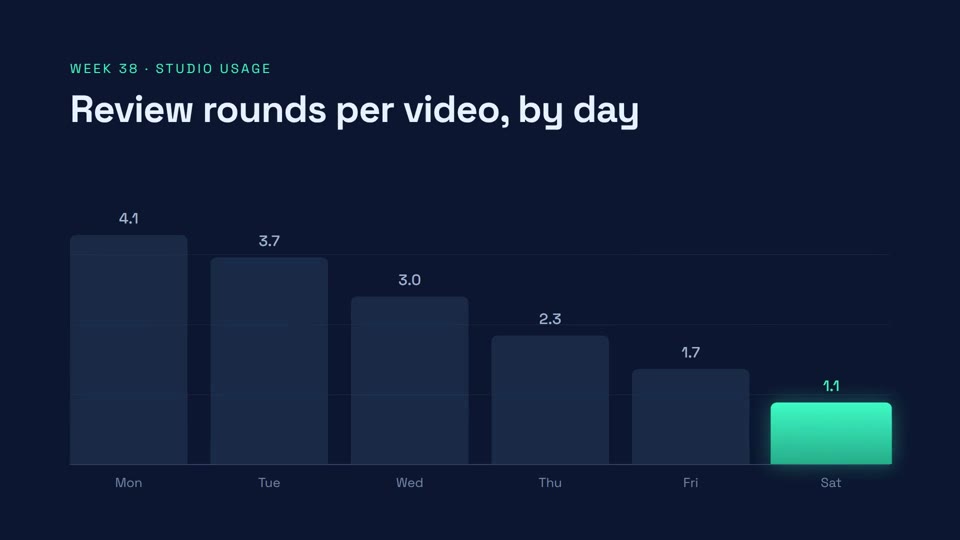 16:9 · Medium
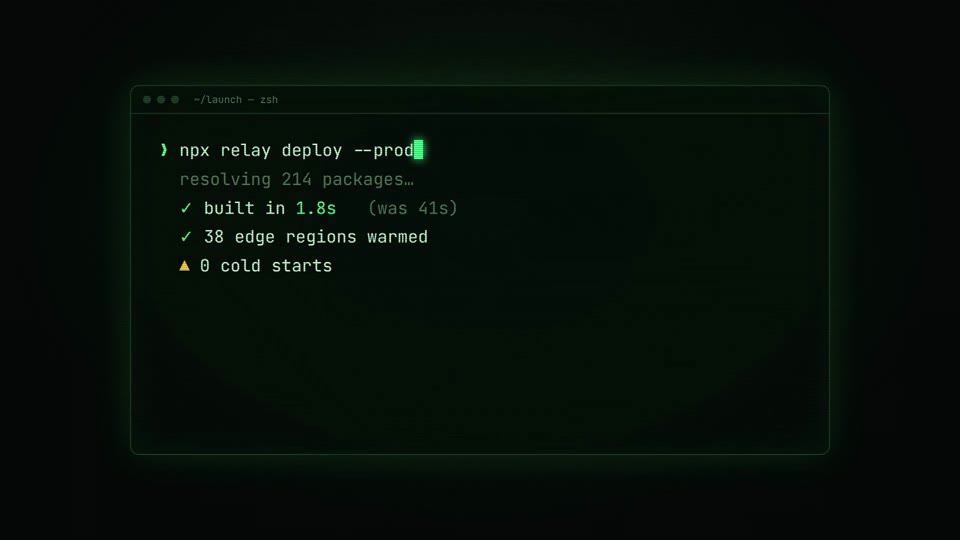 16:9 · Fast
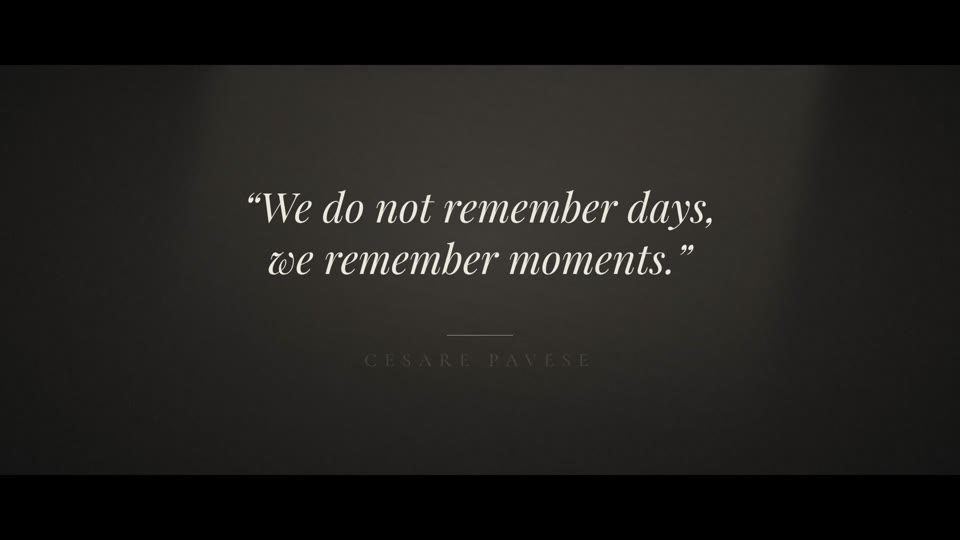 16:9 · Slow
 16:9 · Fast
Related playbooks
Also try turn a talking-head recording into a vertical short, make a 15-second launch teaser with AI or make a product launch video with AI.
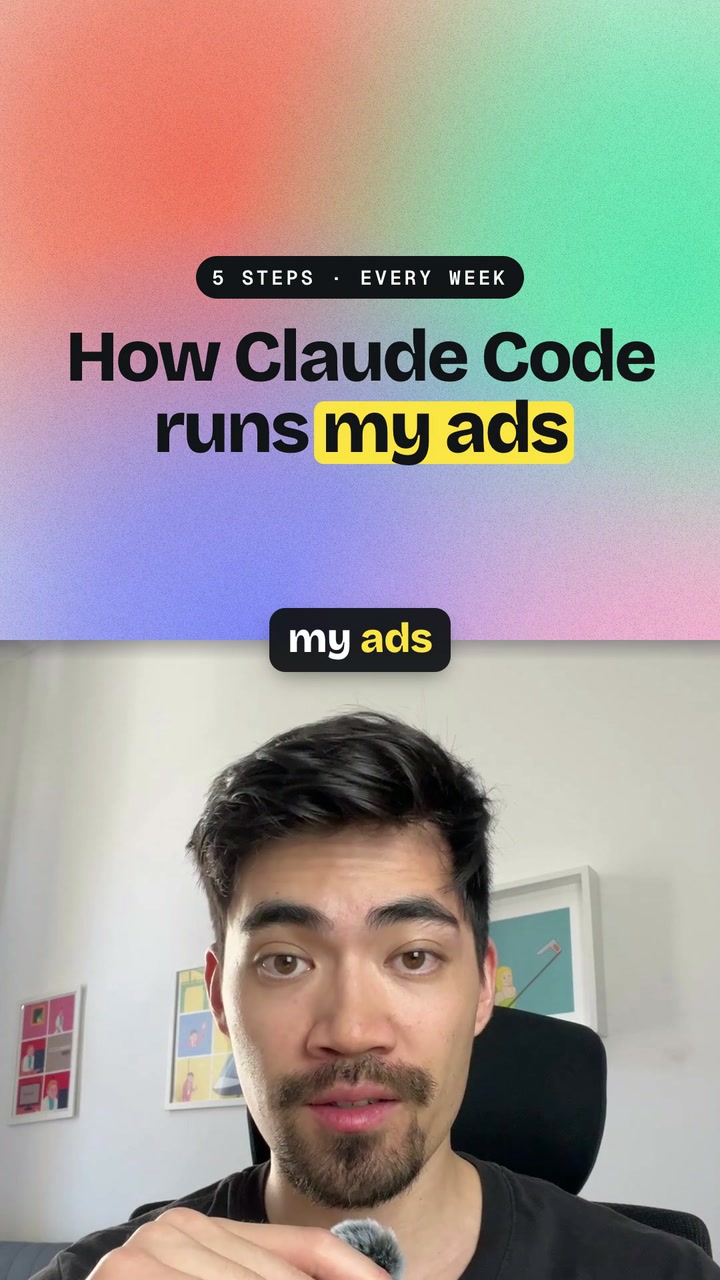 Free to run
 Free to run
 Free to run