
See it in other styles
A style sets the whole look. These are made for this playbook; any other style works too.
Timeline
Dates and milestones go in, a fast story told one milestone at a time comes out.
A 20–60 second story of how something got here: a company, a product, a person or a year. Each milestone gets its own beat with a big year or number, a headline of a few words and one simple picture, and a progress bar moves along as time passes. Good for origin stories, anniversaries, year-in-review posts and biographies.
By Moritz Kremb
With FrameJam installed, paste this into your agent and replace the part in brackets with what the video is about and your files:
Make a video with the FrameJam playbook "Timeline" (id: timeline). Call get_playbook("timeline") and follow it. [Add more context here]You bring
- The milestones with their dates, or a source to pull them from (an about page, a CV, a changelog)
- Optional: photos, logos or screenshots for some milestones
- Optional: music you have the rights to, or a voice recording
You get
A 20–60 s video (16:9, or 9:16 on request) with music, ending on a closing card
What you need
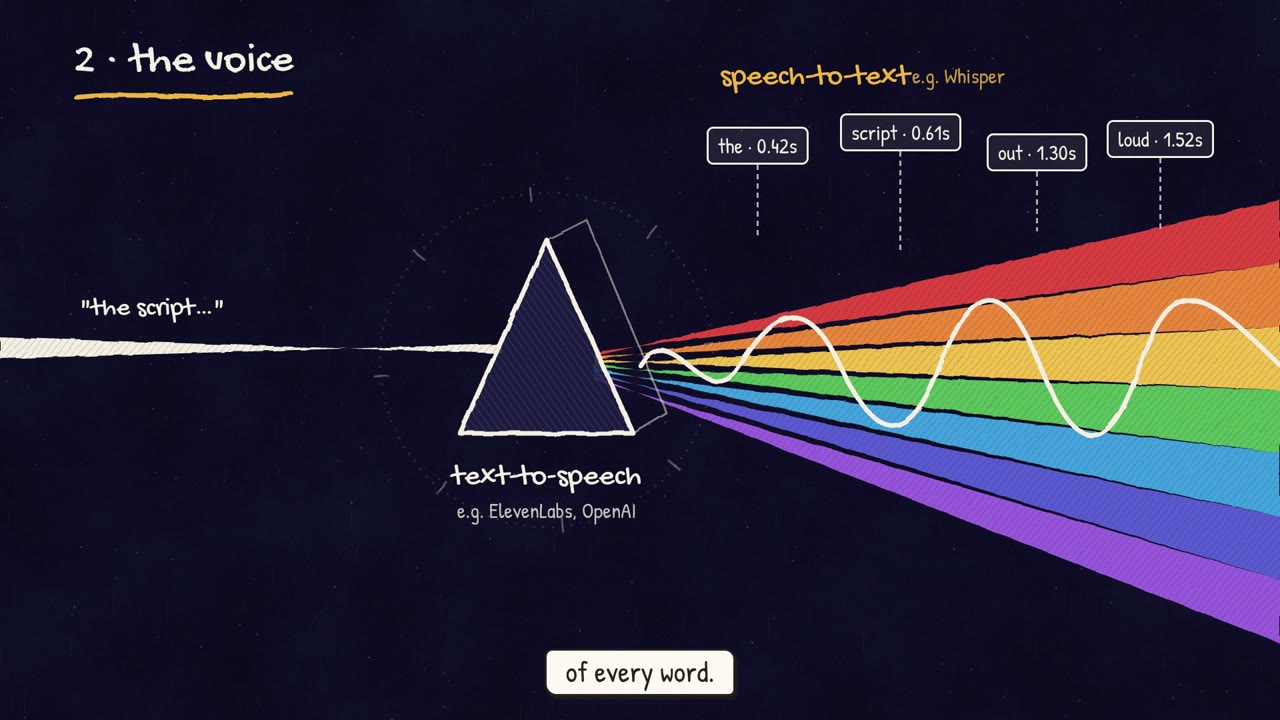
- Voice, timing and sound scripts (from the Explainer playbook)
- Hyperframes (or your project's video tool), Python 3 and ffmpeg
- MusicYouTube Audio Library, ElevenLabs Music, Suno
Works in your existing project, with the tool it already uses.
What your agent does
- Pick 5–9 milestones and check every date against a source
- Write a big year or number and a short headline for each
- Draw one simple picture per milestone
- Time the beats to the music or the voice and animate them
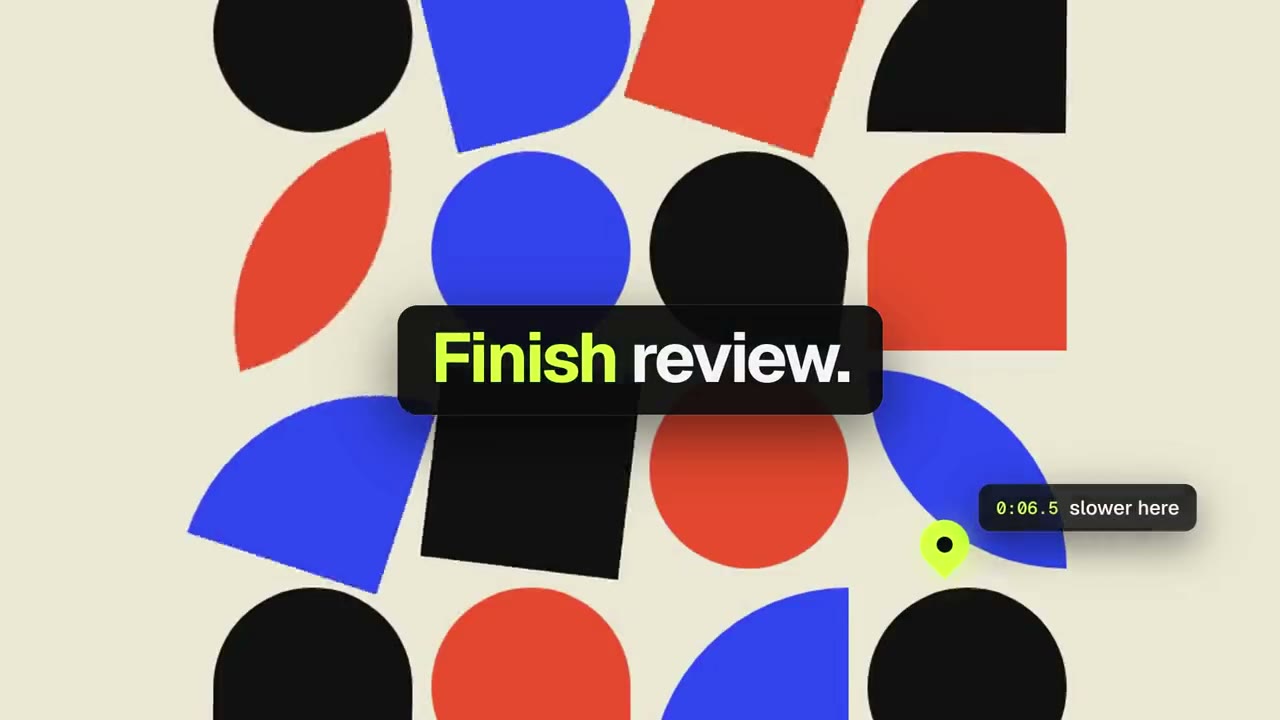
- Review each version in FrameJam until it's right
Related playbooks
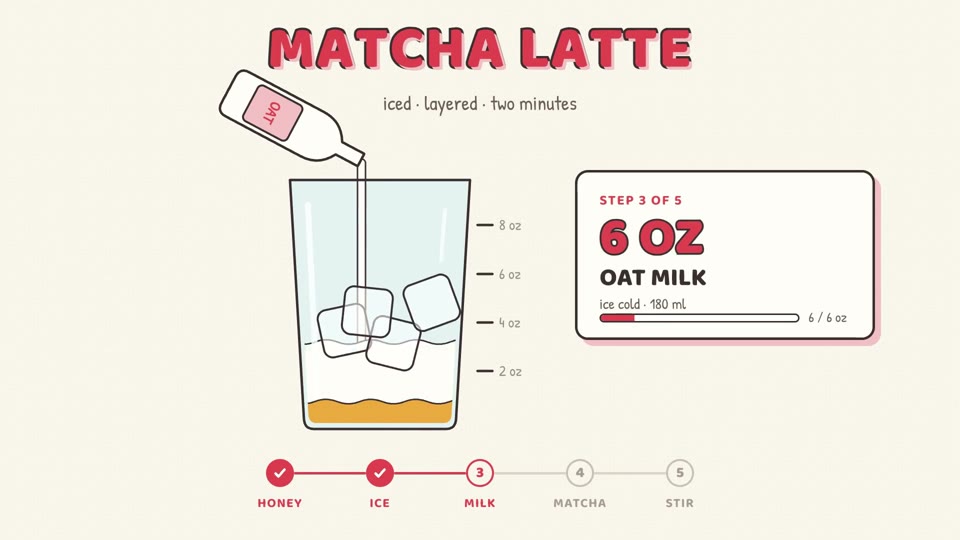
Also try make a narrated animated explainer video with AI, make a step-by-step how-to video with AI or make a 15-second launch teaser with AI.
 Free to run
 Free to run
 Free to run