Remotion templates and Hyperframes templates, with prompts
30 free video templates for Remotion and Hyperframes, each with a prompt. Hover a template to watch it, copy its prompt, and your AI agent builds your own video in that look, in your own project.
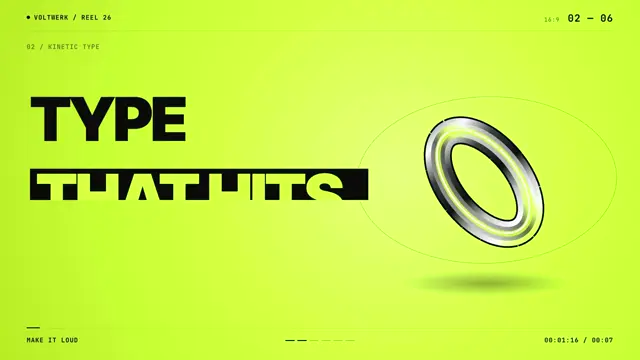
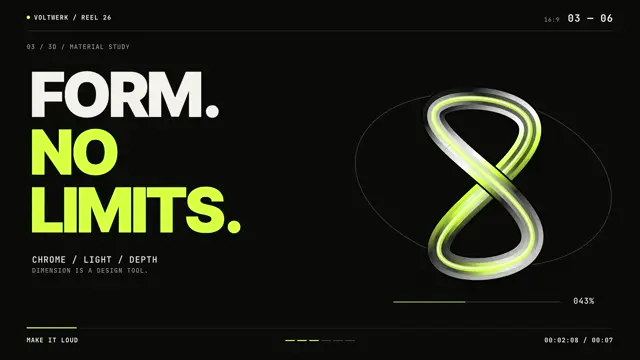
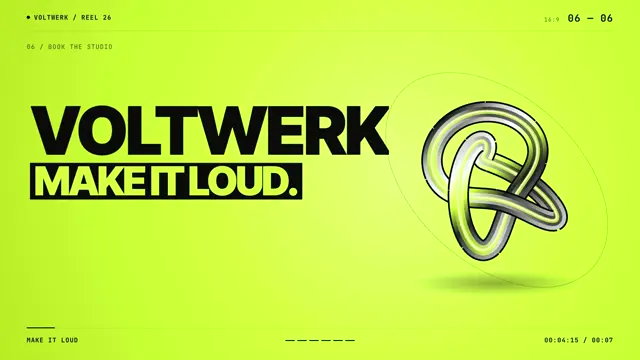
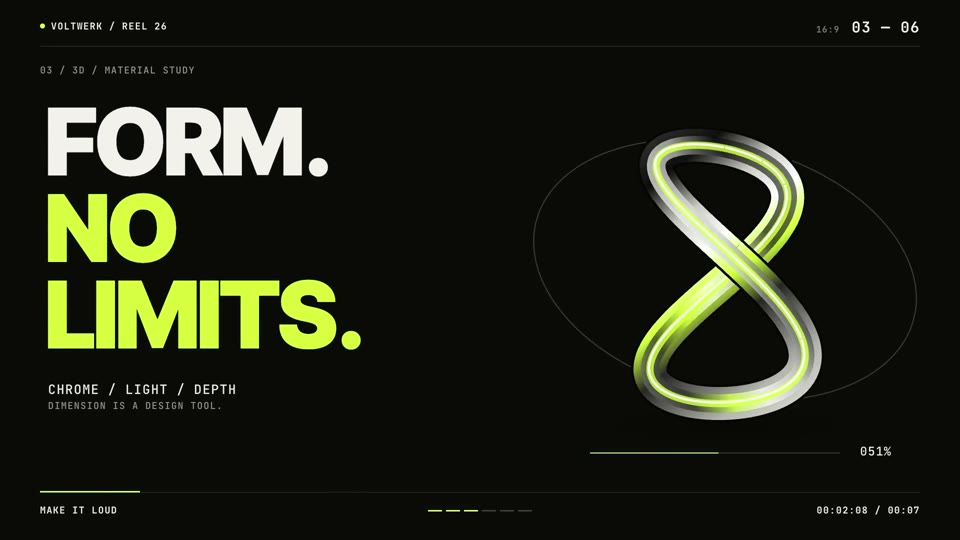
Acid-lime brand reel: heavy all-caps statements, a spinning liquid-chrome knot and hard cuts on every beat.
Good for studio and agency brand reels, sizzle intros, portfolio openers and loud launch teasers.
Use the look of the FrameJam style "acid-chrome" for my video, then open it for review. My video: a 7.5-second brand reel for a design studio, with beat-cut statements like "PRECISE." beside a spinning chrome shape, ending on the studio's name card.
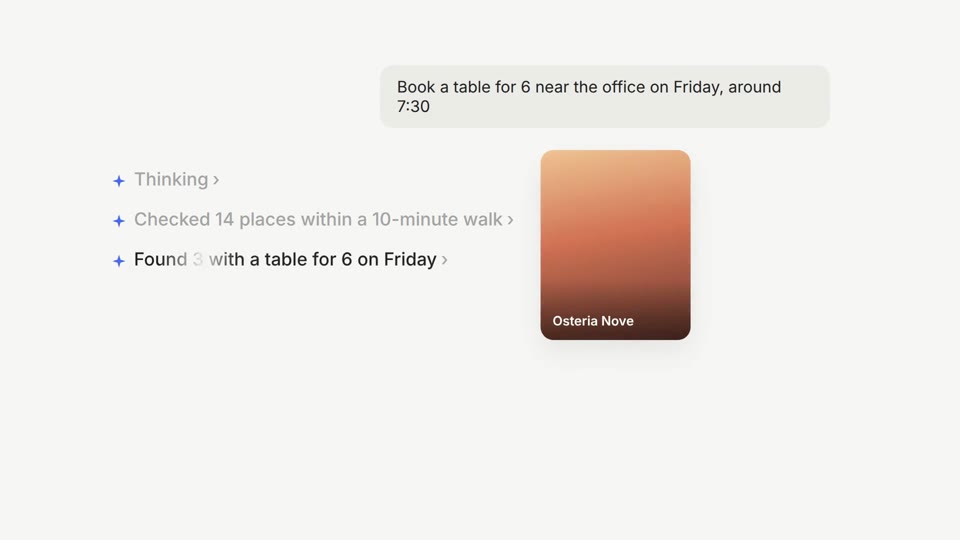
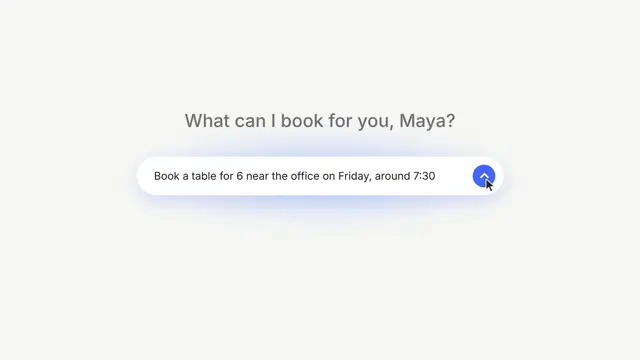
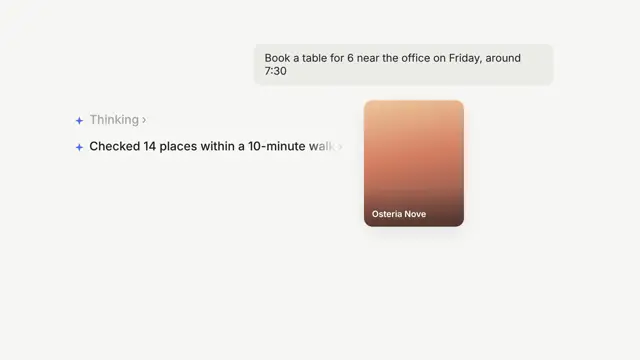
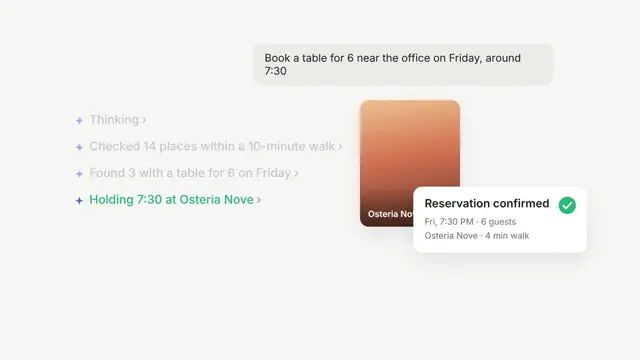
Off-white and airy: a floating pill input, shimmering status lines and cards that land with a green check.
Good for aI assistant demos, chat product walkthroughs, onboarding clips and calm feature tours.
Use the look of the FrameJam style "agent-ui-demo" for my video, then open it for review. My video: a 9-second demo of an assistant booking a table for 6 on Friday, showing its steps and a confirmation card.
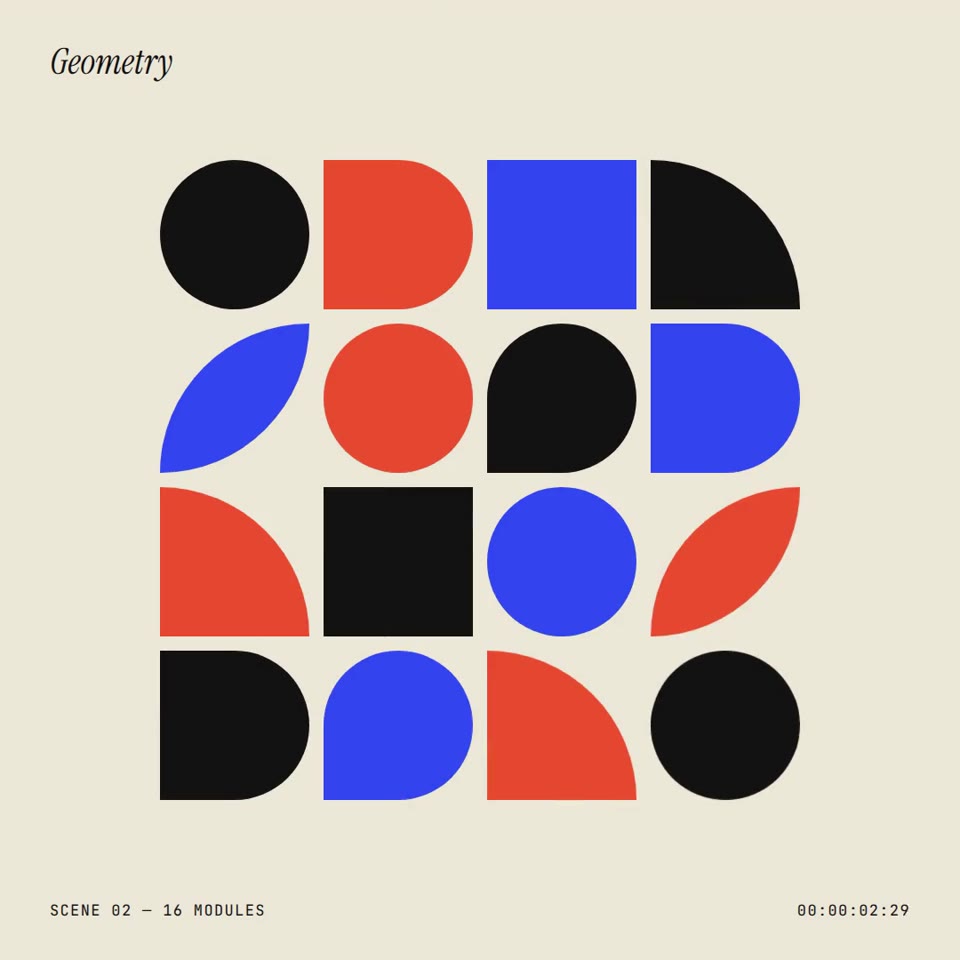
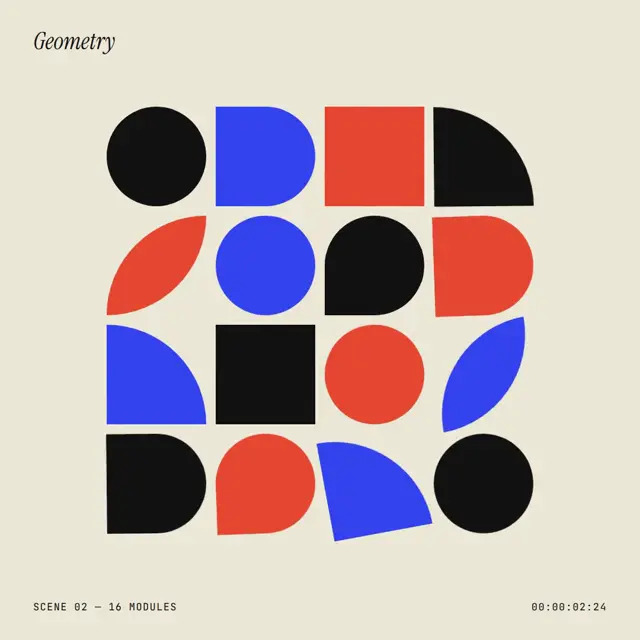
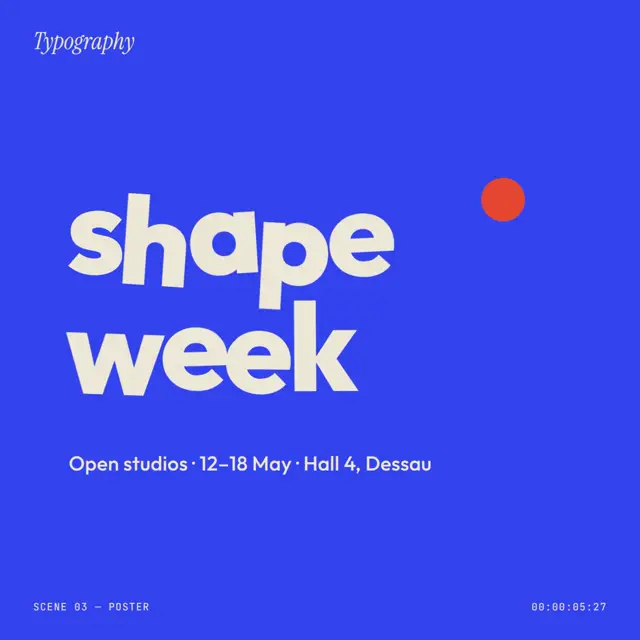
Red, blue and black modules that pop, rotate in waves and swap colour on a cream page.
Good for square event posters, open-studio and exhibition announcements, and design-studio social posts.
Use the look of the FrameJam style "bauhaus-grid" for my video, then open it for review. My video: a 7-second square poster where a grid of red, blue and black shapes pops, rotates and swaps colors, then wipes to a lowercase wordmark with open-studio dates.
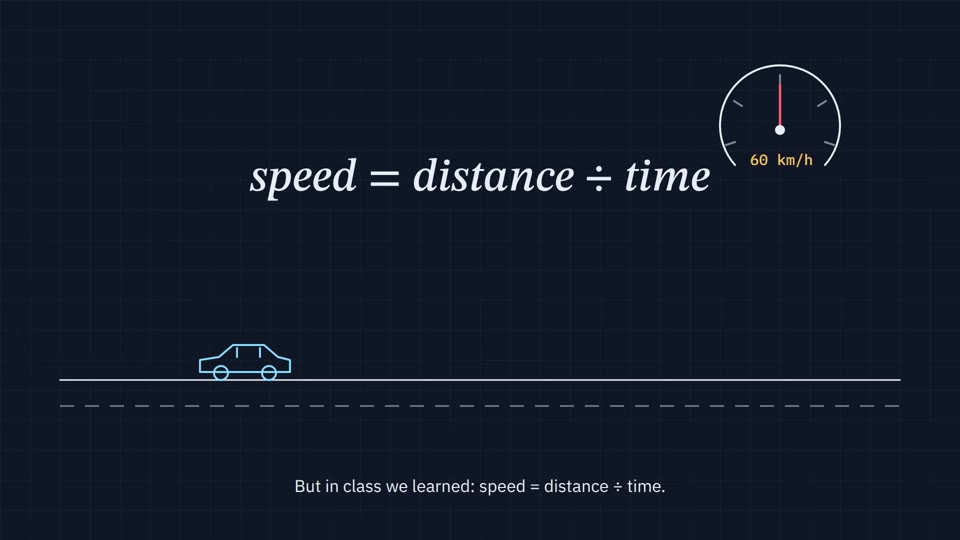
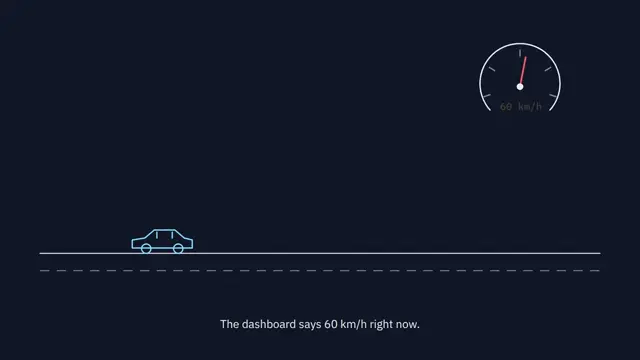
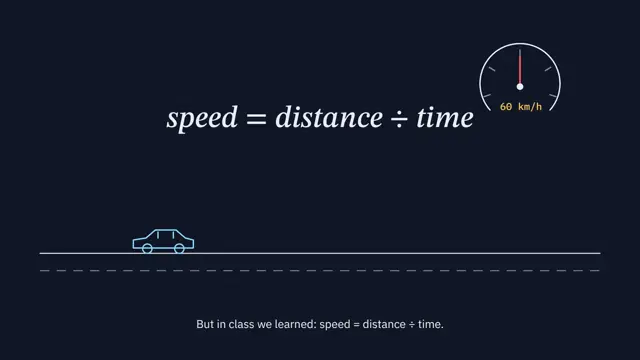
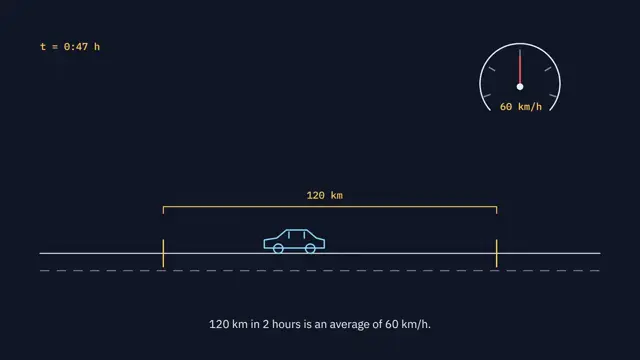
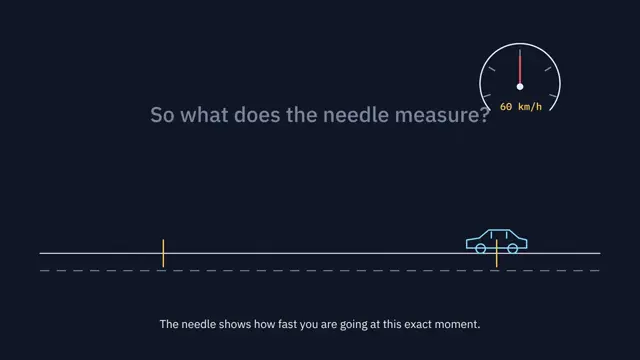
Thin line drawings on a navy grid, a needle that sweeps, a formula that writes itself and calm subtitles.
Good for concept explainers, how-it-works videos, physics and math lessons.
Use the look of the FrameJam style "blueprint-explainer" for my video, then open it for review. My video: a 9-second explainer of how a car's speedometer shows speed at one instant.
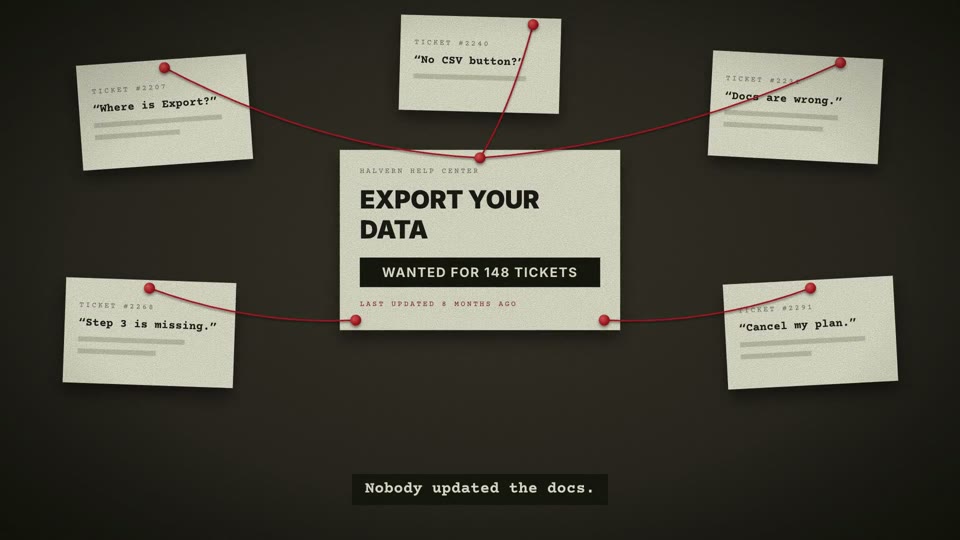
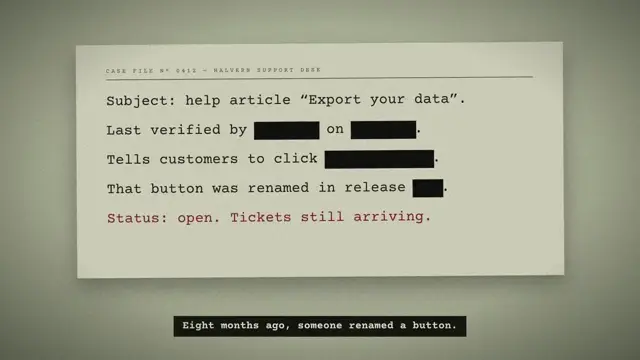
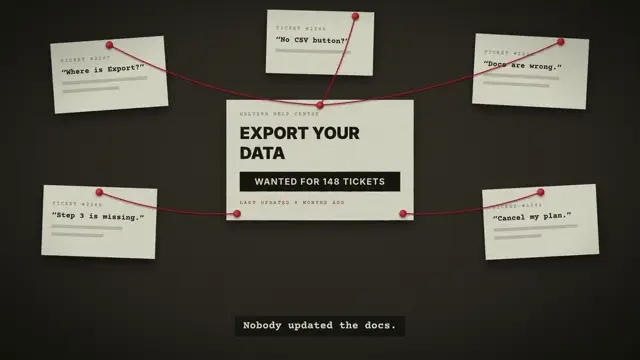
Typed case notes, redaction bars, red string on a corkboard and a rubber stamp that slams onto the file.
Good for problem-and-fix product stories, bug postmortems, investigation-style launches and support tool pitches.
Use the look of the FrameJam style "case-file" for my video, then open it for review. My video: an 8-second story of a docs tool launch told as a case, from an outdated help article and a pile of support tickets to a "CASE CLOSED" stamp and a clean help page.
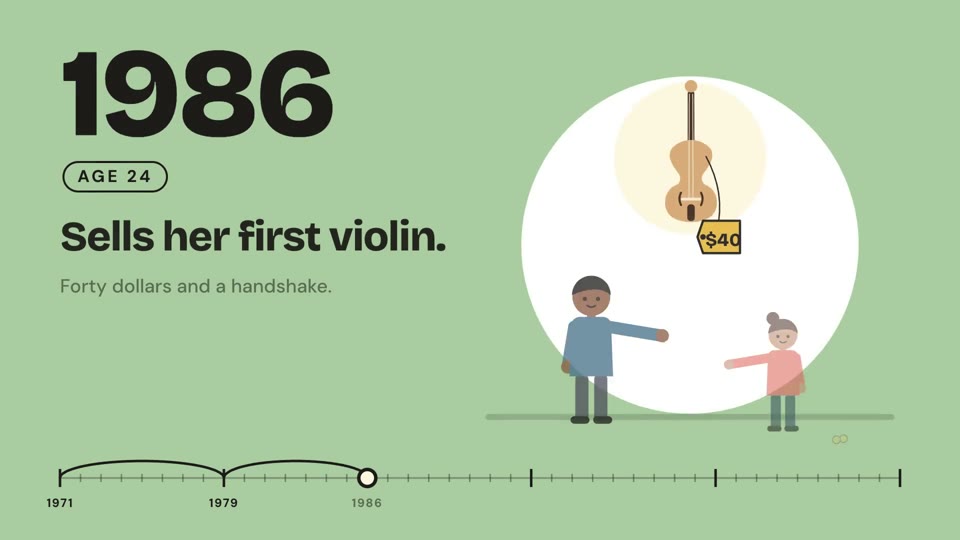
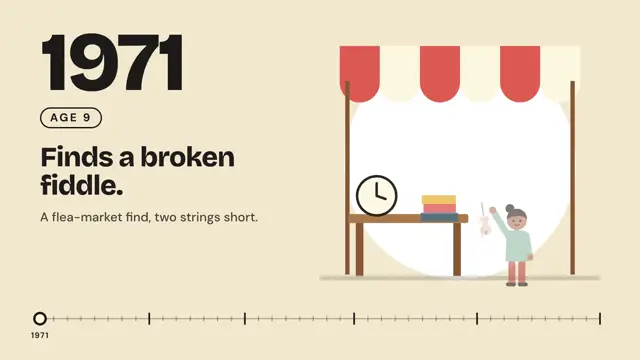
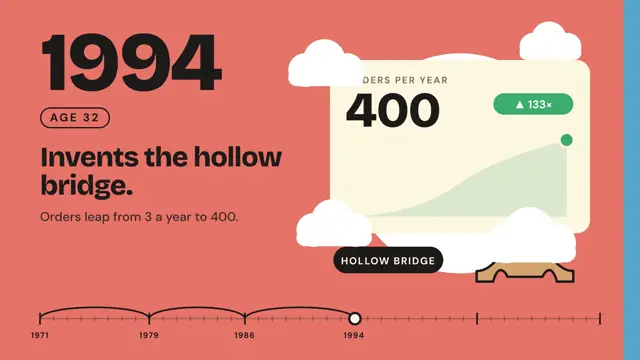
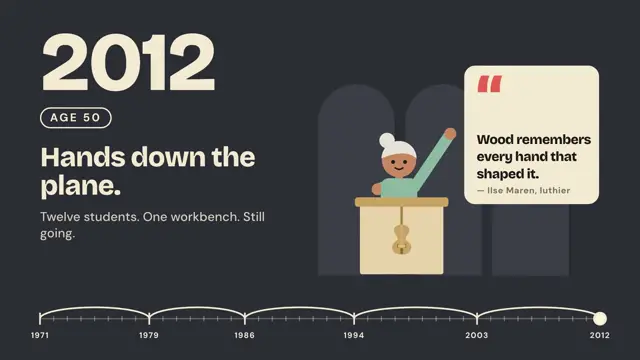
A new solid colour wipes in for every beat, with a huge number and springy flat-vector shapes.
Good for biographies, company history timelines, founder stories and year-by-year recaps.
Use the look of the FrameJam style "life-timeline" for my video, then open it for review. My video: a 9-second biography of one person's life, milestone by milestone, each year on a new color with an age label and a flat illustration, ending on a quote card.
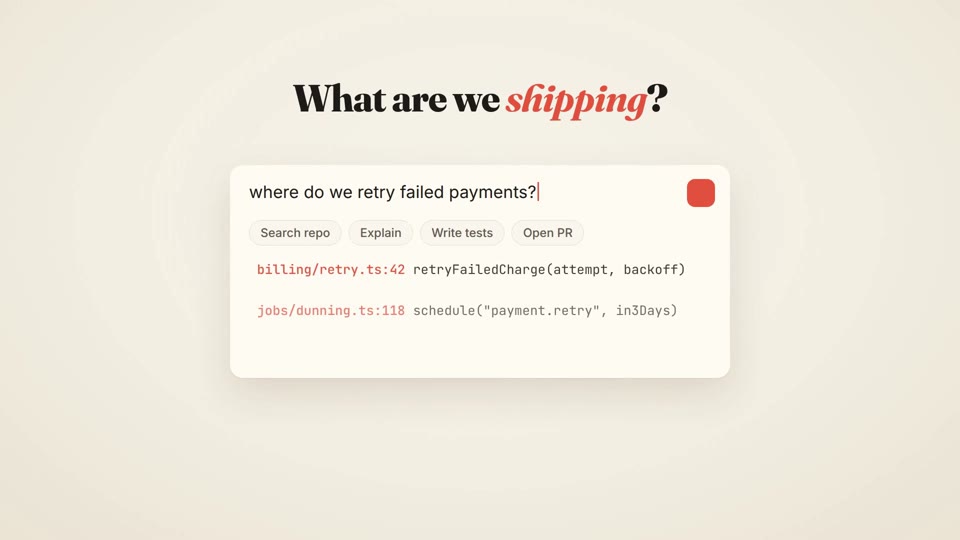
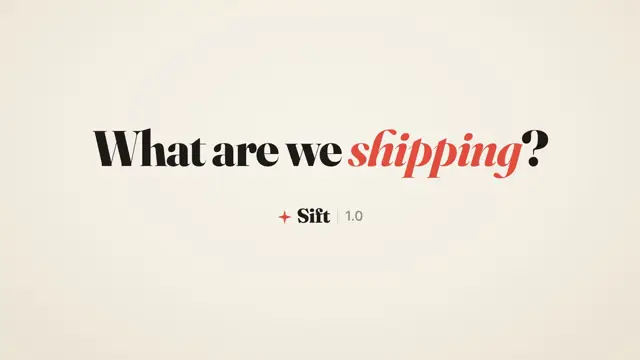
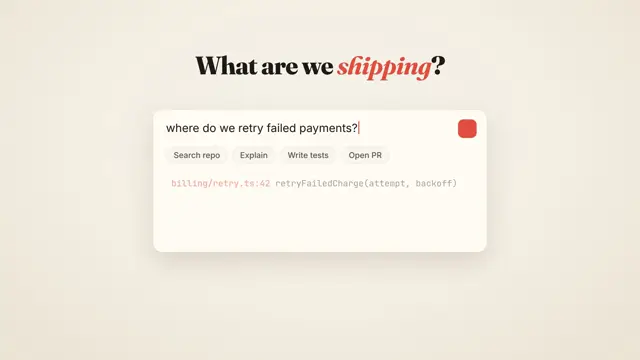
Warm cream, a chunky serif with one coral italic word, soft paper cards and a highlighter sweep.
Good for developer tool launches, before-and-after comparisons, product updates and friendly pitch openers.
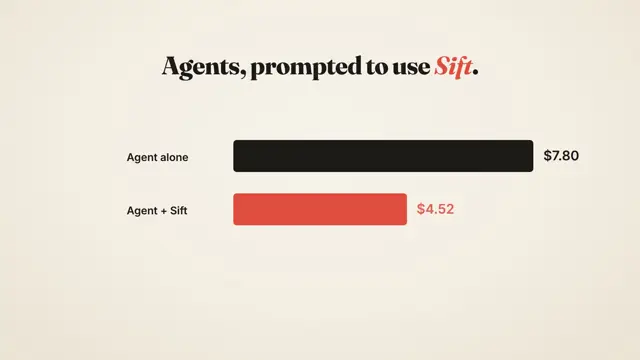
Use the look of the FrameJam style "cream-serif-launch" for my video, then open it for review. My video: an 8-second launch for a developer tool that opens on a question, shows a search finding code files, compares cost before and after, and ends on the logo with an install command.
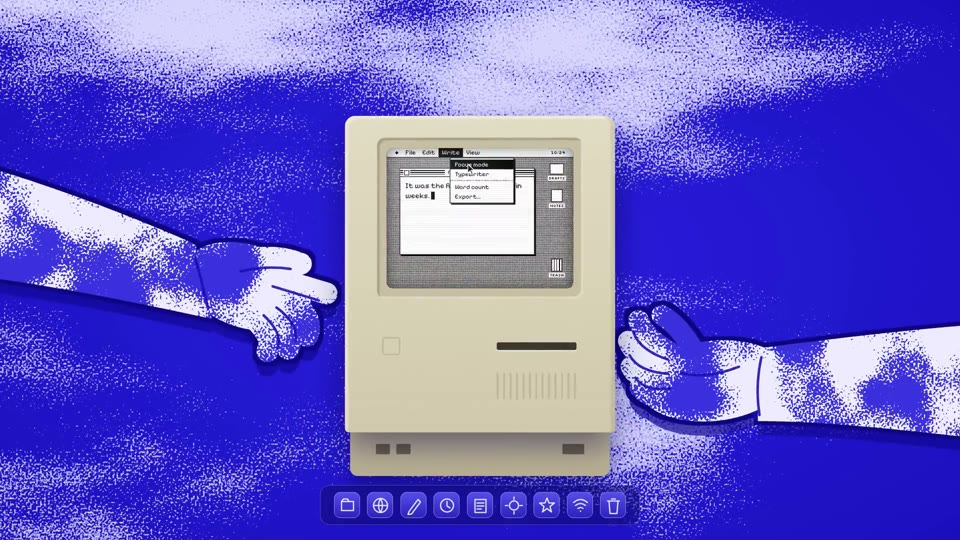
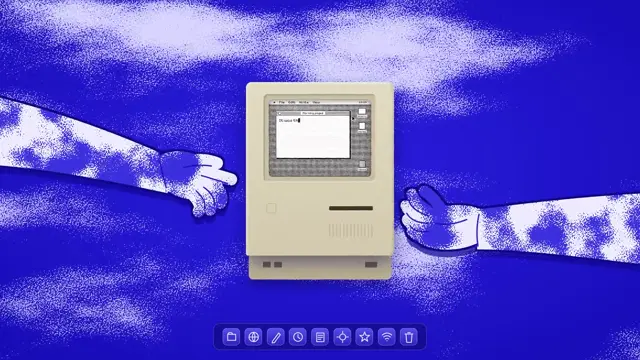
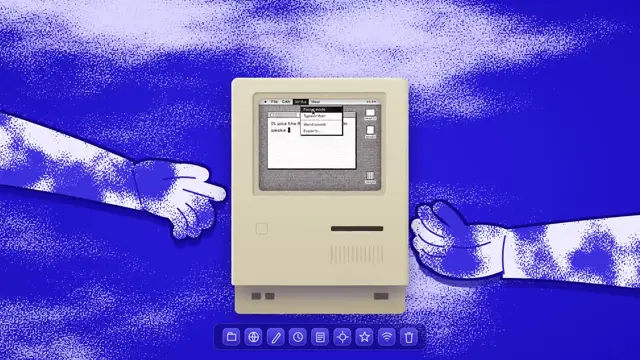
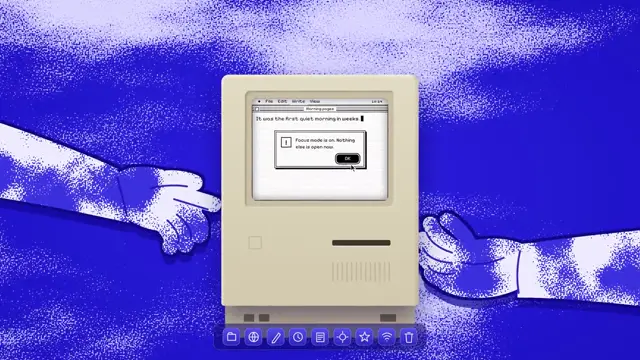
Good for quiet app launches, writing and focus tools, minimalist utilities and retro desktop teasers.
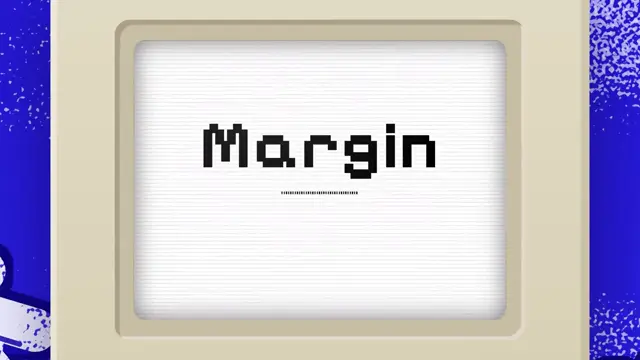
Use the look of the FrameJam style "cyanotype-mac" for my video, then open it for review. My video: an 8-second teaser where a beige 1984 compact computer floats on a cyanotype sky, its 1-bit screen clicking through a writing app before rushing into a pixel title card.
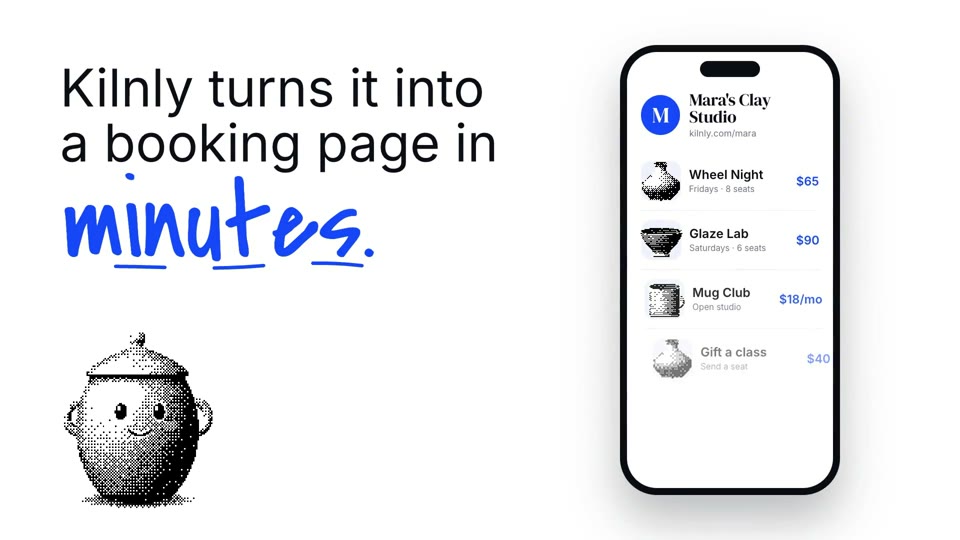
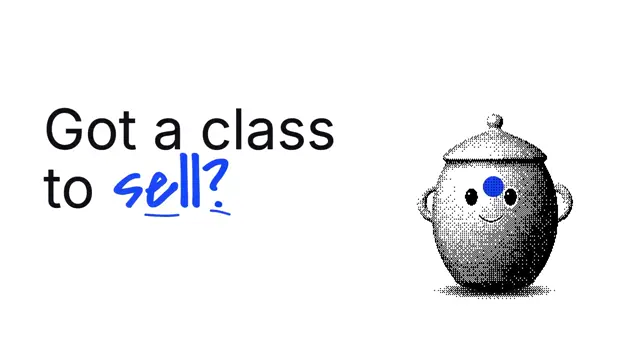
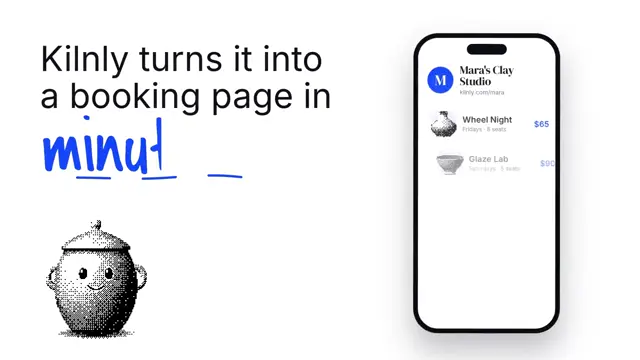
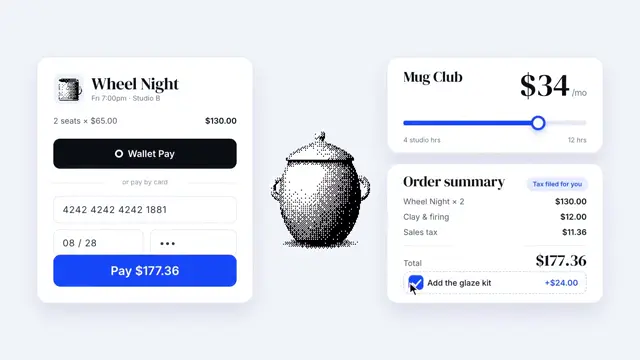
Bayer-dithered 3D forms, big serif headlines with one cobalt script word, floating UI and a skewed stamp that slams.
Good for booking and checkout product launches, mascot-led brand intros and playful storefront demos.
Use the look of the FrameJam style "dither-serif" for my video, then open it for review. My video: an 8.5-second launch for a booking tool where a dithered mascot moves through product cards, a phone storefront and a checkout stamped "Handled.", ending on a white end card.
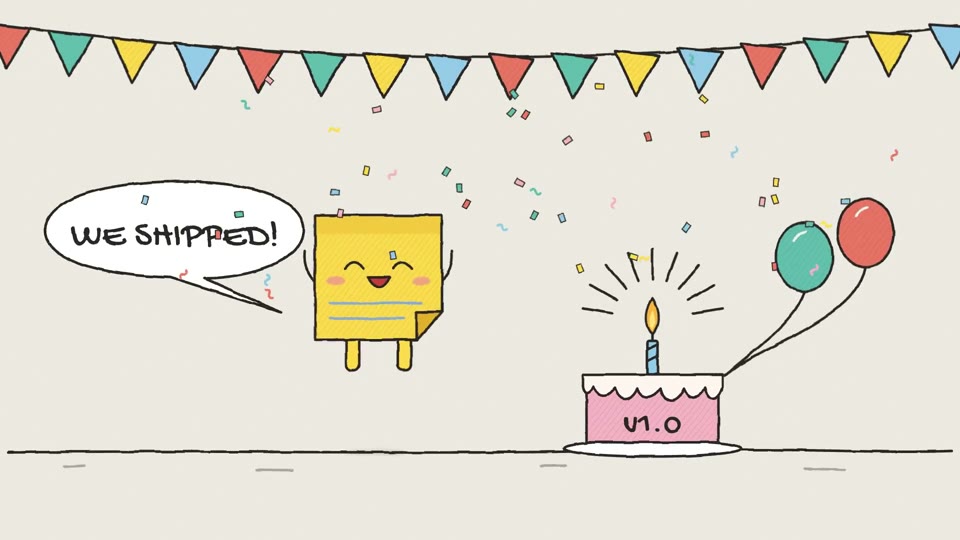
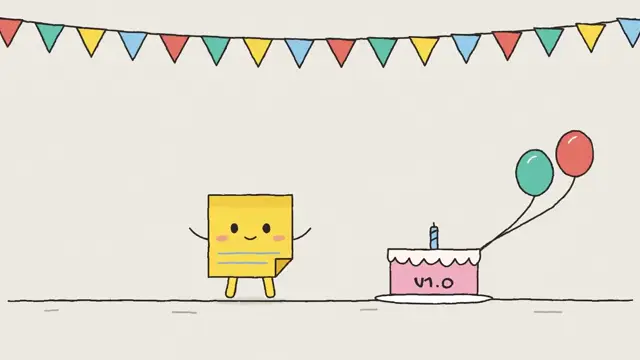
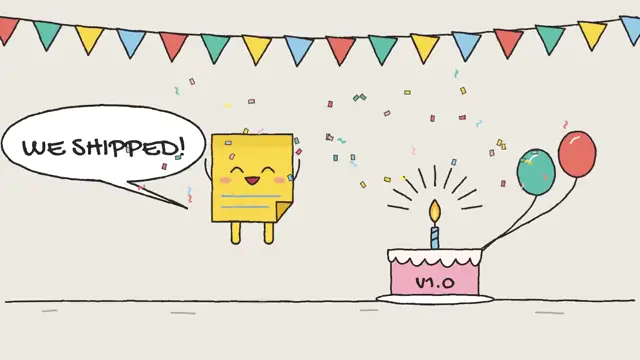
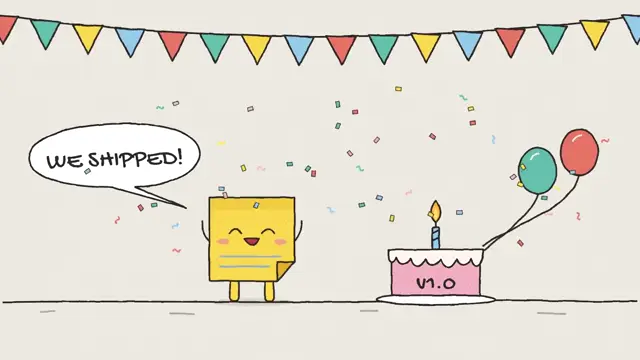
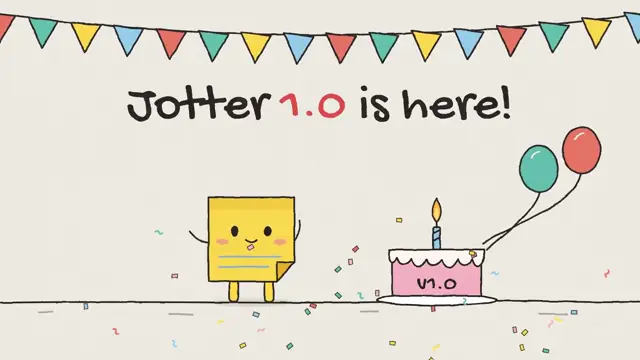
Boiling ink lines, hatched flat colour and squash-and-stretch cartoon motion on sketchbook paper.
Good for release announcements, version 1.0 celebrations, milestones and thank-you notes to users.
Use the look of the FrameJam style "doodle-mascot" for my video, then open it for review. My video: an 8-second release-day clip where a sticky-note mascot walks onto a sketchbook page, jumps into confetti under bunting for version 1.0, and waves beside a handwritten thank-you.
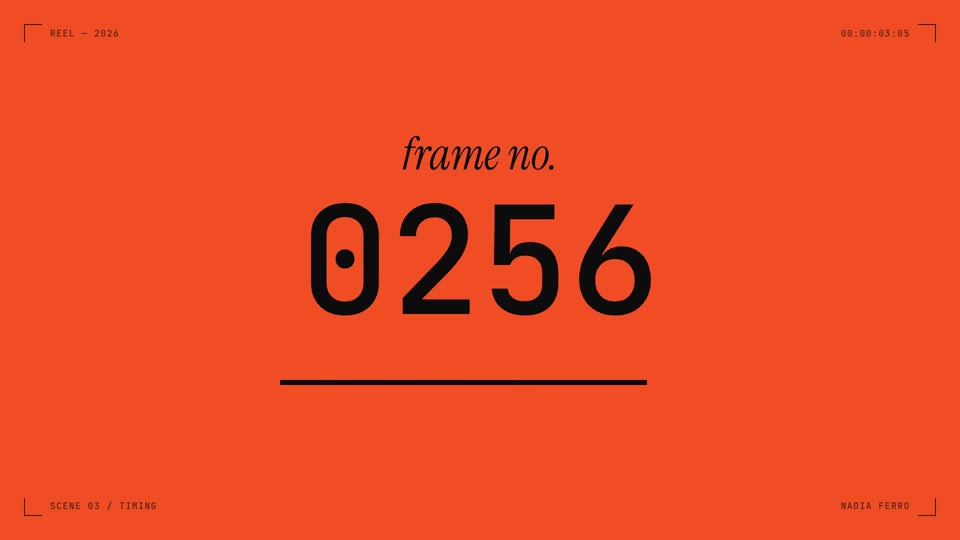
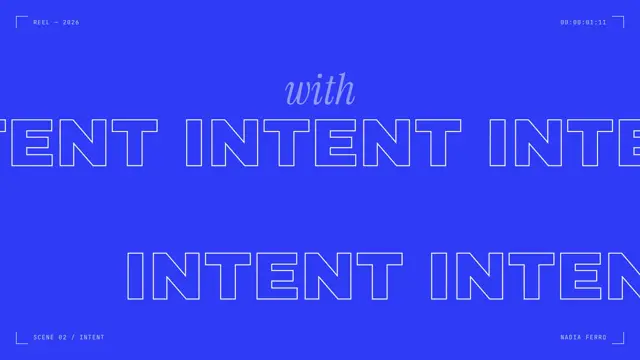
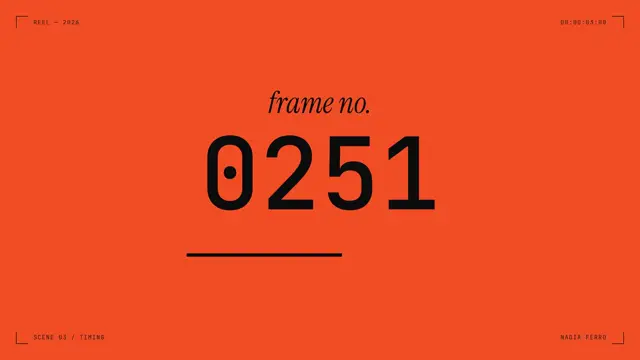
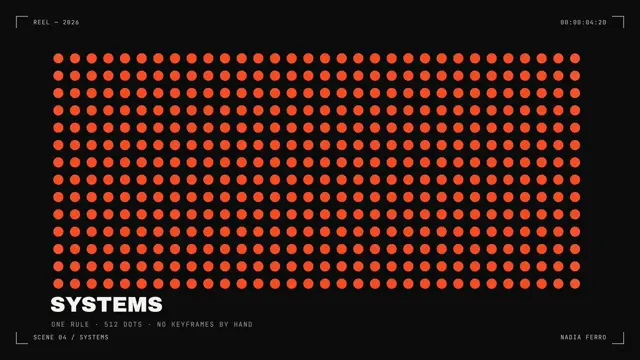
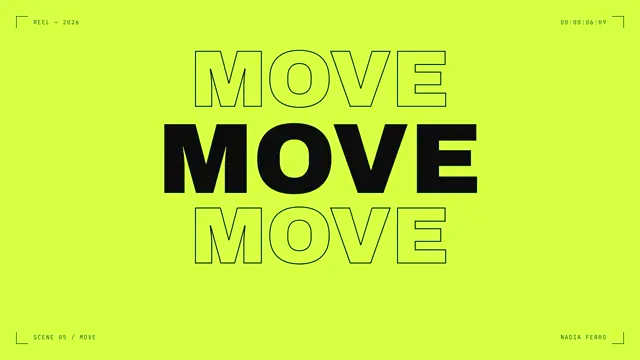
Viewfinder HUD, one-second colour cuts, kinetic type and a dot field that ripples on cue.
Good for portfolio reels, agency capability clips, conference openers and graphic social teasers.
Use the look of the FrameJam style "dot-field-showreel" for my video, then open it for review. My video: a 7.5-second reel for a motion designer with tumbling letters, outline type, a frame counter and a rippling dot grid inside a camera viewfinder, ending on a lime end card.
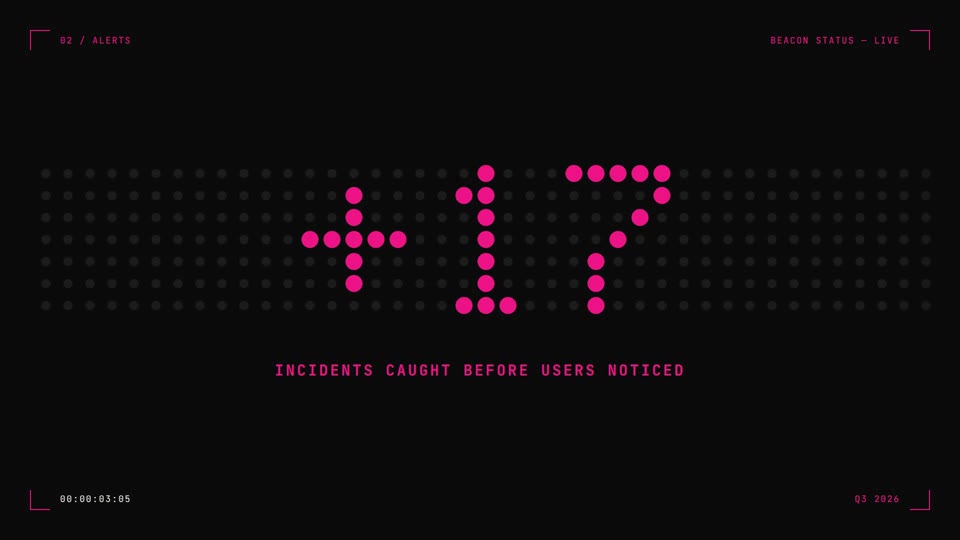
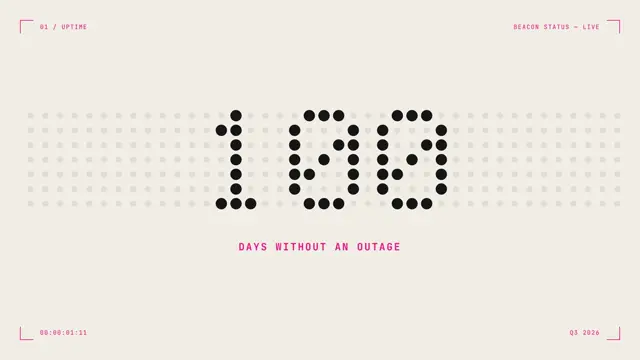
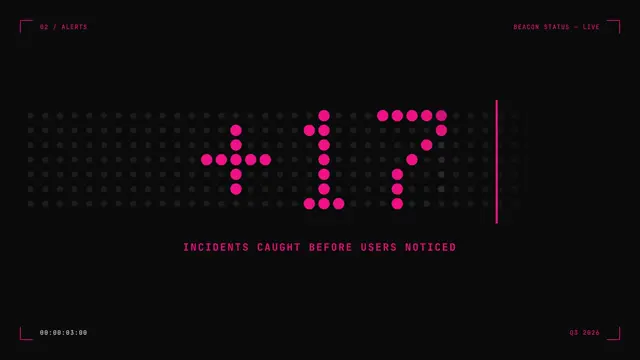
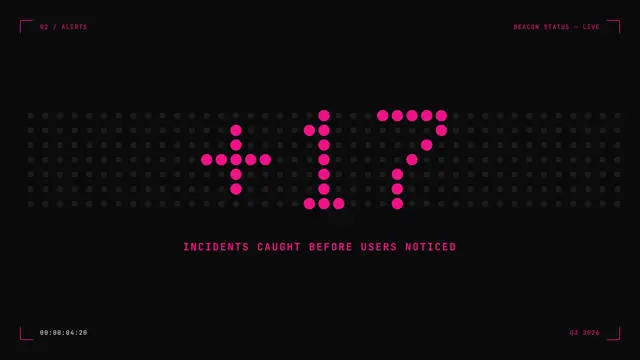
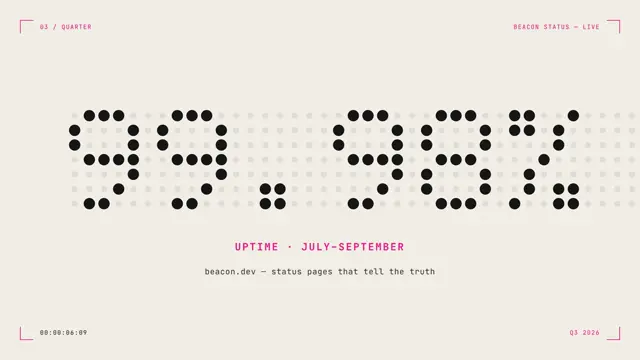
Big numbers lit on a dot board that re-lights column by column, with hard cream-to-black cuts.
Good for status and uptime stats, year-in-numbers recaps, countdowns and hardware-flavored announcements.
Use the look of the FrameJam style "dot-matrix" for my video, then open it for review. My video: a 7.5-second stat reel for a status page, with big numbers lit on a dot board and captions like "incidents caught".
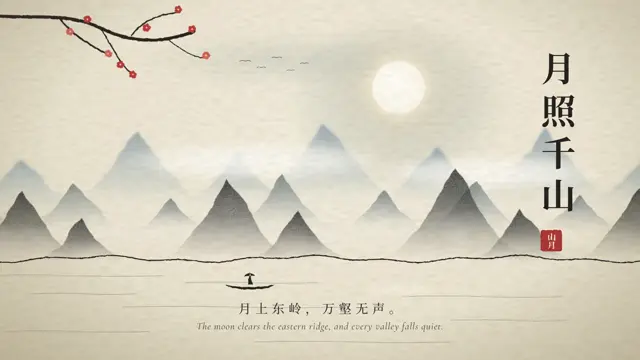
A slow shan-shui landscape in graded ink on rice paper, with a rising moon, drifting mist and a vertical title with a red seal.
Good for lunar New Year and festival greetings, poetry readings, tea and craft brands, and travel mood pieces.
Use the look of the FrameJam style "ink-wash" for my video, then open it for review. My video: an 8.5-second ink painting of a mountain landscape with a rising moon, mist, a plum branch, birds and a small boat, under a vertical title with a red seal.
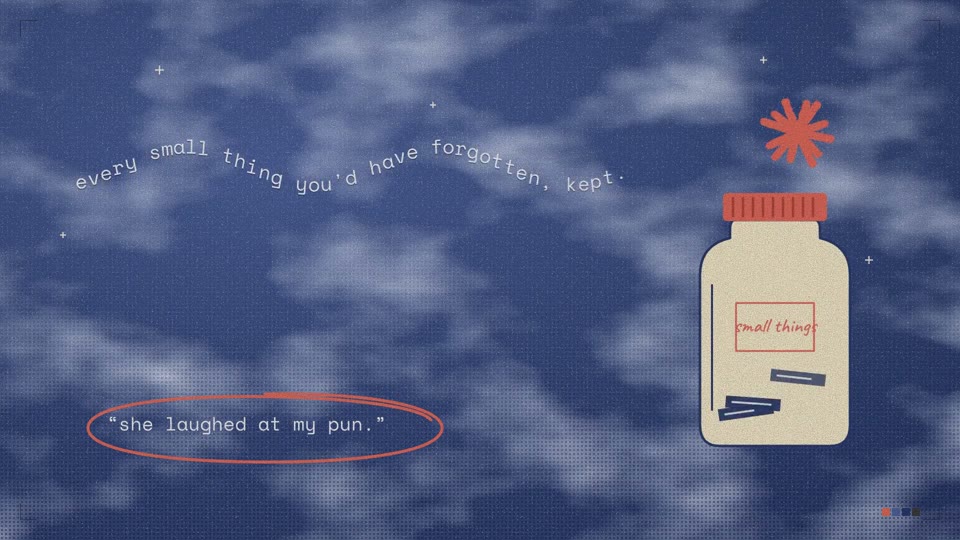
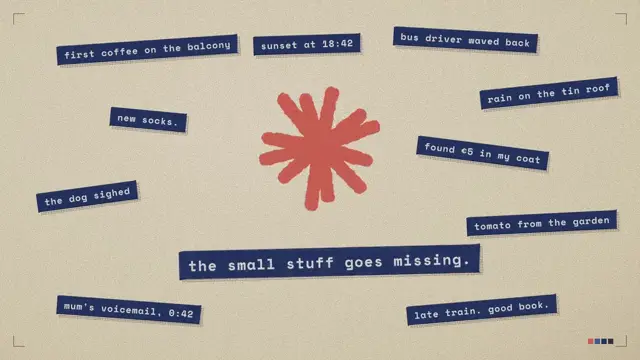
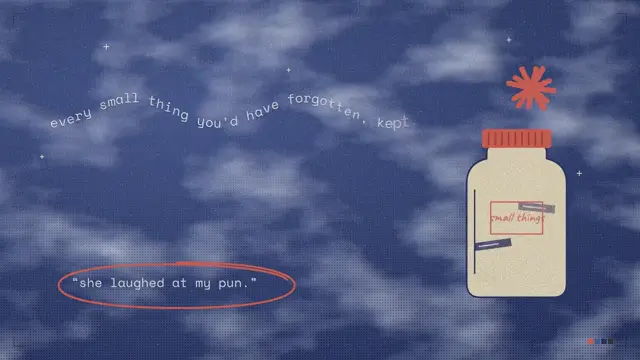
Label-maker tape, a hand-cut coral star and grainy night-sky paper, slapped together by hand.
Good for journaling and notes app promos, personal stories, gratitude posts and scrapbook-style brand clips.
Use the look of the FrameJam style "label-collage" for my video, then open it for review. My video: an 8-second scrapbook for a journaling app where label tapes slap on, a coral asterisk spins, a sketched jar fills with tape, and a quote gets circled.
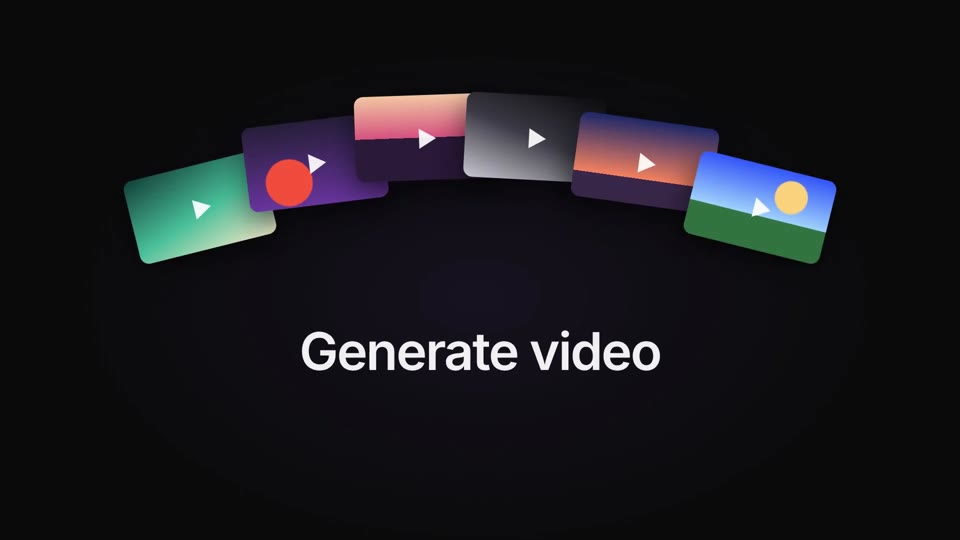
A glowing hero, blur-in type and fanned cards on near-black, with one warm accent.
Good for aI app launches, premium product reveals, keynote intros and dark-mode feature announcements.
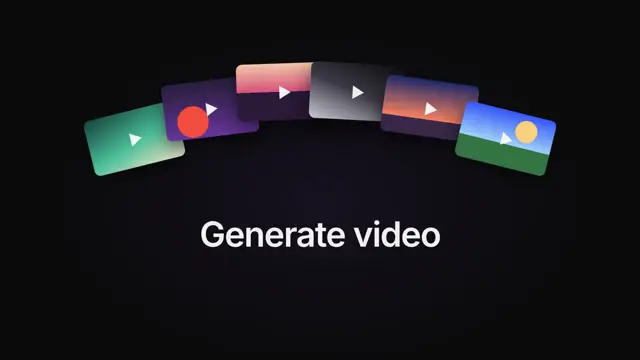
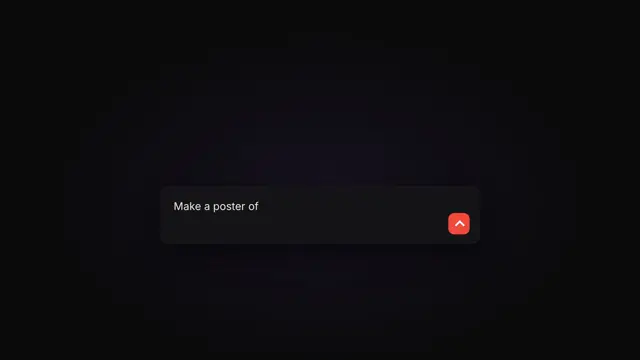
Use the look of the FrameJam style "midnight-launch" for my video, then open it for review. My video: an 8-second launch for an AI app with a glowing app icon, short "Generate" lines with fans of media cards, a prompt typed and sent, and an icon-and-wordmark lockup.
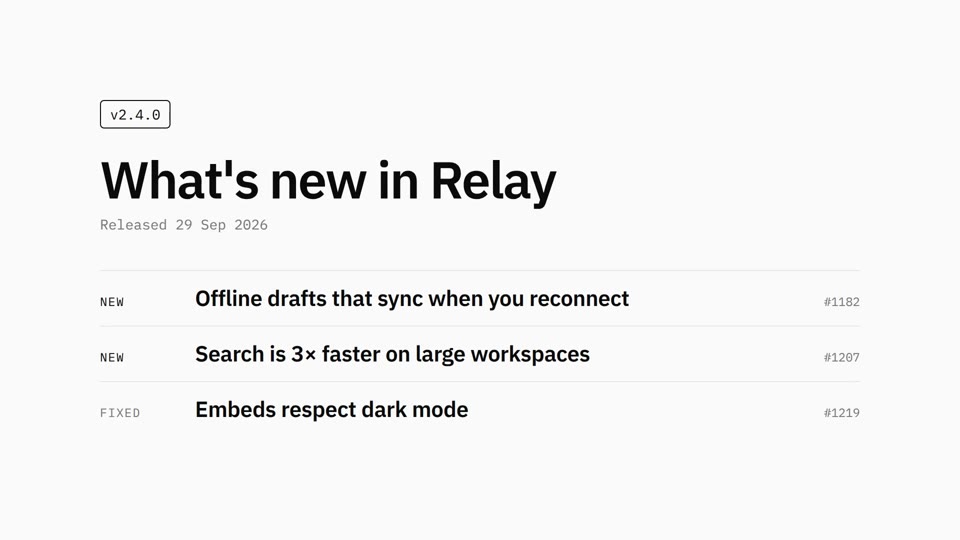
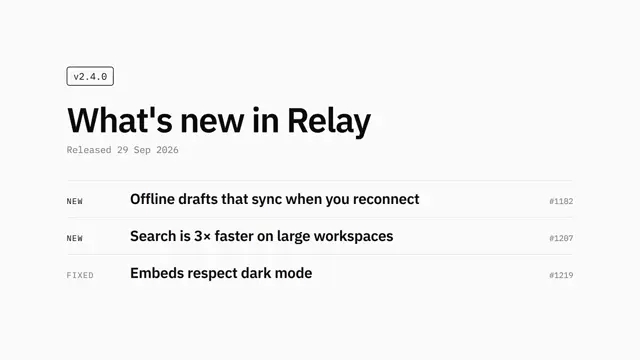
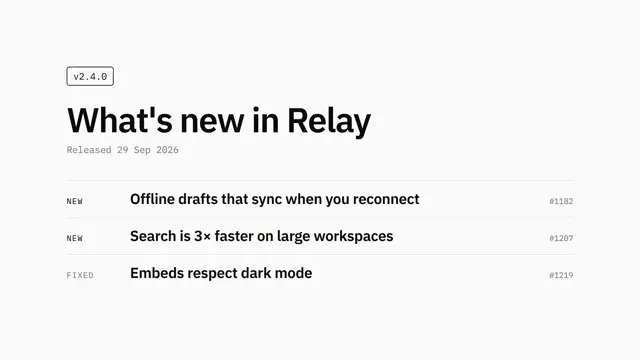
Black on white, IBM Plex type, rows that fade up one at a time.
Good for release notes, changelogs, version announcements and minimal developer updates.
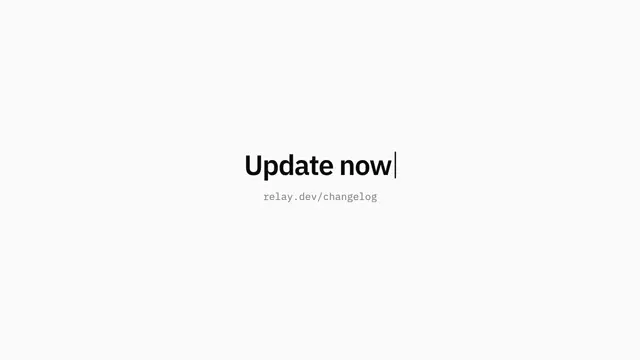
Use the look of the FrameJam style "mono-changelog" for my video, then open it for review. My video: a 7.5-second changelog for a product release with a version tag, a title, and NEW, FIXED and IMPROVED items with issue numbers, ending on a blinking caret call to action.
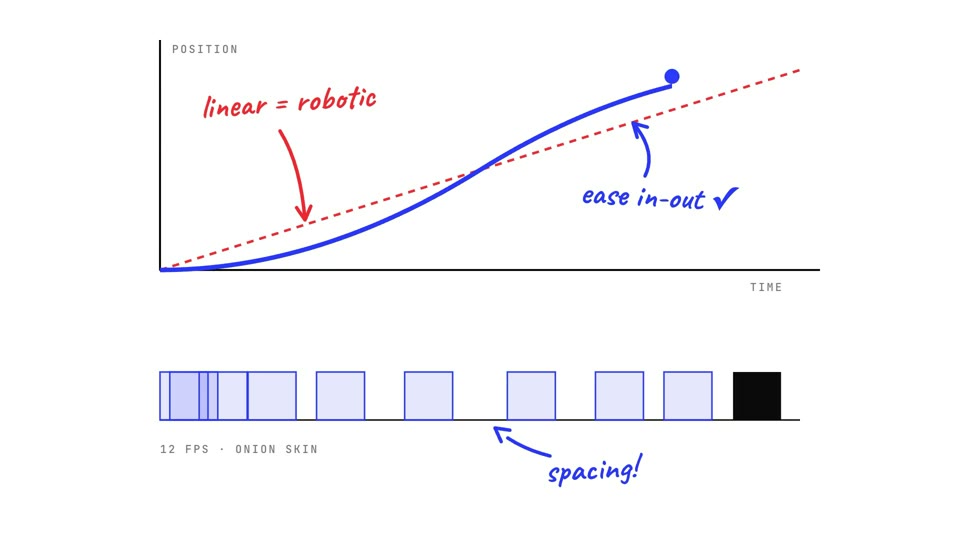
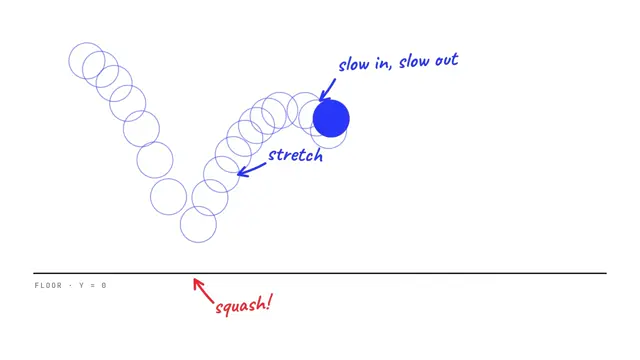
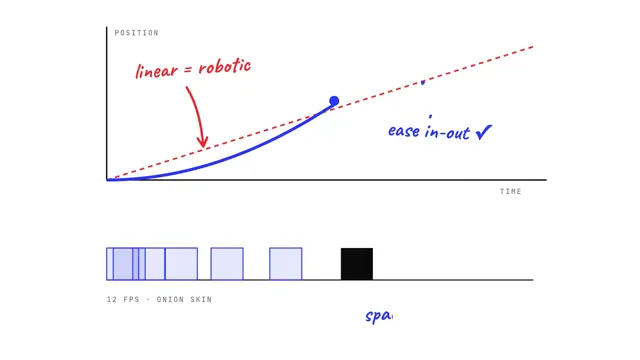
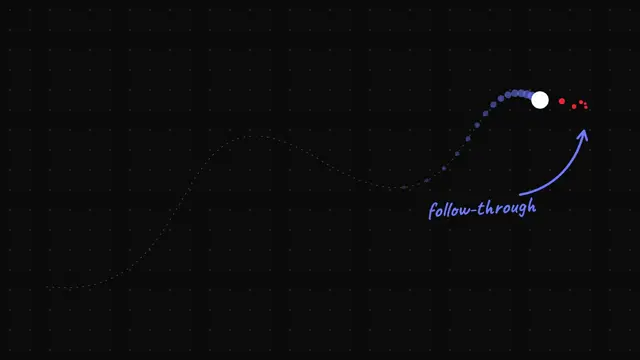
A blue ball bounces, stretches and leaves ghost trails while handwritten notes name every animation principle.
Good for animation tutorials, motion portfolio pieces, design-craft breakdowns and easing explainers.
Use the look of the FrameJam style "motion-principles" for my video, then open it for review. My video: an 8.5-second reel about animation principles where a blue ball squashes with onion-skin trails, then a spacing graph and a progress ring, ending on a name card whose full stop is the ball.
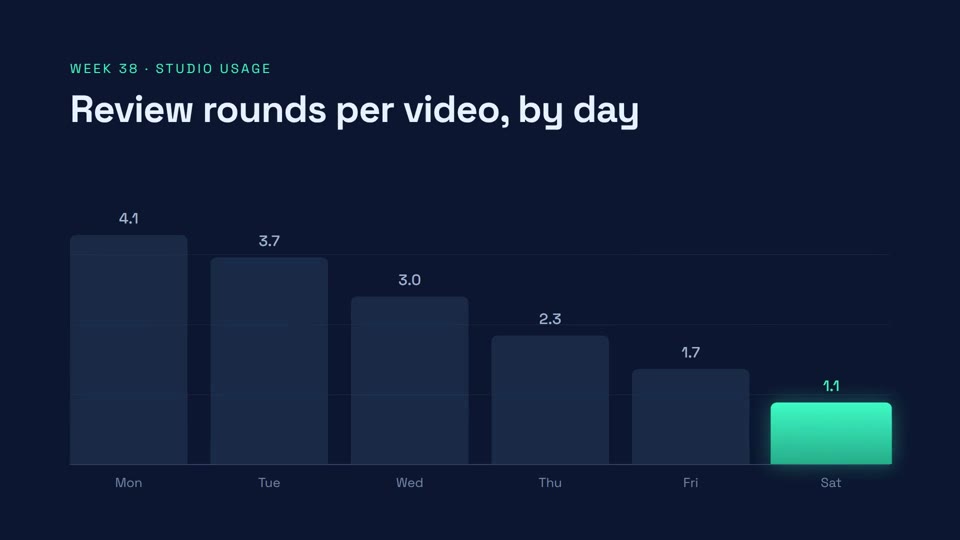
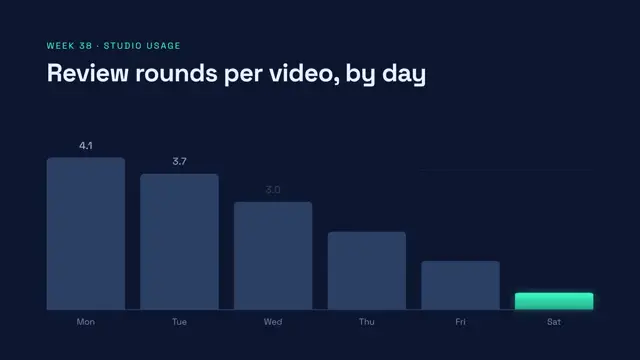
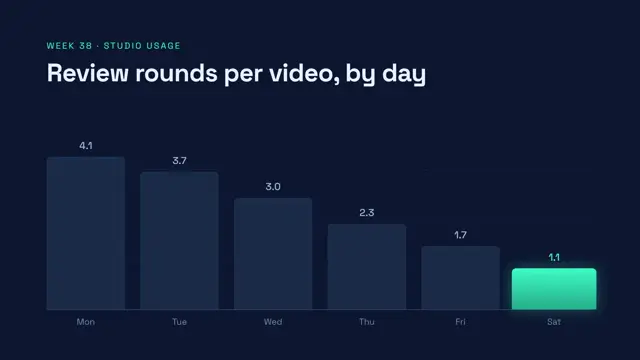
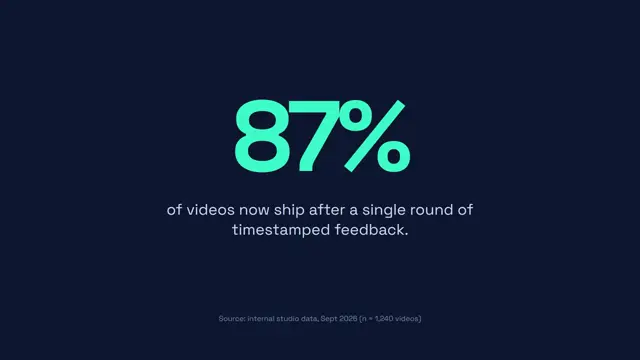
Navy and teal: bars that grow, a hero number that counts up and a quiet source line.
Good for metric updates, investor and board report clips, survey results and single-stat social posts.
Use the look of the FrameJam style "data-story" for my video, then open it for review. My video: a 7.5-second data clip showing review rounds per video falling across a week as bars, then a big percentage counting up with its takeaway and source line.
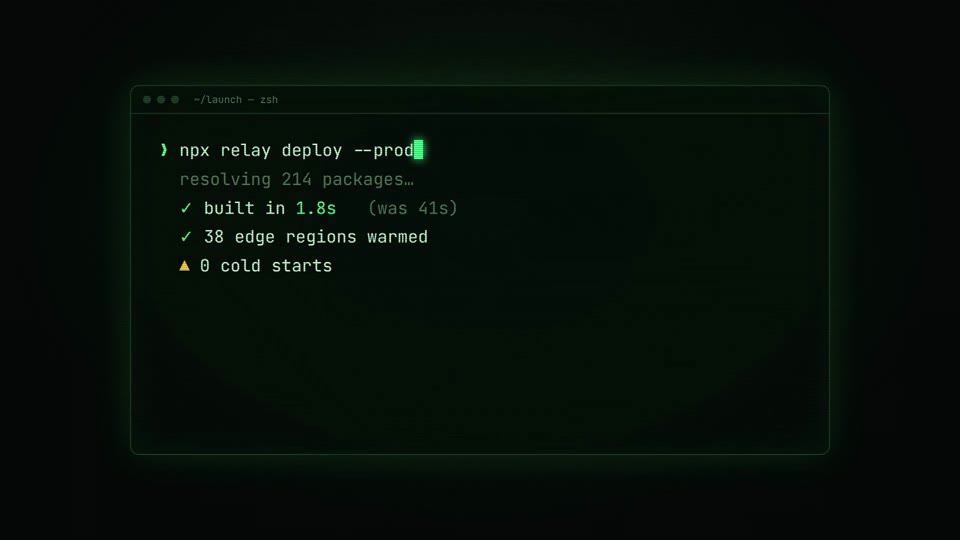
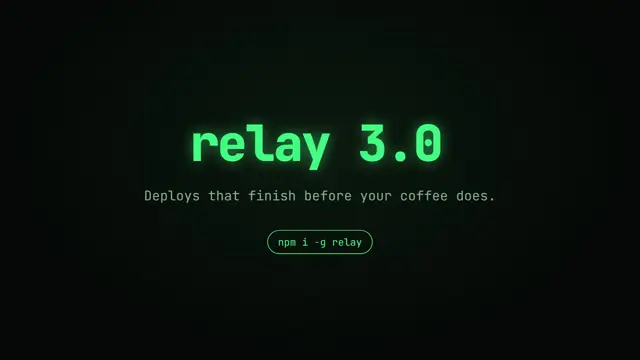
Typed commands, green phosphor glow, a glitch cut to the logo.
Good for cLI tool releases, open-source announcements, developer onboarding clips and hacker-style teasers.
Use the look of the FrameJam style "neon-terminal" for my video, then open it for review. My video: a 7.5-second launch for a developer tool where a terminal types a real command, output lines pop in with check marks, and a glitch reveals the product name and an install chip.
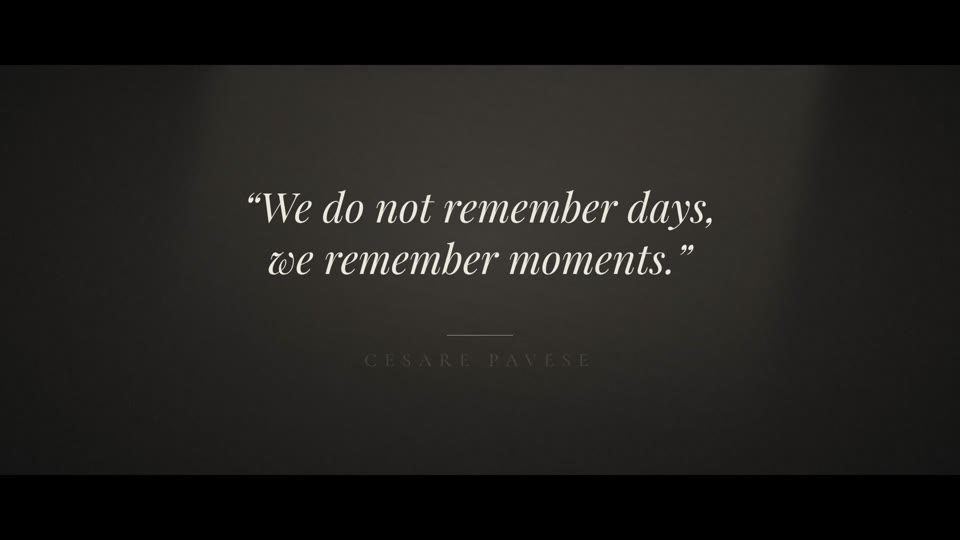
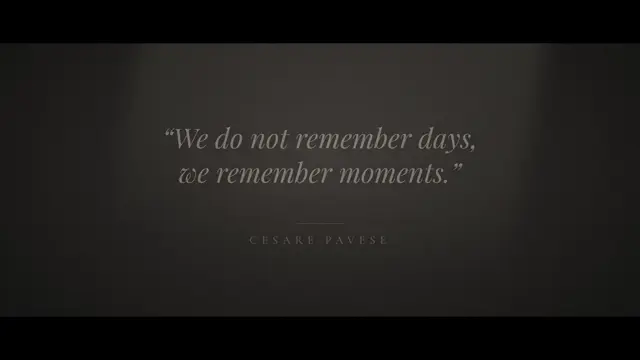
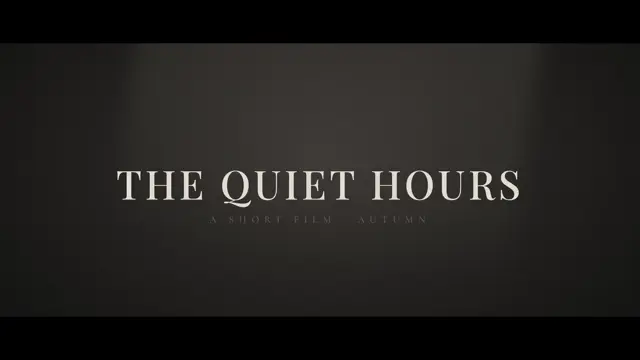
Letterboxed, grainy and slow. Italic serif words drift in out of the dark.
Good for quote cards, film and book trailers, brand manifestos and moody social posts.
Use the look of the FrameJam style "noir-quote" for my video, then open it for review. My video: an 8-second cinematic quote card where an italic quote drifts in word by word under a light beam, followed by the attribution and a widely tracked title.
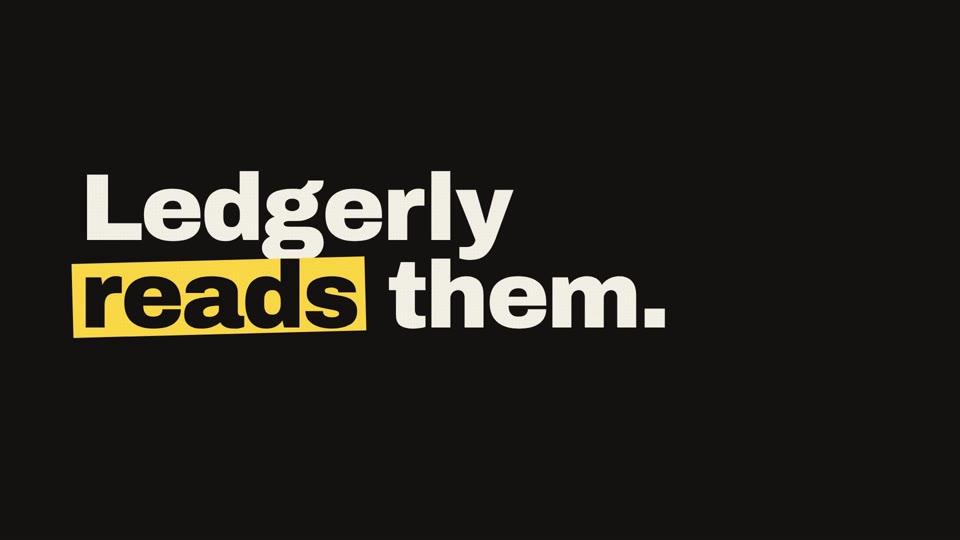
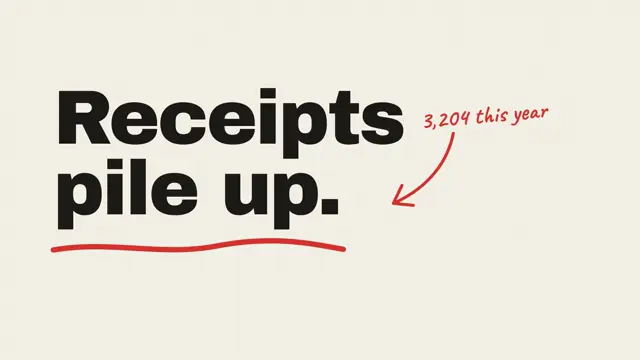
Huge kinetic type on paper, marker notes that draw themselves, and hard switches to black.
Good for one-idea pitches, app teasers, problem-and-solution clips and punchy product intros.
Use the look of the FrameJam style "paper-marker" for my video, then open it for review. My video: an 8-second pitch for a receipt-scanning app where lines like "Receipts pile up." slam onto paper, a sketched receipt and category tags get circled in red pen, and it ends on the app's wordmark.
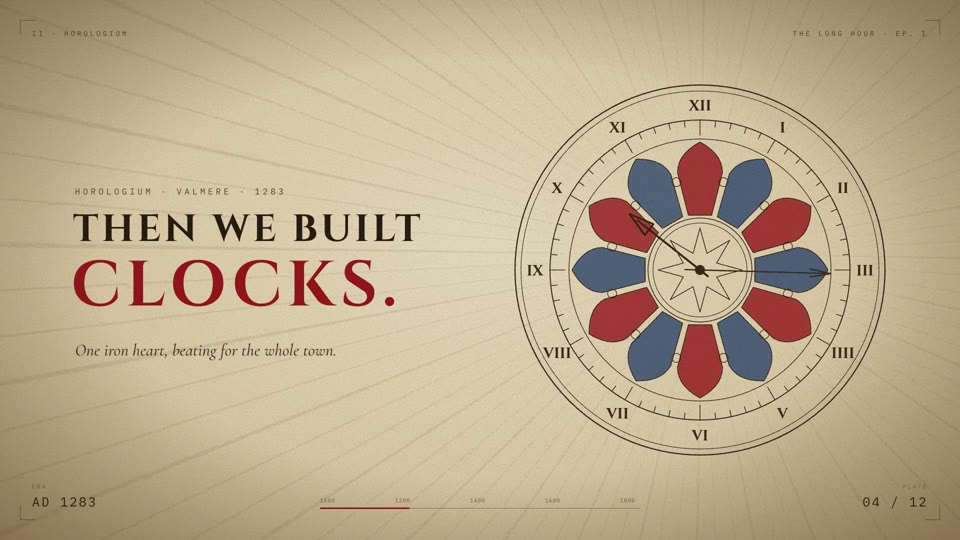
Aged parchment, engraved line drawings that etch themselves, and wide-tracked serif headlines under sunburst rays.
Good for history lessons, origin stories, documentary openers and big-idea narratives.
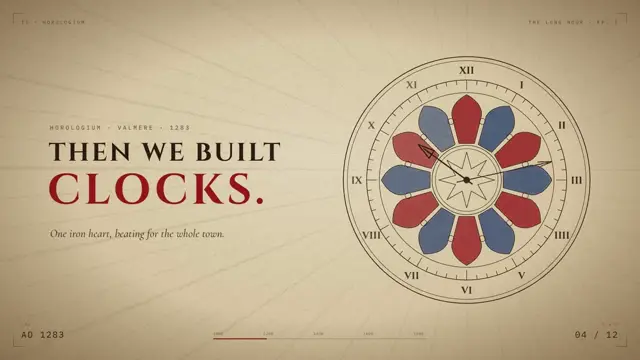
Use the look of the FrameJam style "parchment-epic" for my video, then open it for review. My video: an 8.5-second documentary opener about the history of clocks, with a glowing cold open, an engraved town clock drawing itself under sunburst rays, a red year counter and a series title card.
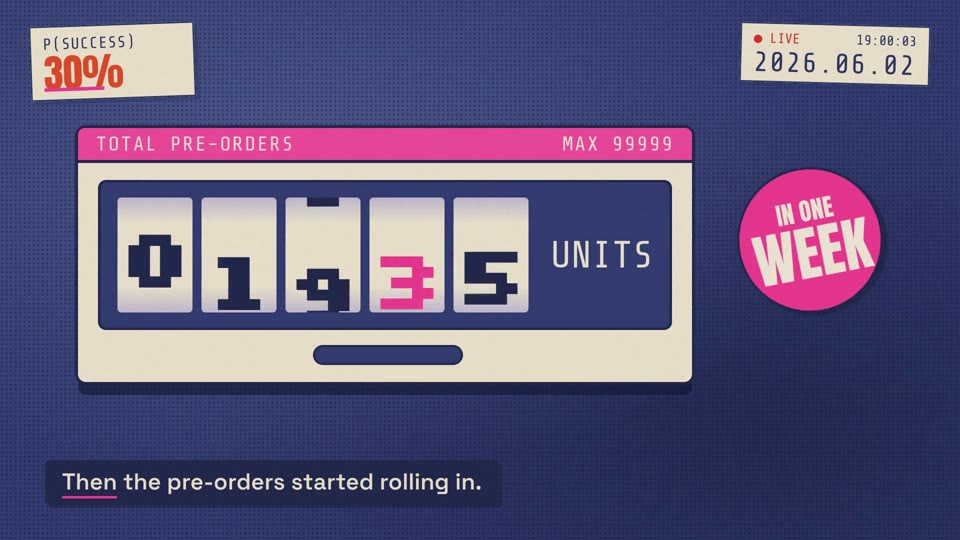
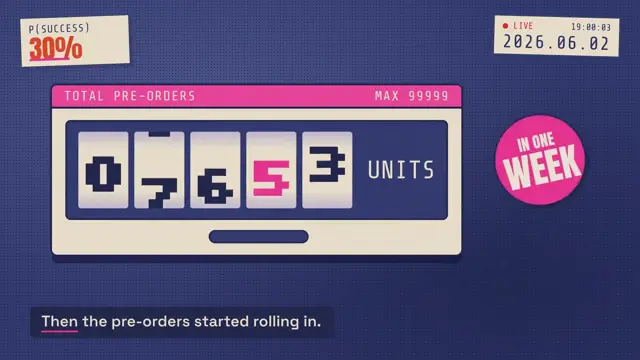
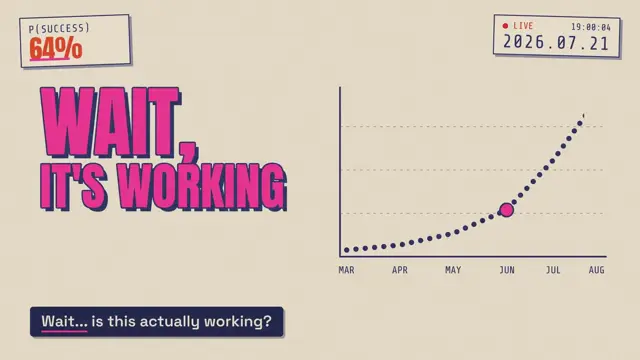
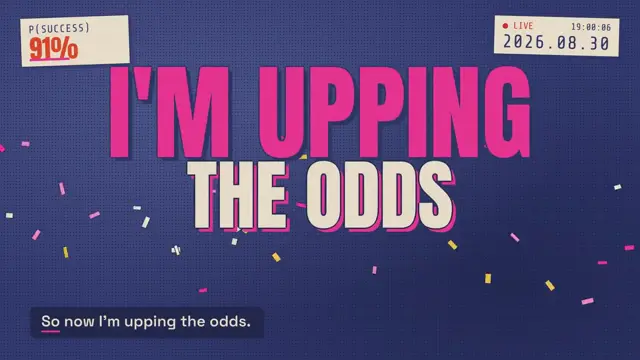
Y2K riso zine: hot-pink punch words, halftone navy, sunbursts, a rolling counter and hard cuts.
Good for podcast episode trailers, launch-day countdowns, crowdfunding updates and loud editorial clips.
Use the look of the FrameJam style "pop-zine" for my video, then open it for review. My video: an 8-second podcast episode trailer about quitting a job for a long-shot idea, with punch words, a pre-order counter, a growth chart and a success chip that climbs, ending on an OUT NOW card.
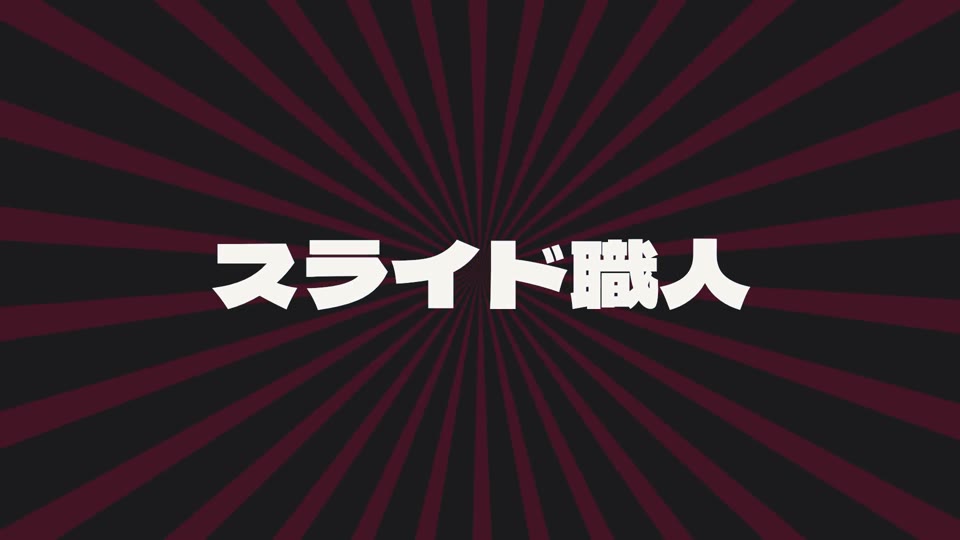
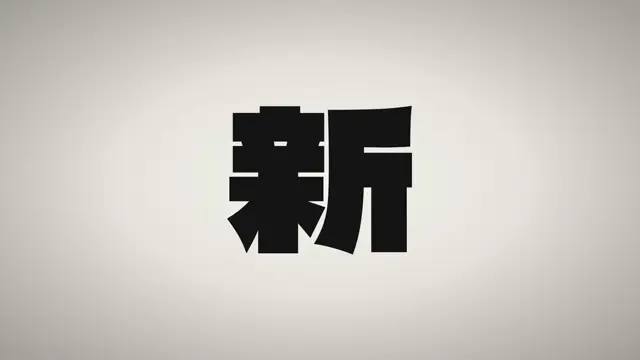
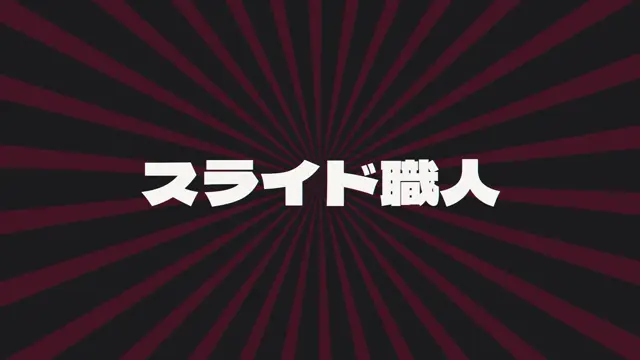
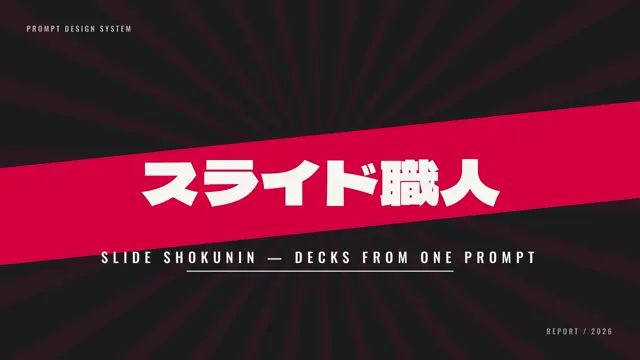
Anime-opening title: hard slams, a spinning sunburst and an RGB-split title that lands on a skewed red band.
Good for series intros, product name reveals, event openers and anime-flavored hype clips.
Use the look of the FrameJam style "red-band-title" for my video, then open it for review. My video: a 7-second anime-style opener for a slide-deck tool where the word SLIDES slams in, a giant kanji crashes onto a cream card, and a Japanese title drops onto a skewed crimson band.
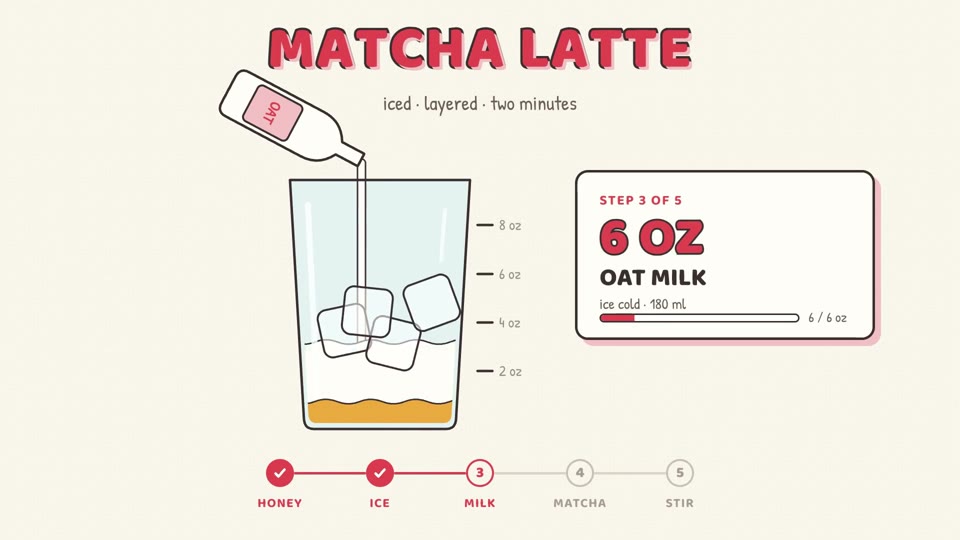
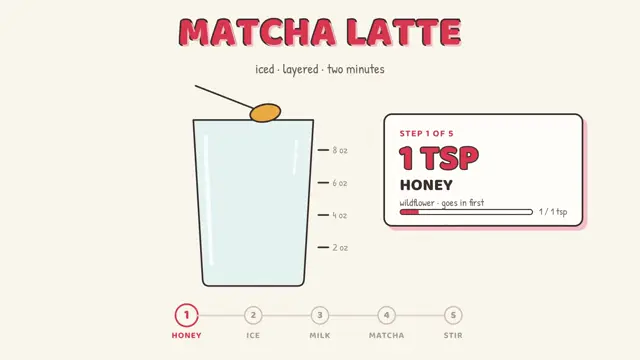
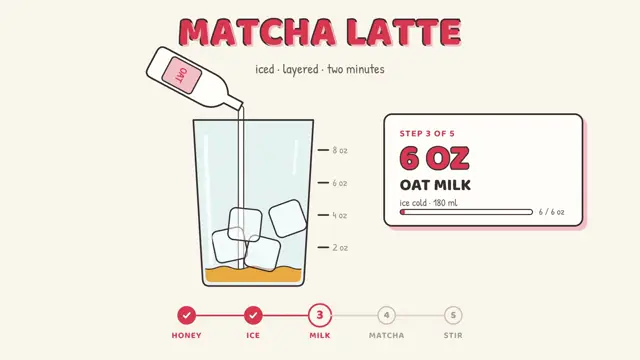
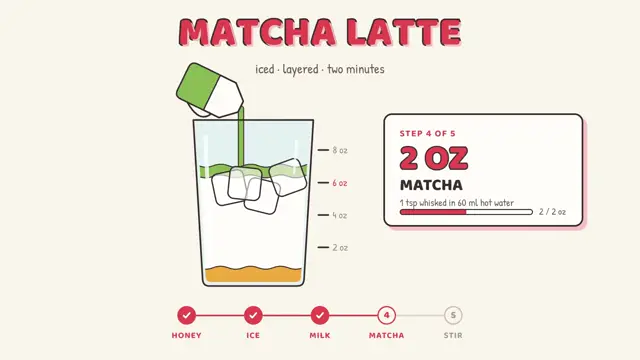
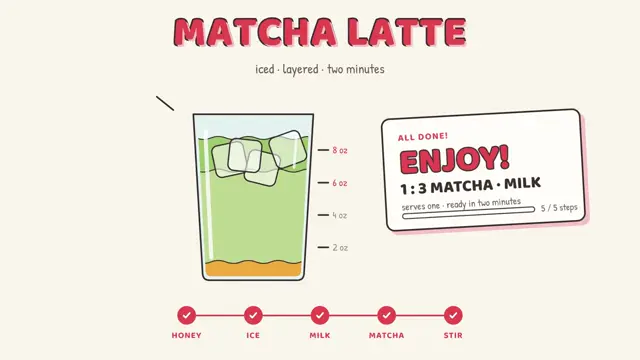
Hand-drawn outlines on cream, a chunky red title and bouncy, elastic motion.
Good for recipes, step-by-step how-tos, DIY guides and cozy product setup clips.
Use the look of the FrameJam style "recipe-steps" for my video, then open it for review. My video: an 8.5-second recipe for an iced matcha latte where a hand-drawn glass fills layer by layer as jugs pour and ice drops in, with a step card counting through to an "ALL DONE!" card.
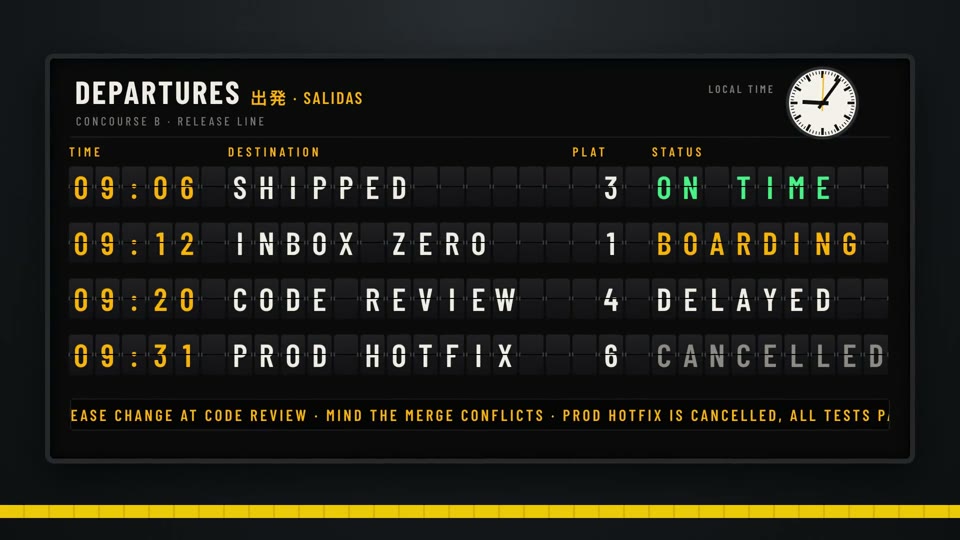
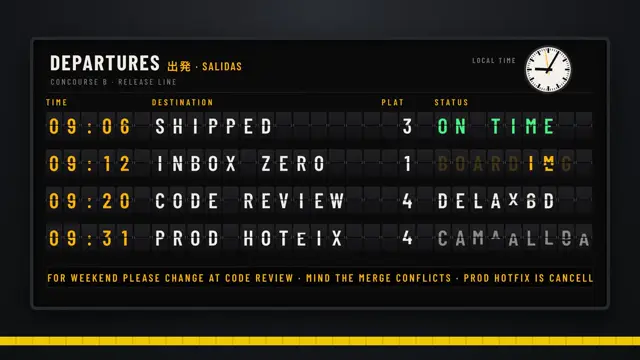
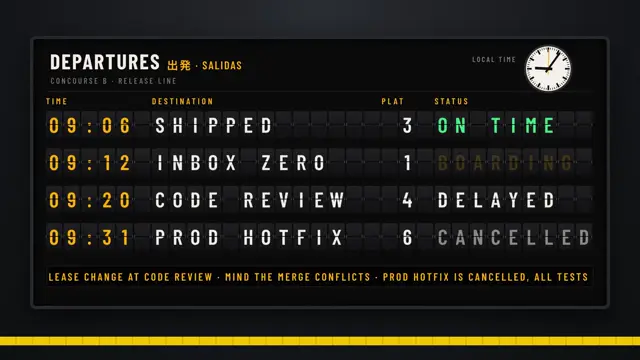
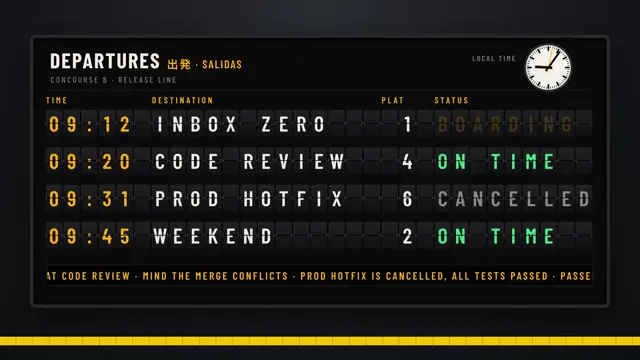
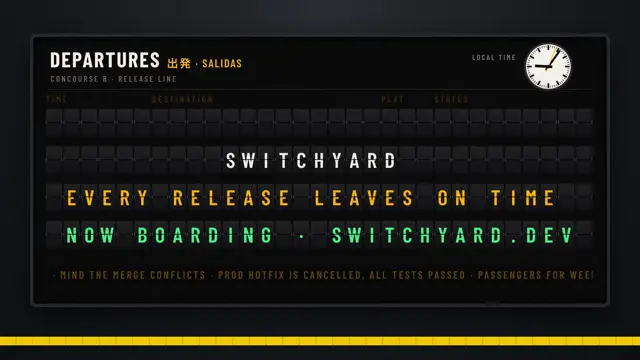
Mechanical split-flap letters that clatter through the alphabet before spelling your message.
Good for product name reveals, release announcements, travel and transit themes, and event schedules.
Use the look of the FrameJam style "split-flap" for my video, then open it for review. My video: an 8-second release announcement styled as a station departure board, where rows like SHIPPED and CODE REVIEW clatter into place, the rows shuffle up, and the board re-flips to spell the product name.
Hand-cut paper shapes, a warm glow and a slow parallax drift from night to sunset.
Good for warm brand stories, app origin tales, gentle explainers and bedtime-style narratives.
Use the look of the FrameJam style "storybook-lantern" for my video, then open it for review. My video: a 9-second storybook tale following a small figure and a glowing teapot spirit from a night desk, down a dawn street and over rooftops into a sunset, ending on a handwritten closing line.
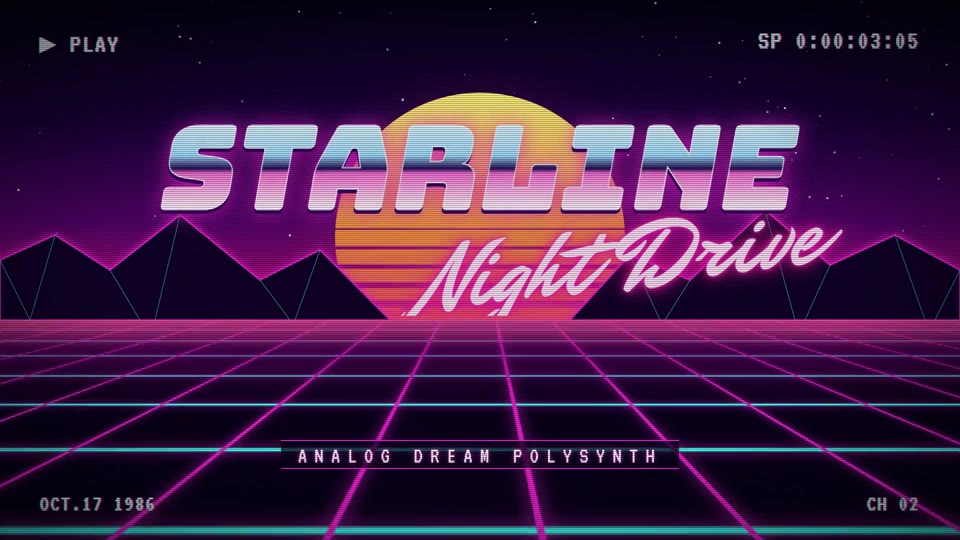
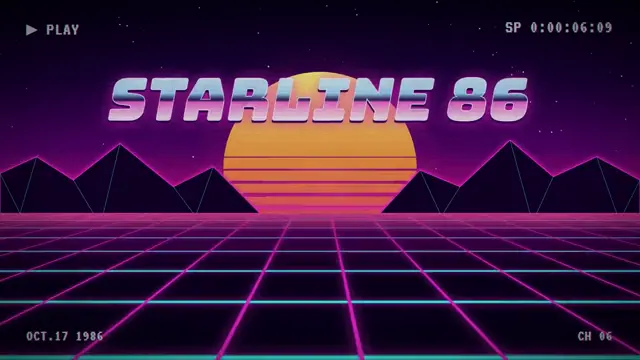
80s outrun: a striped neon sun, an endless scrolling grid, chrome type and VHS glitch cuts.
Good for synth plugin and retro game launches, music drops, night event promos and 80s throwbacks.
Use the look of the FrameJam style "synthwave-grid" for my video, then open it for review. My video: a 7.5-second launch for a retro synth plugin where a striped sun rises over a neon grid, the chrome product name slams in with a script subtitle, feature words flash on glitch cuts, and it ends on a chrome end card.
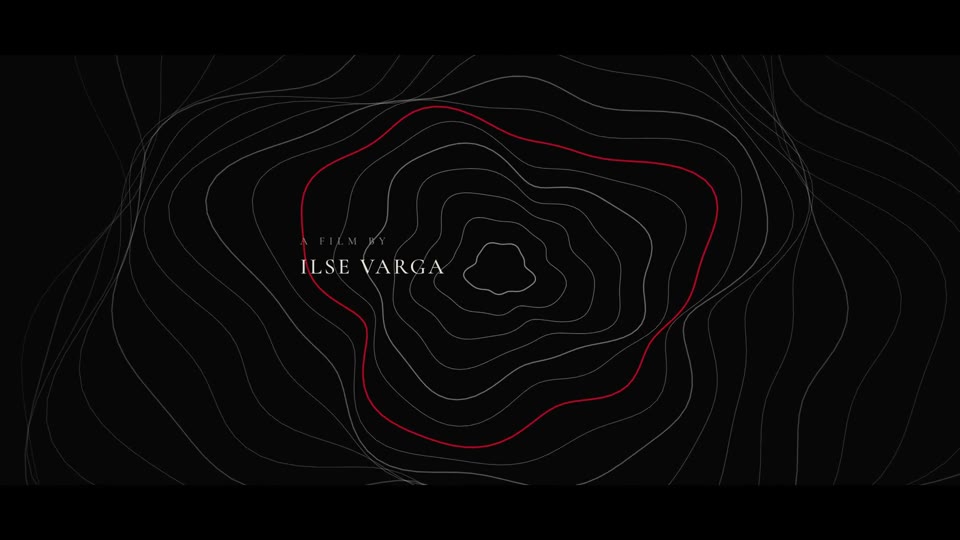
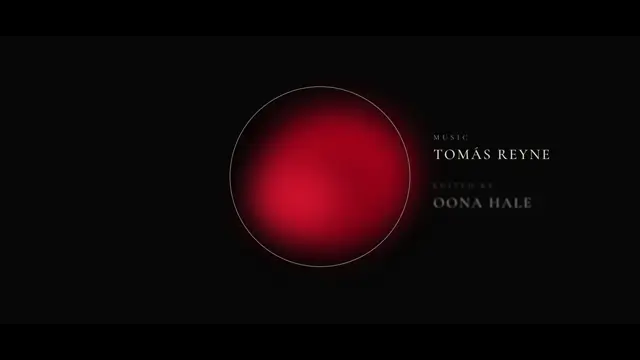
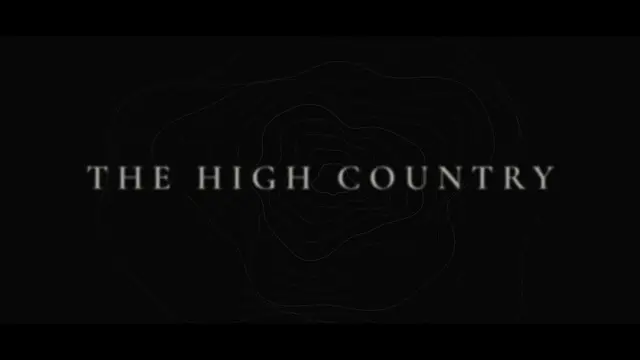
Self-drawing topographic contours, a bloom of red ink and widely spaced serif type on black letterbox.
Good for film opening credits, documentary title sequences, trailers and premium brand intros.
Use the look of the FrameJam style "topo-credits" for my video, then open it for review. My video: an 8-second opening title sequence for a mountain film, with contour lines drawing outward behind the credits, a red ink bloom growing inside a ring, and the film's title settling at the end.
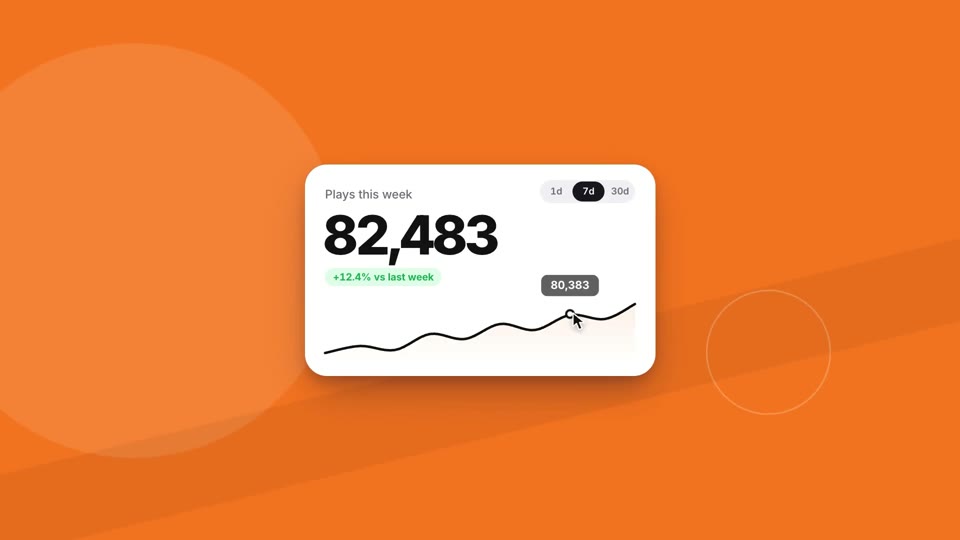
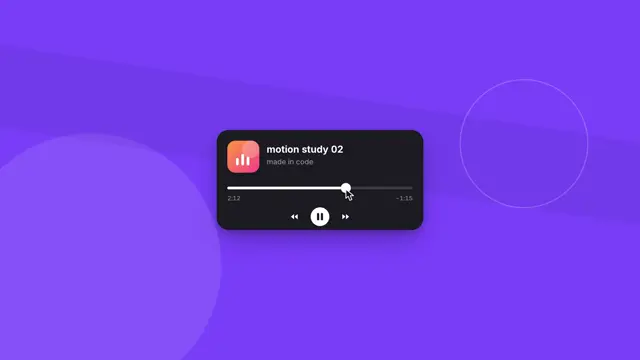
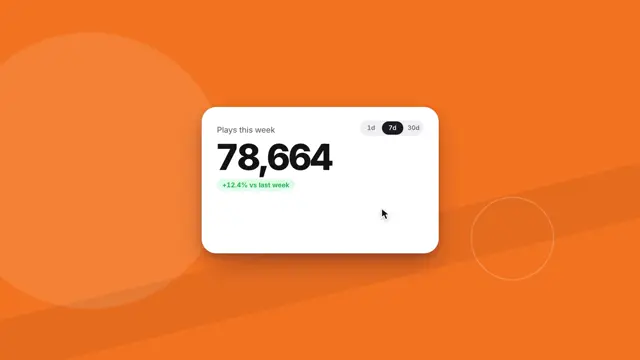
One crisp interface component morphs into the next while a cursor clicks, drags and hovers, and the colour field changes every beat.
Good for product tours, feature reels, component library showcases and design-engineering demos.
Use the look of the FrameJam style "ui-microstudy" for my video, then open it for review. My video: an 8-second motion study that morphs one card through interface components like a button, music player, stat card, command palette and toast stack while a cursor clicks and drags, ending on a wordmark.
How to use it
Hover or tap a template to play its example. Each one links to its style page with the full palette, fonts and motion.
Pick Remotion or Hyperframes above the grid if you want the prompt to name a tool. Otherwise the agent keeps the one your project uses.
Copy the prompt and change the part after "My video:" to your subject.
Paste it into Claude Code, Cursor or Codex with FrameJam installed. Your agent builds the video and opens each render in FrameJam for you to review on exact frames.
What these templates are
A Remotion template is usually a starter project you clone and edit by hand. These work the other way round. Each one is a FrameJam style: a style.json with the palette, fonts, easing, transitions and pacing of a look, plus the example video you see above. Your agent reads the style and builds your subject in it, so a template made for a product launch can just as well become an explainer or a changelog. Each example was made as a Hyperframes project, and your agent can read its source for techniques like a texture or a title reveal.
FrameJam works with Remotion and Hyperframes; it isn't either of them. If you want a Remotion starter project too, Remotion's starter templates are on its website, and a FrameJam style works on top of any of them. For how the two tools differ, read Remotion vs Hyperframes, and for each one with your agent, Remotion AI and Hyperframes with Claude.
No. They're FrameJam styles, free and MIT-licensed, that your AI agent can build in Remotion, Hyperframes or the tool your project already uses. Remotion's own starter templates are on its website; use them as the project and add a FrameJam style for the look.
What do I get when I use a template?
Your own video, in your project. The prompt names the style; your agent loads its palette, fonts, easing, transitions and pacing from FrameJam, builds your subject in that look, renders it and opens it for review. There's no project to download and nothing to unpick.
Do I need to know React or HTML?
No. Your agent writes the Remotion (React) or Hyperframes (HTML) code. You pick the look, say what the video is about, and comment on the render in FrameJam until it's right.
Can I use a template for vertical shorts?
Yes. Most examples are 16:9, but ask for 9:16 in your prompt and the agent lays the look out for a vertical frame. Check the result with the YouTube Shorts safe zone checker so text stays clear of the app's buttons.
Are the templates free for commercial use?
The styles are part of FrameJam, which is free and MIT-licensed. Remotion has its own license, which is free for individuals and small companies but not every company, so check it if your agent renders in Remotion.
Can I make my own template?
Yes. A style is one style.json file. Ask your agent to make one from a video or a brand you like; the custom styles docs show how, and you can share it like any other file.
How to edit videos with ClaudeEdit and make videos in Claude with FrameJam: cut a raw recording, add animations, then point at the exact frames to change. With a full video walkthrough.
How to make videos with ClaudeClaude motion graphics step by step: the tools (HyperFrames, Remotion, Manim), prompting with references, storyboards and a feedback loop. With the full video.

 16:9 · 7.5s