
Acid Chrome
Acid-lime brand reel: heavy all-caps statements, a spinning liquid-chrome knot and hard cuts on every beat.
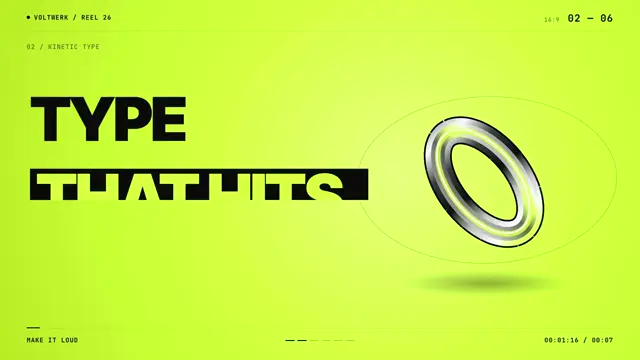
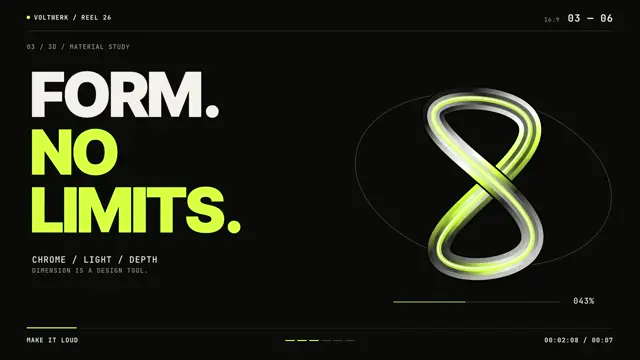
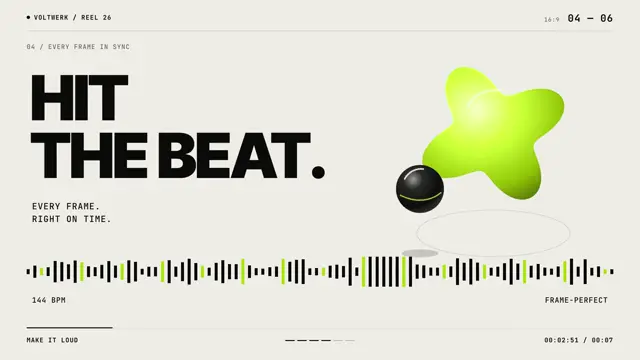
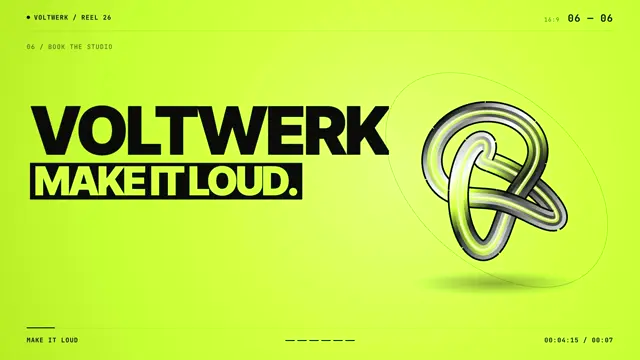
Portfolio and brand-reel style for studios, agencies, launches and sizzle intros. Backgrounds hard-cut between near-black, acid lime and off-white on the beat; each scene states one huge heavy grotesk all-caps line that ends in a period, with the second line in lime (or a black box on lime). A glossy liquid-chrome object (torus knot, ring, figure-eight, puffy lime star) spins and morphs on the right, framed by a thin mono HUD: scene index 01 — 06, section labels, progress dashes, timecode, arrows and a pulsing beat waveform.
Good for studio and agency brand reels, sizzle intros, portfolio openers and loud launch teasers. Cut the background between near-black, acid lime and off-white on every beat, give each scene one short all-caps line that ends in a period, and keep one chrome object spinning on the right that stands for your subject.
With FrameJam installed, paste this into your agent and say what your video is about:
Use the look of the FrameJam style "acid-chrome" for my video, then open it for review. My video: Palette
Type
- Display
- Inter Tight 900All-caps statements 186px, line-height 0.9, tracking -0.03em, always ending in a period
- Body
- JetBrains Mono 500, 700Uppercase sublines 26px and HUD labels 19px, tracking 0.06–0.08em
Motion
- LineReveal
- expo.out
- ObjectPop
- back.out(1.4)
- Morph
- power3.out
- Sublines
- power3.out
- Spin
- none
- Average shot
- 1.25s
One statement per beat-length shot (~1.25s at 144 BPM); only the end card holds 1.5s. The chrome object never stops rotating and the HUD progress line runs continuously.
Transitions and text
- hard cut on the beat with a full background colour swap (black → lime → black → off-white → black → lime)
- the chrome element re-pops from scale 0 with a back-out overshoot on every cut
- ghost outline copies of the headline word slide past in opposite directions
- each line rises out of its own mask (yPercent 105 → 0, 0.42s expo.out, 0.07s stagger)
- mono sublines rise 24px and fade in 0.3s after the headline
- percentage counter and progress bar tick up under the main element
- CTA chip pops with back.out then flips to black with lime text
The look your agent follows
- Look only: build the user's own subject in this visual language; don't reuse the example's scene.
- Cycle full-frame backgrounds near-black #0b0b0a, acid lime #d4ff3a (radial-lit: #e6ff7a centre → #d4ff3a → #b6dc1c edge) and off-white #efeee6 with a hard cut every ~1.25s (one beat at 144 BPM); never crossfade. Lime is the only accent.
- Headlines: Inter Tight 900 uppercase, ~186px (up to 280px for a single word), line-height 0.9, tracking -0.03em, left-aligned at 90px, 2–3 short lines ending in a period. The second line is lime on black, or a black box with lime text on lime; plain black text only on off-white.
- Reveal each line from its own overflow-hidden mask (yPercent 105 → 0, 0.42s expo.out, 0.07s stagger); JetBrains Mono 500 uppercase sublines (26px, tracking 0.06em) rise 24px and fade in 0.3s later.
- One glossy liquid-chrome element per scene, ~460px on the right half: the subject itself or an abstract form that stands for it. Build it in SVG from stacked strokes: a black edge, two chrome gradients (#efeee6 → #8d8e88 → #0e0e0e) that slide over time, a lime reflection band offset down-right and a thin white specular offset up-left. It never stops rotating or drifting (linear), re-pops from scale 0 with back.out(1.4) on every cut and morphs between shapes with power3.out.
- Frame every scene with a JetBrains Mono HUD (19px, uppercase, tracking 0.08em): name top-left with a 10px lime dot, scene index '0N — 0M' top-right, section label under a hairline rule at 18% opacity, a bottom rule with a running 3px lime progress line, progress dashes and a timecode. Add one detail per scene: a diagonal arrow glyph, a pulsing bar waveform or a % counter.
- For emphasis, ghost outline copies of the headline word (transparent fill, 2px stroke at 20% opacity, ~280px) slide past in opposite directions.
- Pacing: one statement per ~1.25s shot; only the last card holds ~1.5s. The HUD progress line runs continuously. Close on lime with a name, a black-box line and a bordered chip that flips to black with lime text.
- Avoid soft gradients behind type, script or serif fonts, crossfades, or a second accent colour.
The example
The preview is a studio brand reel: beat-cut statements like 'PRECISE.' beside a spinning chrome torus knot, figure-eight and lime star, ending on a 'Voltwerk' card. Your agent uses the look for your own subject, not this scene.
To make a video like this example, paste this into your agent:
Use the look of the FrameJam style "acid-chrome" for my video, then open it for review. My video: a 7.5-second brand reel for a design studio, with beat-cut statements like "PRECISE." beside a spinning chrome shape, ending on the studio's name card.For your own video, use the prompt under Use this style and say what it's about. The custom styles docs show how to change the look or make your own. To pair Acid Chrome with a playbook, a length and an aspect ratio, use the AI video prompt generator, or compare it with the other looks in the Remotion templates gallery.
Playbooks to use Acid Chrome with
A style sets the look; a playbook sets what you're making and how. Good matches: make a narrated explainer video with AI, make a founder launch video for X with AI or make a step-by-step how-to video with AI.
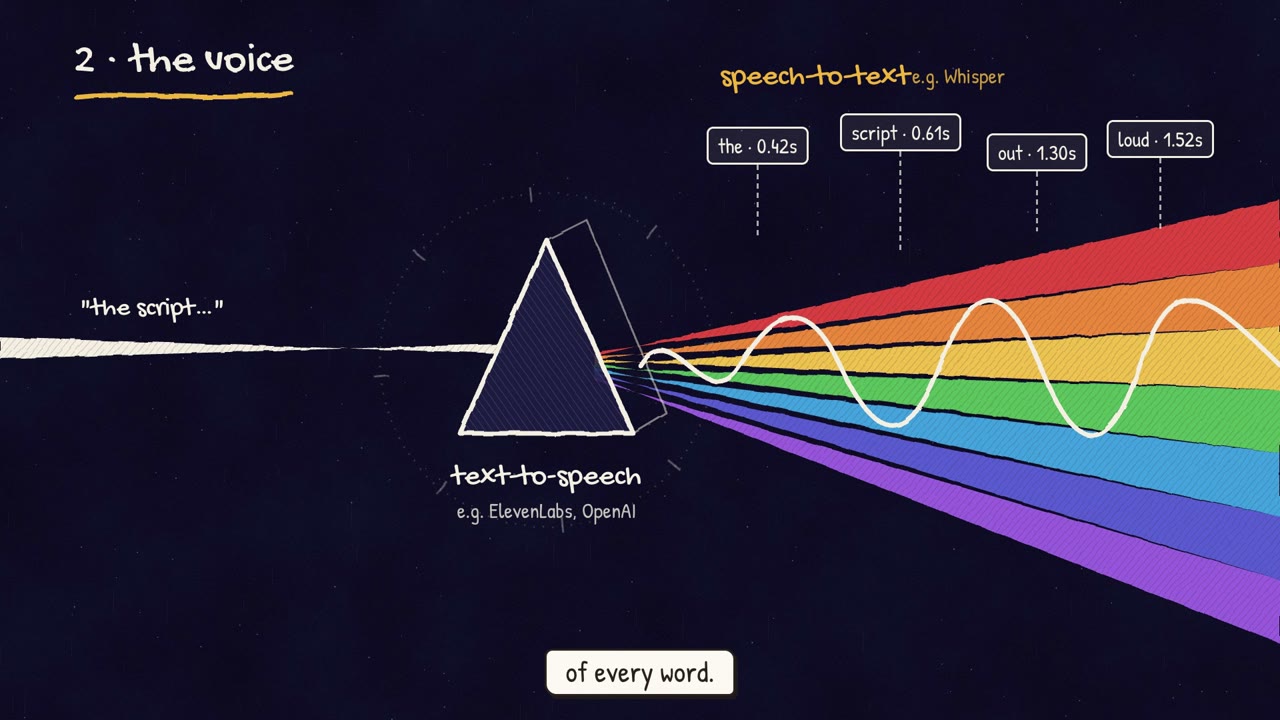 Free to run
 Free to run
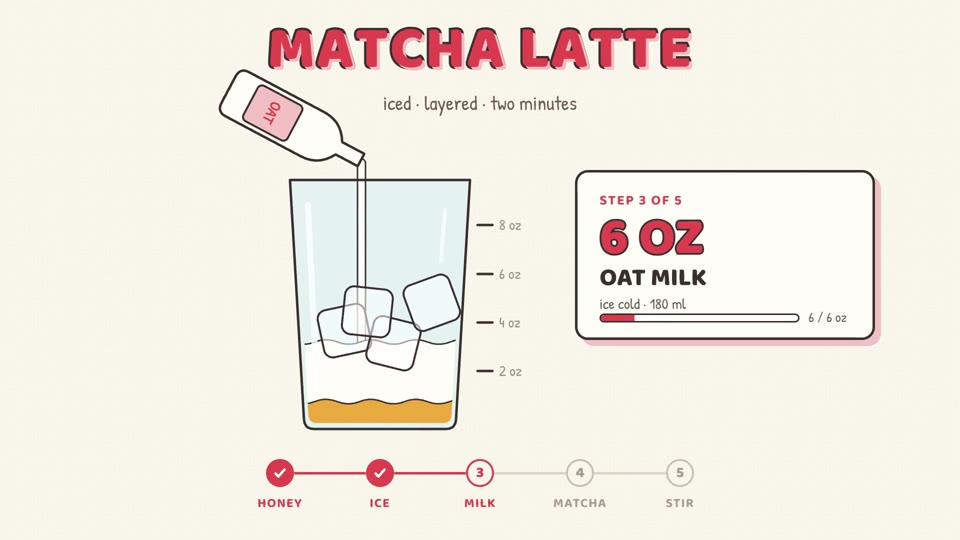 Free to run
Similar styles
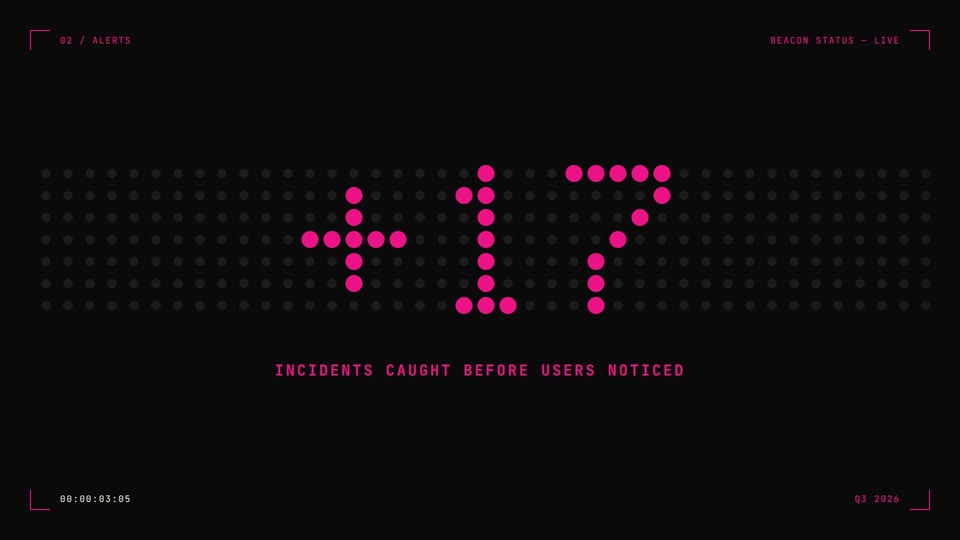 16:9 · Medium
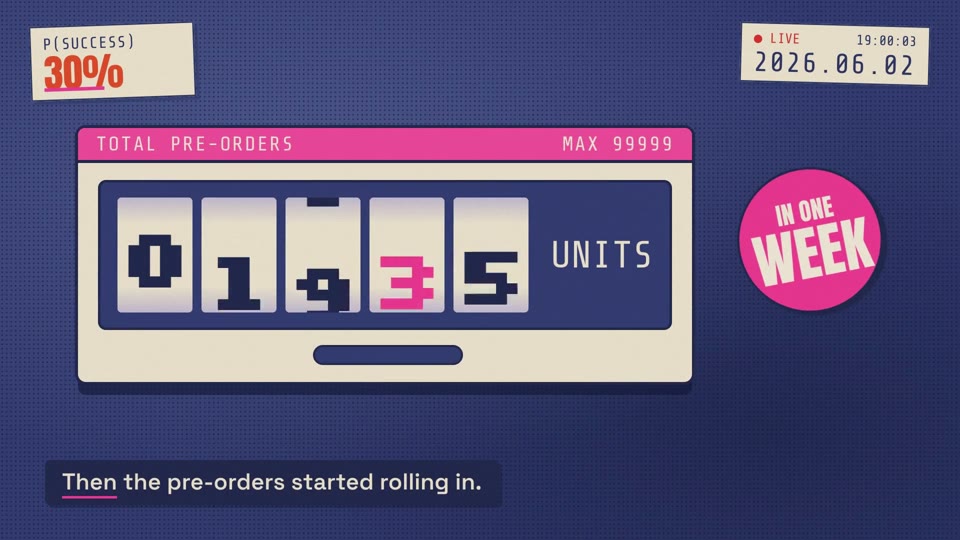 16:9 · Fast
 16:9 · Medium
 16:9 · Slow