Agent UI Demo
A glowing prompt bar, shimmering step-by-step agent status and a confirmation card that lands.
16:9Medium pace9scalmhelpfultrustworthy
Light, airy product-demo style for AI agents and assistants. A pill prompt bar floats on a soft blue glow and types a real request, a cursor sends it, the request becomes a chat bubble, agent steps appear one by one with a shimmer sweeping each line, earlier steps dim, and result cards slide in with a green check that draws itself.
Use this style
With Frame Jam installed, press Use this style in the local gallery, or just ask your agent:
Make a video with the Frame Jam style "agent-ui-demo" and open it for review.Palette
background#f6f6f4
surface#ffffff
bubble#ebebe8
text#1f1f1f
muted#6f6f6f
faint#a5a5a5
accent#3d6bff
glowrgba(120,165,255,0.45)
success#19a974
Type
- Display
- Inter 600Card titles 34px, wordmark 136px tracking -0.04em
- Body
- Inter 400, 500Prompt 32px, steps 36px medium, meta 26px muted
Motion
- Enter
- expo.out
- Step
- power3.out
- Shimmer
- none
- Cursor
- power3.inOut
- Tick
- power2.out
- Average shot
- 3s
Prompt ~2.3s, agent steps every 0.5s, the found place appears with step three and the confirmation after the last step, then a long hold and a ~1.6s lockup.
Transitions and text
- prompt bar lifts and fades as the request becomes a chat bubble
- cards slide in from the right with expo.out
- hard cut to the light lockup
- prompt types character by character (19ms)
- each agent step rises 14px, then a light shimmer band sweeps across it
- finished steps fade to grey; the final step turns green with the check
- SVG check draws on with dashoffset
Style guide your agent follows
- Off-white #f6f6f4 canvas, white surfaces with very soft shadows, one blue accent #3d6bff. Green #19a974 only for success.
- Start on a large pill prompt bar sitting in a blurred blue glow, greeted by name ("What can I book for you, Maya?").
- Type a specific, human request, then show the agent's work as short status lines with a sparkle icon and a › chevron; each gets a shimmer sweep (a moving light gradient band, transform only).
- Dim completed steps; make the final step concrete ("Holding 7:30 at Osteria Nove").
- Land the outcome as cards: an image tile and a confirmation card with a drawn check and exact details.
- End on a simple dot + wordmark lockup and one muted line with the URL.
Similar styles
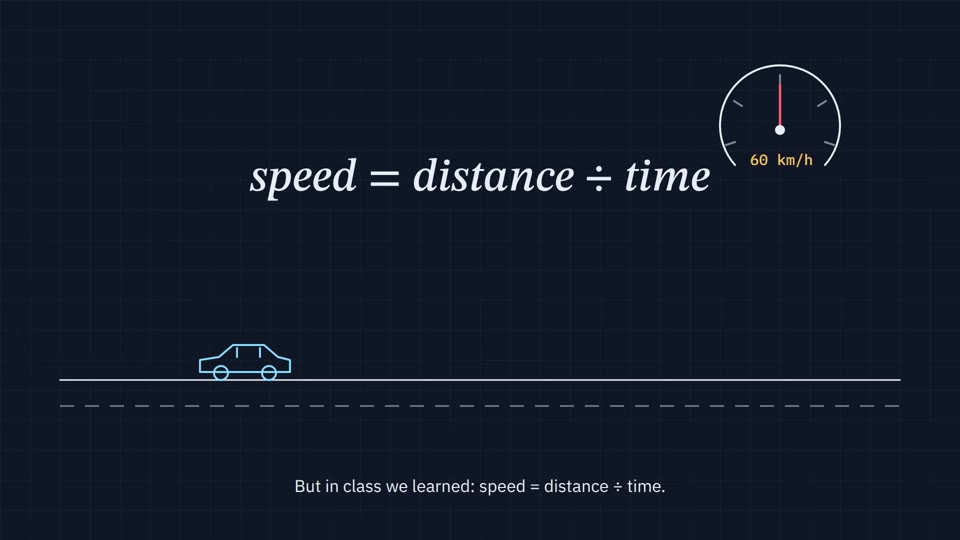 16:9 · Slow
Blueprint Explainer
Thin line drawings on a navy grid, a needle that sweeps, a formula that writes itself and calm subtitles.
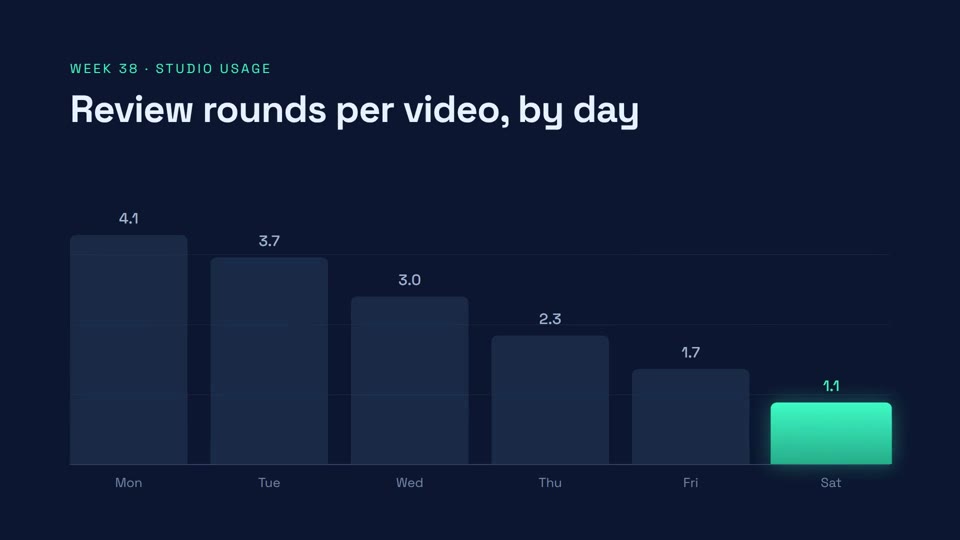 16:9 · Medium
Data Story
Bars that grow, a hero number that counts up, and a source line you can trust.
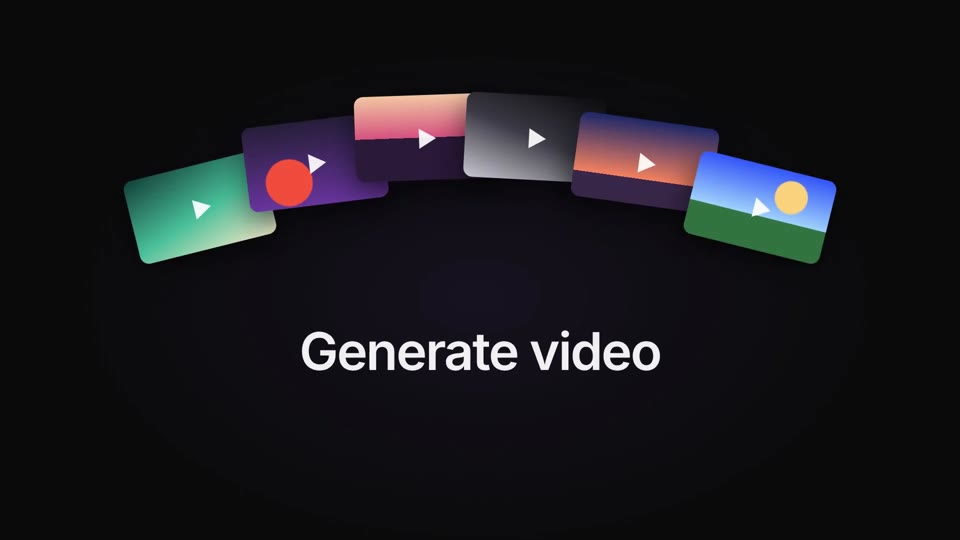 16:9 · Medium
Midnight Launch
A glowing app icon, blur-in type and fanned media cards on near-black — the classic AI launch film.
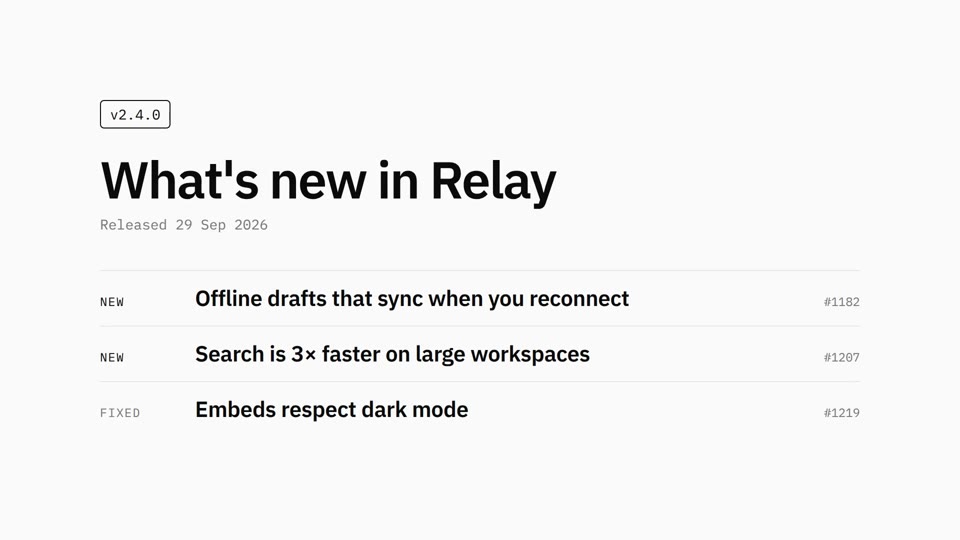 16:9 · Slow
Mono Changelog
Black on white, Plex type, one release note at a time.