
Style inspired by this reel from @justyn.ai.
Editorial Reel: edit Instagram Reels with AI
A raw talking-head recording goes in, a vertical reel with magazine-style serif titles, chat pop-ups and word-by-word captions comes out.
A reel that keeps moving around you: big serif headlines behind your head in the hook, a prompt box that types, app icons crossed out, a magazine cover, a grid of results, giant words landing, and a comment-keyword ending with a follow button. Pauses and earlier takes are cut out, captions light up word by word, and a lo-fi beat and sound effects are made for you.
By Moritz Kremb · Inspired by @justyn.ai
With FrameJam installed, paste this into your agent and replace the part in brackets with what the video is about and your files:
Make a video with the FrameJam playbook "Editorial Reel" (id: editorial-reel). Call get_playbook("editorial-reel") and follow it. [Add more context here]You bring
- Your raw recording of you talking to camera; a plain background helps
- Optional: screen recordings, screenshots or clips of what you talk about
- Optional: the word people should comment to get your link
You get
A 30–60 s vertical reel with serif titles, pop-ups, word-by-word captions, music and sound effects
What you need
- Reel template, starter scene and sound scripts
- Python 3, ffmpeg and Node
- Hyperframes, which also cuts you out of the background
- Speech to textwhisper on your computer (free), ElevenLabs Scribe (paid), OpenAI (paid)
Works in your existing project, with the tool it already uses.
What your agent does
- Cut the pauses and keep the last take of every line
- Plan a graphic for every second or so of speech
- Cut you out for the headline, big-word and magazine shots
- Build it from the template with captions, music and sound effects
- Review each version in FrameJam until it's right
Styles
Your style sets the colors, fonts and captions.
Pick one in the Styles gallery.
How it works
Edit Instagram Reels with AI that look designed, not templated. Your agent cuts your talking-head recording and wraps it in editorial motion graphics: serif headlines behind your head, a prompt box that types, a magazine cover, a grid of results and captions that light up word by word.
Bring the raw recording of you talking to camera, plus any screen recordings or screenshots of what you mention. A plain background helps. Your agent transcribes it for free on your computer, cuts the pauses and keeps the last take of every line.
The hook is all type: two to four headline cards in the first few seconds, each landing on the word it shows, with you cut out in front so the text runs behind your head. Hyperframes removes the background on your computer for these shots.
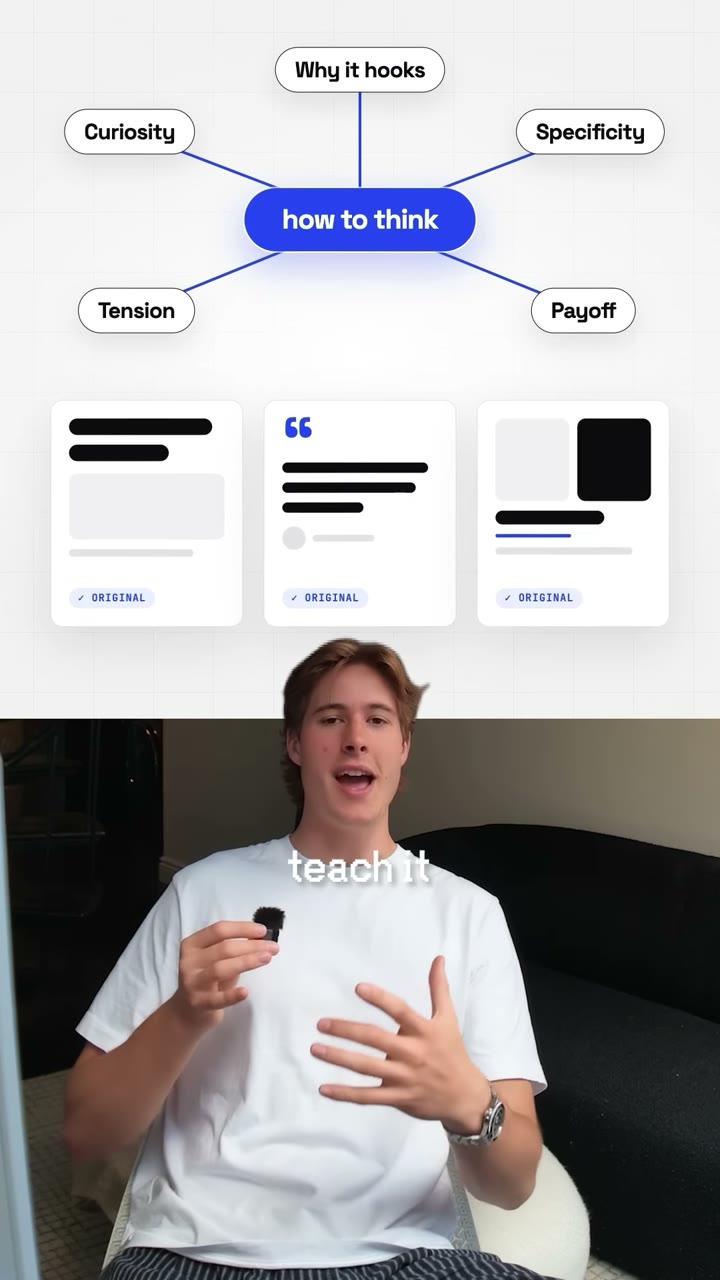
Then it plans a graphic for every phrase. A named app gets its icon, crossed out if you say you don't need it. A prompt types into a chat box. A screen or result shows your real recording in a window or picture-in-picture. Several results land as a 3x3 grid, and the word that carries the feeling lands huge behind you. Something changes every second or so, and a script flags any hold over two seconds before anything gets built.
Captions are 2 to 4 words in a serif on a small green box, each word lighting up as you say it, key words in gold. A lo-fi beat and the sound effects are made on your computer: a pop for every pop-up, typing under the chat box, a whoosh on big moves. The reel ends with your comment keyword typed as a comment, then a follow button.
Your agent renders a draft and opens it in FrameJam. Click the frame where a graphic is wrong or a caption covers something, and it makes the next version.
The example
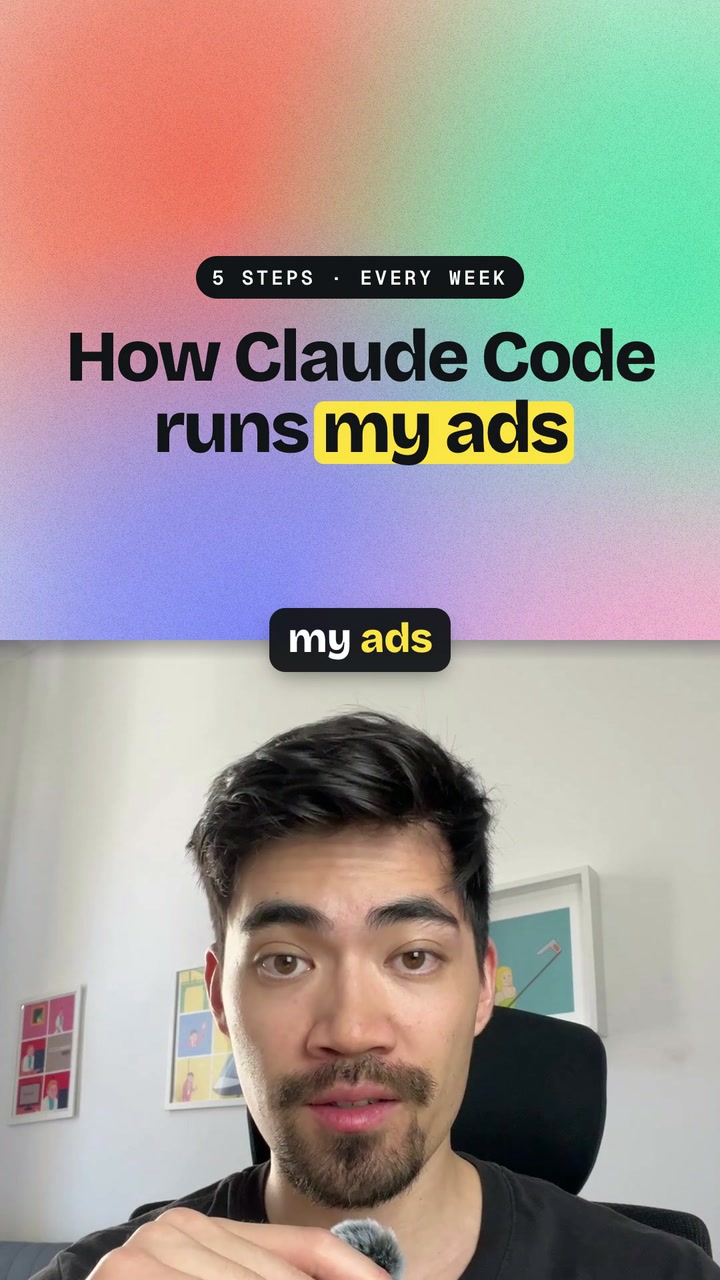
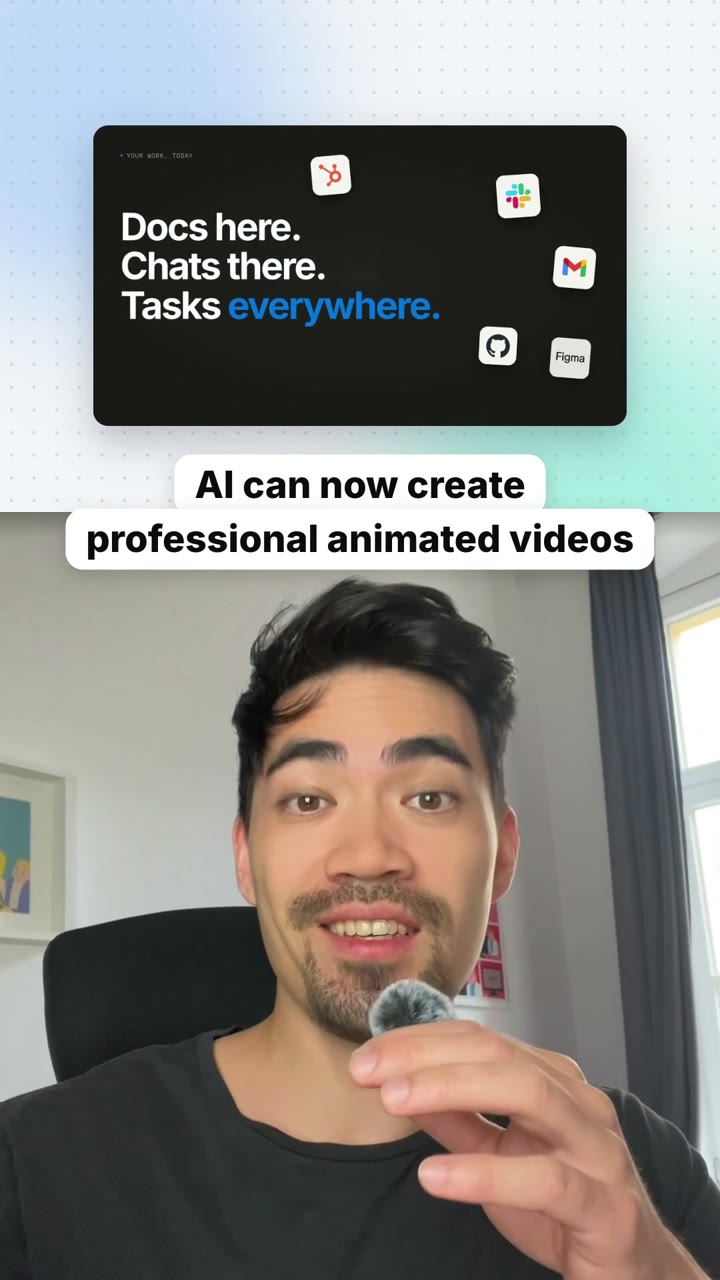
The video at the top is the original Instagram reel by @justyn.ai that the playbook's style comes from, about editing videos with AI. It wasn't made with FrameJam. The playbook rebuilds that look from your own recording: serif headlines behind your head, a prompt box that types, pop-ups, and captions that light up word by word.
Example prompts
With FrameJam installed, paste one of these into Claude, ChatGPT or Cursor and change the details to yours.
From a phone recording
Use the Editorial Reel playbook on ~/Downloads/reel-take.mov. End with "comment GUIDE" and my handle @yourname.With your own screen recordings
Make an Editorial Reel from ~/Videos/talking-head.mp4. Show ~/Videos/app-demo.mp4 in a window when I talk about the app, and the screenshots in ~/Desktop/results/ as a grid.With your own music and look
Edit ~/Downloads/reel-raw.mov with the Editorial Reel playbook in the Midnight Glow style. Use ~/Music/beat.mp3 instead of the generated music.Questions
How is this different from the Split Screen Short and the Dynamic Layout Short?
Those two split the frame or switch layouts around screenshots. The Editorial Reel keeps you full frame most of the time and puts designed graphics on top: serif headlines behind your head, chat and comment pop-ups, a magazine cover, giant words. It also makes its own music and sound effects.
What do I need to edit Instagram Reels with AI using this playbook?
Python 3, ffmpeg, Node and Hyperframes on your computer. The template, a starter scene and the scripts for captions, cut-outs and sound come with the playbook, and Hyperframes also cuts you out of the background. Transcription runs free with whisper.
Do I need music or sound effects?
No. A script makes a quiet lo-fi beat and the sound effects on your computer, so there's nothing to license. If you have your own track, your agent uses it instead.
Will it fake screenshots or results?
No. Chat boxes, icons and the comment ending are designed graphics, but anything that shows a real product, screen or result uses your own recordings or screenshots. If a picture is missing, your agent uses a big word or a chat box instead.
Does it work for TikTok and YouTube Shorts too?
Yes. It's a 9:16 video at 1080x1920, usually 30 to 60 seconds. The graphics and captions stay clear of where each app puts its buttons.
Related playbooks
Also try edit shorts with AI, with layouts that switch as you talk, make whiteboard videos with AI, drawn above your talking head or make YouTube Shorts with AI from talking-head clips.
 Free to run
 Free to run
 Free to run