
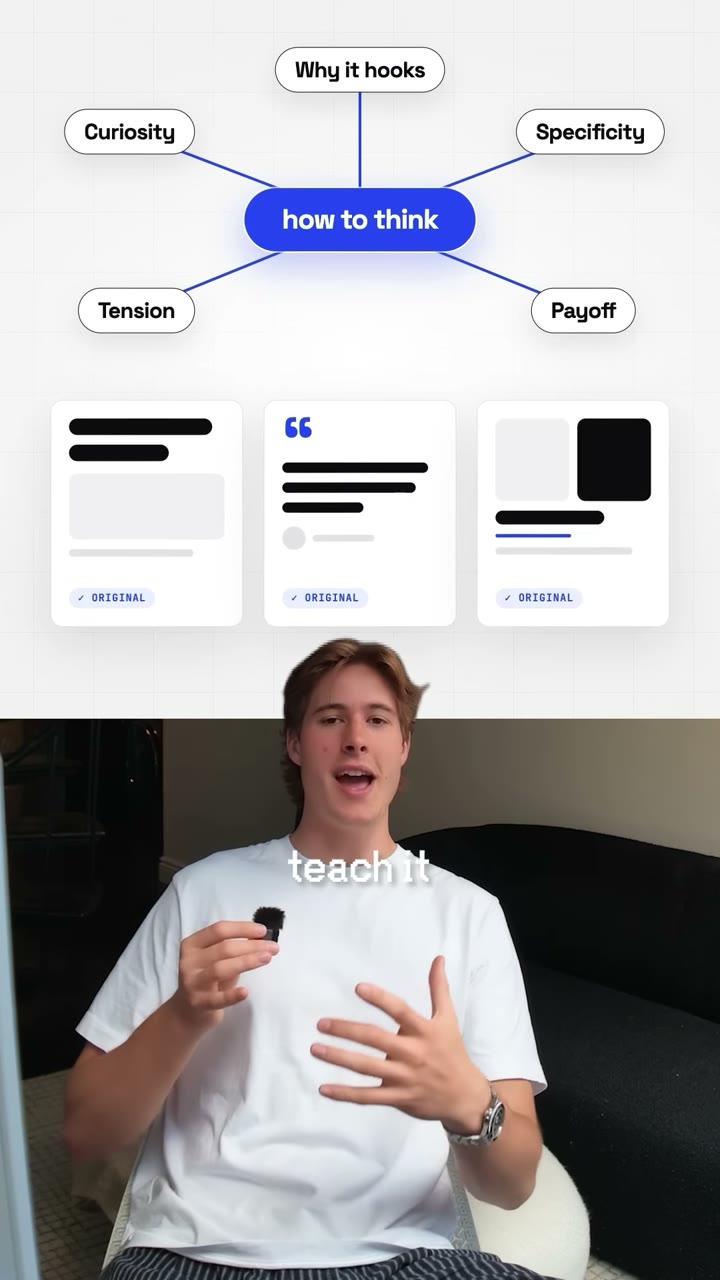
Whiteboard Reel: whiteboard videos with AI
A raw talking-head recording goes in, a vertical reel comes out where every idea you explain is drawn on a white board above you.
For sharing a tool, a method or a lesson to camera. When you explain something, a clean white board drops over the top of the frame and the idea draws itself on it: numbered steps, a tree, a mind map, a fan of cards revealed one by one, a title with a hand-drawn underline. Your results and the people you learned from pop up as cards, a series badge names your show, and the reel ends on a comment keyword. Pauses and earlier takes are cut out, lowercase captions run the whole way, and a light music bed and quiet sound effects are made for you.
By Moritz Kremb · Inspired by @aiwithremy
With FrameJam installed, paste this into your agent and replace the part in brackets with what the video is about and your files:
Make a video with the FrameJam playbook "Whiteboard Reel" (id: whiteboard-reel). Call get_playbook("whiteboard-reel") and follow it. [Add more context here]You bring
- Your raw recording of you explaining or sharing something to camera
- Optional: screenshots of the real things you mention (thumbnails, profiles, your analytics)
- Optional: your series name and the word people should comment to get your link
You get
A 30–60 s vertical reel with whiteboard diagrams, pop-up cards, captions, music and sound effects
What you need
- Reel template, starter scene and sound scripts
- Python 3, ffmpeg and Node
- Hyperframes
- Speech to textwhisper on your computer (free), ElevenLabs Scribe (paid), OpenAI (paid)
Works in your existing project, with the tool it already uses.
What your agent does
- Cut the pauses and keep the last take of every line
- Mark every explanation and pick a diagram for it
- Build each diagram so it draws itself as the words are said
- Add the badge, proof cards, captions, music and sound effects
- Review each version in FrameJam until it's right
Styles
Your style sets the board colours, accent and fonts.
Pick one in the Styles gallery.
Related playbooks
Also try edit Instagram Reels with AI, with serif titles and pop-ups, add B-roll to talking-head videos with AI or edit shorts with AI, with layouts that switch as you talk.
 Free to run
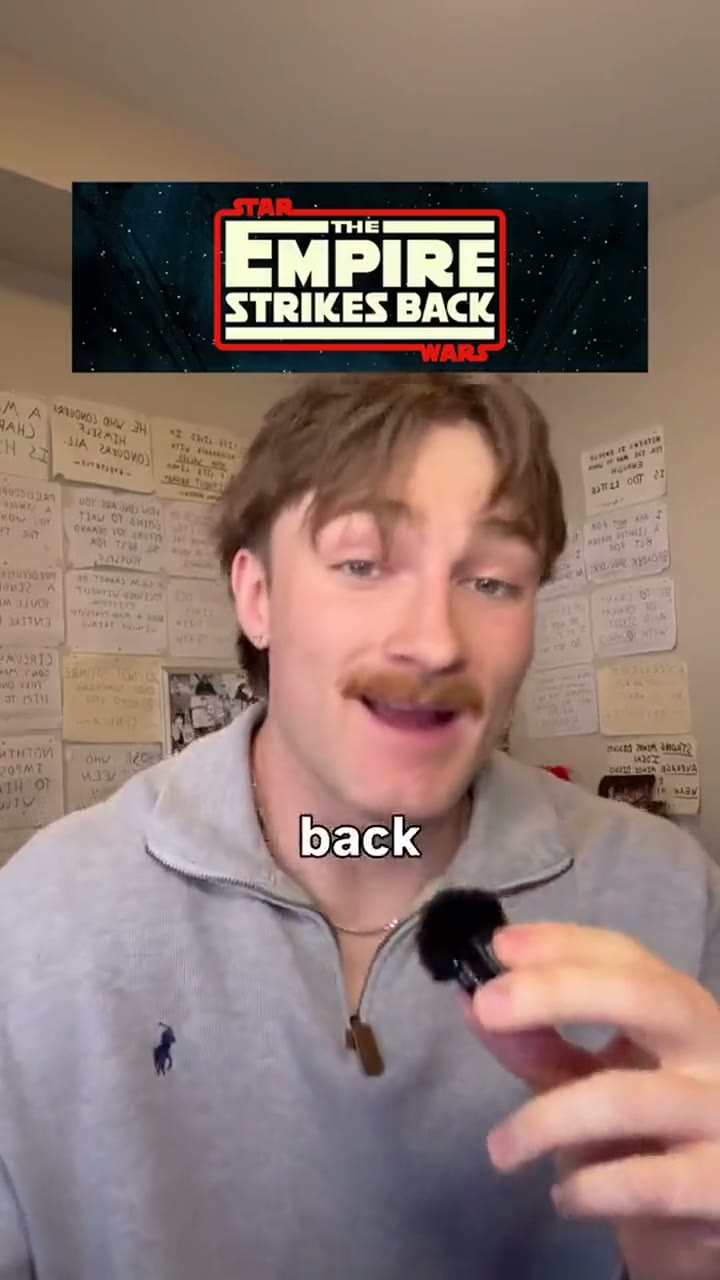
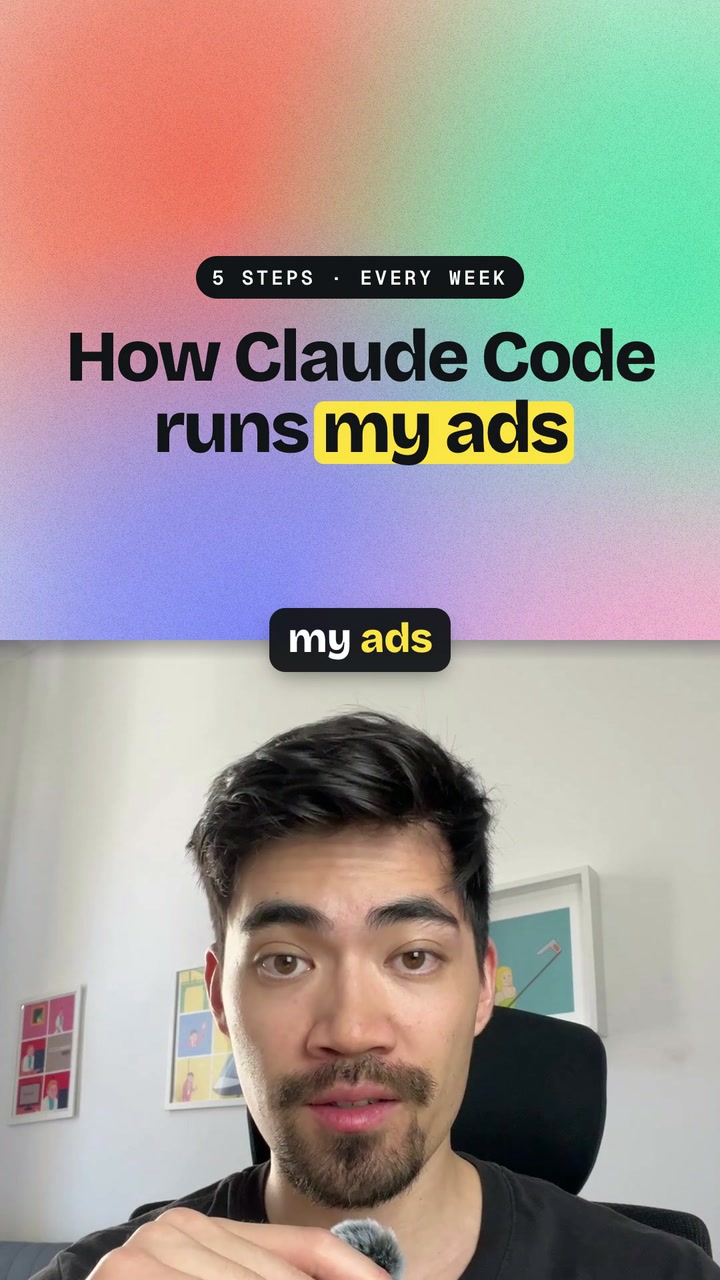
Style inspired by this reel from @justyn.ai.
 Free to run
 Free to run