
Mono Plex
Black on white, IBM Plex type, rows that fade up one at a time.
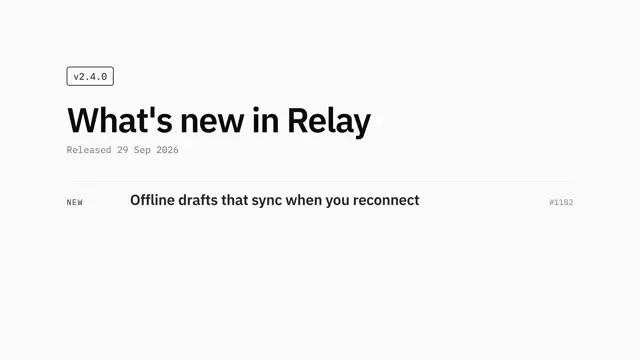
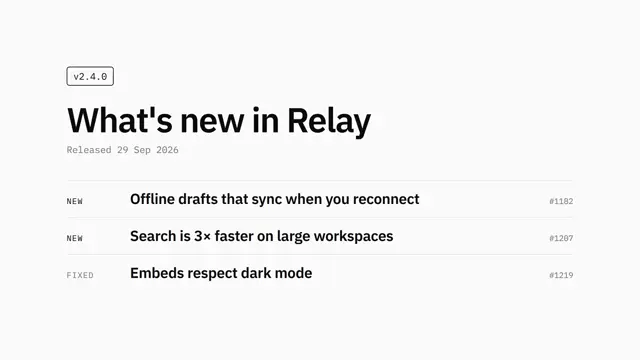
Calm, precise black-on-white look: IBM Plex Sans and Mono, thin grey rules, a strict left column, and rows that fade up one at a time, ending on a blinking caret. The preview is a release changelog with a version tag and numbered items.
Good for release notes, changelogs, version announcements and minimal developer updates. Let the type do the work in black, white and two greys, list at most four items per scene, each with a mono label and issue number, and fade them up one at a time.
With FrameJam installed, paste this into your agent and say what your video is about:
Use the look of the FrameJam style "mono-changelog" for my video, then open it for review. My video: Palette
Type
- Display
- IBM Plex Sans 600Title 104px, items 44px
- Mono
- IBM Plex Mono 400, 500Version tag, dates, kinds and issue numbers 24–30px
Motion
- Enter
- power2.out
- Exit
- power1.in
- Average shot
- 3.7s
Give each item half a second alone before the next one appears.
Transitions and text
- fade
- hard cut to end card
- fade-up list stagger (0.55s apart)
- rule lines fading in with their item
- blinking caret
The look your agent follows
- Look only: build the user's own subject in this visual language; don't reuse the example's scene.
- Only black, white and two greys (#737373, #e5e5e5). No colour accents, no shadows, no rounded shapes except one 8px outlined tag.
- Typography does the work: IBM Plex Sans for statements and titles, IBM Plex Mono for labels, dates and numbers, generous white space, a strict left-aligned column.
- Structure everything as a calm list: small outlined mono tag → plain title → mono meta line → items separated by 2px #e5e5e5 rules, each with an uppercase mono label on the left, a short sentence, and a mono number or detail right-aligned.
- Show the subject through these rows and, if needed, simple black line drawings or plain photos in hard rectangular frames, never decorative illustration.
- Items fade up (y 30, 0.5s power2.out) 0.55s apart, with their rule fading in alongside. At most 4 items per scene.
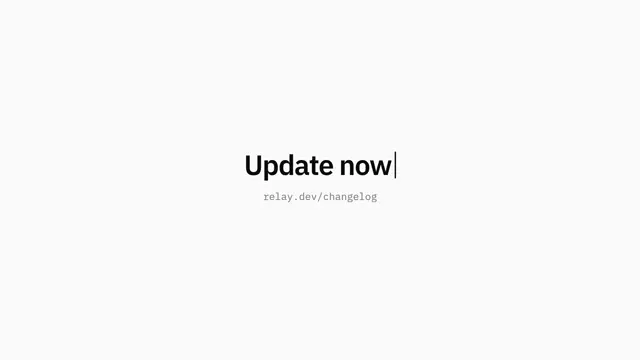
- Cuts are plain fades or a hard cut to a final card: one short imperative line with a blinking block caret and a grey mono URL.
- Avoid colour, gradients, icons, motion flourishes and anything louder than black on white.
The example
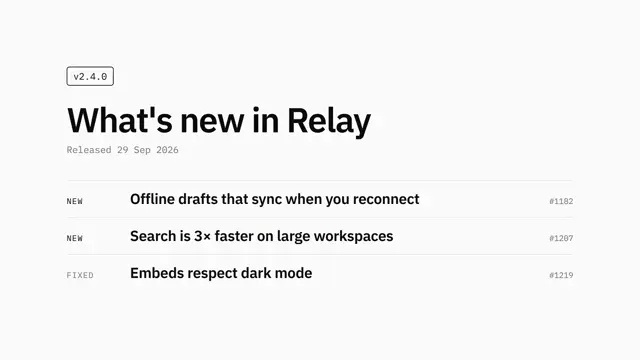
The preview is a product changelog: a version tag, a title, and NEW / FIXED / IMPROVED items with issue numbers, ending on a caret call to action. Your agent uses the look for your own subject, not this scene.
To make a video like this example, paste this into your agent:
Use the look of the FrameJam style "mono-changelog" for my video, then open it for review. My video: a 7.5-second changelog for a product release with a version tag, a title, and NEW, FIXED and IMPROVED items with issue numbers, ending on a blinking caret call to action.For your own video, use the prompt under Use this style and say what it's about. The custom styles docs show how to change the look or make your own. To pair Mono Plex with a playbook, a length and an aspect ratio, use the AI video prompt generator, or compare it with the other looks in the Remotion templates gallery.
Playbooks made for this style
Dynamic Layout Short has an example made in this style. A style sets the look; a playbook sets what you're making and how. Good matches: edit shorts with AI, with layouts that switch as you talk, make a SaaS launch video with AI or make a cartoon music video with AI.
 Free to run
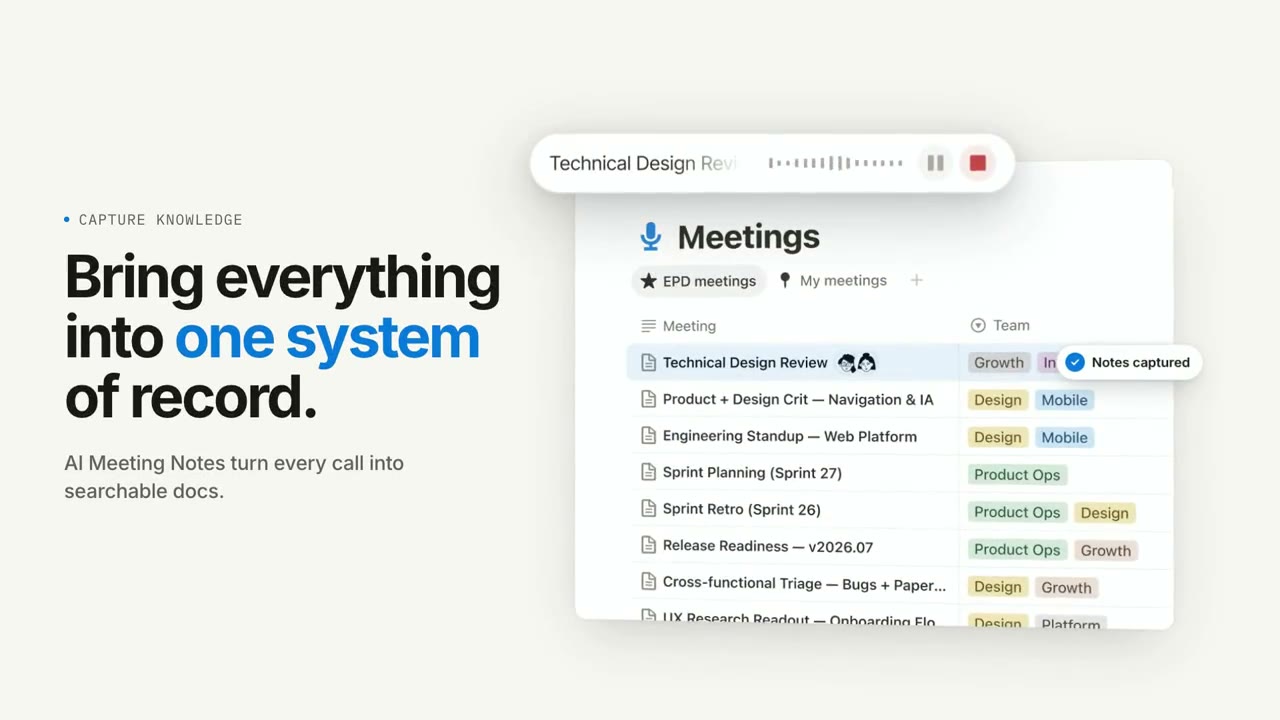 Free to run
 Needs 1 paid tool
Similar styles
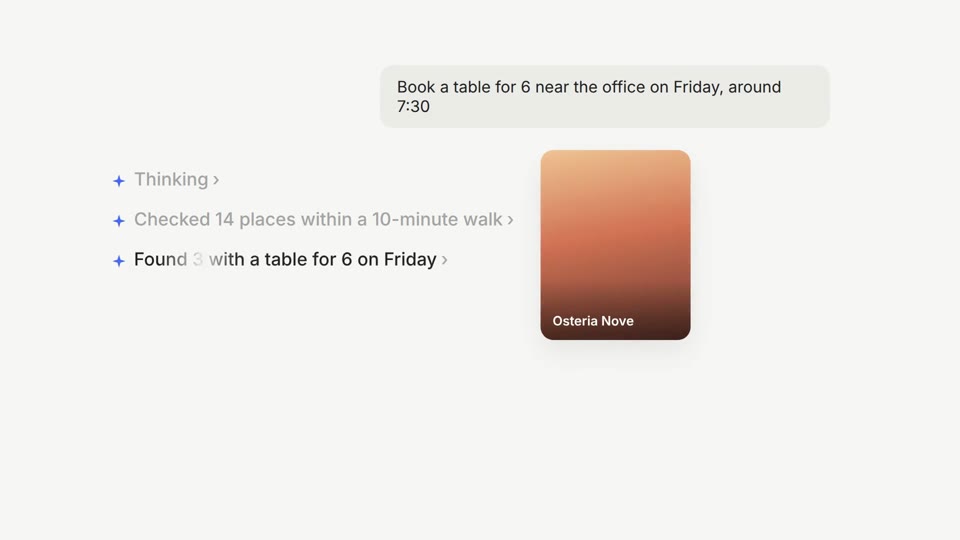 16:9 · Medium
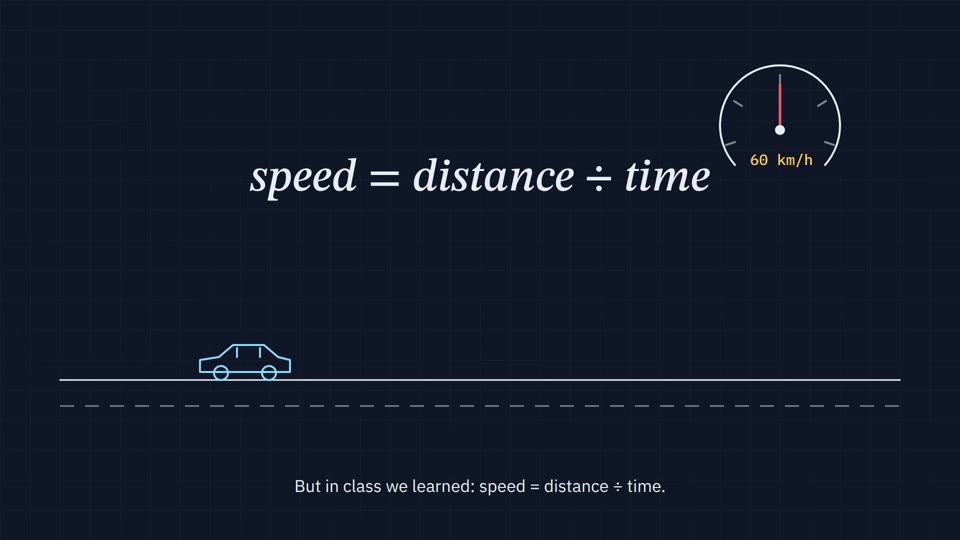 16:9 · Slow
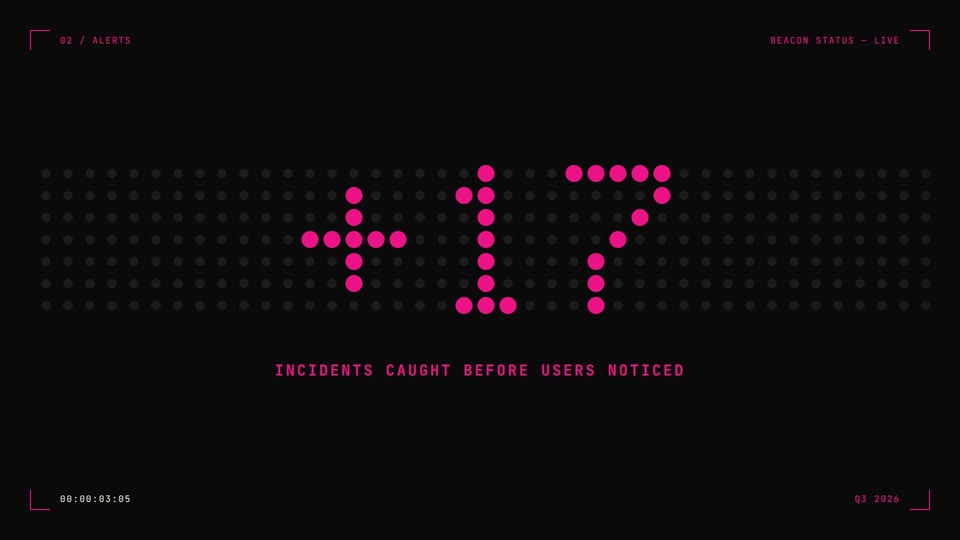 16:9 · Medium
 16:9 · Medium