
Blueprint
Thin line drawings on a navy grid, a needle that sweeps, a formula that writes itself and calm subtitles.
Calm line-drawing look: white and cyan line art draws itself on a navy blueprint grid, needles and dials settle into place, formulas write on in an italic serif, measurements appear in amber mono, and one subtitle line narrates at the bottom. The preview explains a car's speedometer.
Good for concept explainers, how-it-works videos, physics and math lessons. Keep each beat slow and let every drawing finish before the next subtitle, and color things by role: the subject in cyan, measurements in amber, needles and warnings in coral.
With FrameJam installed, paste this into your agent and say what your video is about:
Use the look of the FrameJam style "blueprint-explainer" for my video, then open it for review. My video: Palette
Type
- Display
- STIX Two Text 500, 500 italicFormulas 76–92px; variables in italic, operators upright
- Body
- IBM Plex Sans 400, 500Subtitles 34px; questions 64px muted
- Mono
- IBM Plex Mono 500Measurements and timers 30px in amber
Motion
- Draw
- power2.inOut
- Needle
- back.out(1.6)
- Move
- power2.out / none (constant speed when measuring)
- Subtitle
- power1.out
- Average shot
- 2.2s
Slow tempo, ~2.2s per beat with exactly one subtitle. Let drawings finish before the next line appears.
Transitions and text
- no cuts: elements draw on, fade up 20px or fade out in place
- subtitles crossfade (0.3s out, 0.4s in)
- formula writes on character by character (40ms)
- amber underline draws beneath the key line
- timer counts with the motion (0:00 → 2:00 h)
- needle wobbles gently to show an instantaneous value
The look your agent follows
- Look only: build the user's own subject in this visual language; don't reuse the example's scene.
- Navy #0f1626 with a faint 60px grid (1px lines in rgba(122,140,170,0.08)). Draw everything as 3–5px strokes with round caps; no fills except tiny hubs.
- Colour by role: the subject in cyan #7fd3ff, structure and axes in off-white #e8edf5, measurements in amber #ffc857, warnings and needles in coral #ff6b6b, secondary marks in muted #7a869c (dashed 28/22).
- Draw lines on with pathLength=1 and dashoffset 1→0 (power2.inOut); other elements fade up 20px or fade out in place. No cuts and no camera moves.
- Measure things visibly: drawn brackets, tick marks and amber IBM Plex Mono 500 readouts (30px) that count with the motion. When the motion itself is being measured, move at constant speed (ease none); dials and needles settle with back.out(1.6) and a small wobble.
- Formulas in STIX Two Text 500, 76–92px: italic variables, upright operators, written on letter by letter (~40ms) with an amber underline drawn beneath the key term.
- Keep exactly one plain-language subtitle at the bottom (IBM Plex Sans, 34px), phrased as a narrator would say it; crossfade between them (0.3s out, 0.4s in). Questions sit at 64px in muted.
- Slow tempo, ~2.2s per beat; let each drawing finish before the next line appears. Answers and key results land in amber italic.
- Avoid filled shapes, photos, gradients, glow and fast cuts.
The example
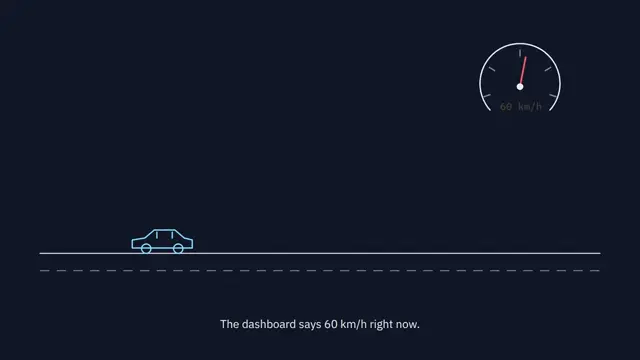
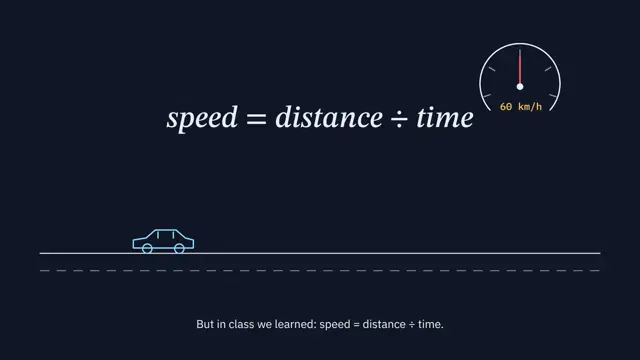
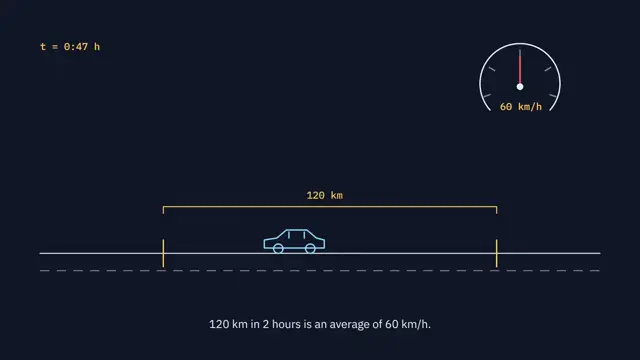
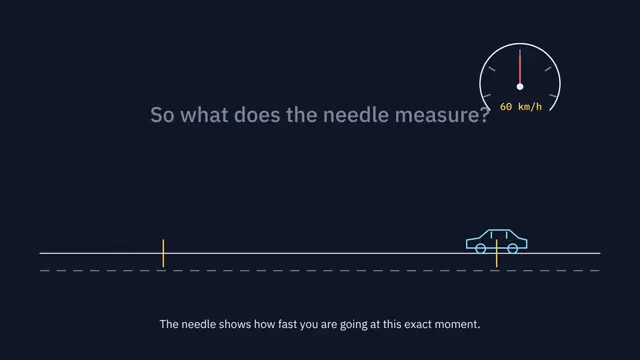
The preview explains a car's speedometer: a line-drawn car on a road, a gauge needle at 60 km/h, the formula 120 km ÷ 2 h = 60 km/h, and the answer that the needle shows speed at one instant. Your agent uses the look for your own subject, not this scene.
To make a video like this example, paste this into your agent:
Use the look of the FrameJam style "blueprint-explainer" for my video, then open it for review. My video: a 9-second explainer of how a car's speedometer shows speed at one instant.For your own video, use the prompt under Use this style and say what it's about. The custom styles docs show how to change the look or make your own. To pair Blueprint with a playbook, a length and an aspect ratio, use the AI video prompt generator, or compare it with the other looks in the Remotion templates gallery.
Playbooks made for this style
Math Animation has an example made in this style. A style sets the look; a playbook sets what you're making and how. Good matches: make a 3Blue1Brown math animation with AI, make a 15-second launch teaser video with AI or make a SaaS launch video with AI.
 Free to run
 Free to run
 Free to run
Similar styles
 16:9 · Medium
 16:9 · Medium
 16:9 · Slow
 16:9 · Medium