
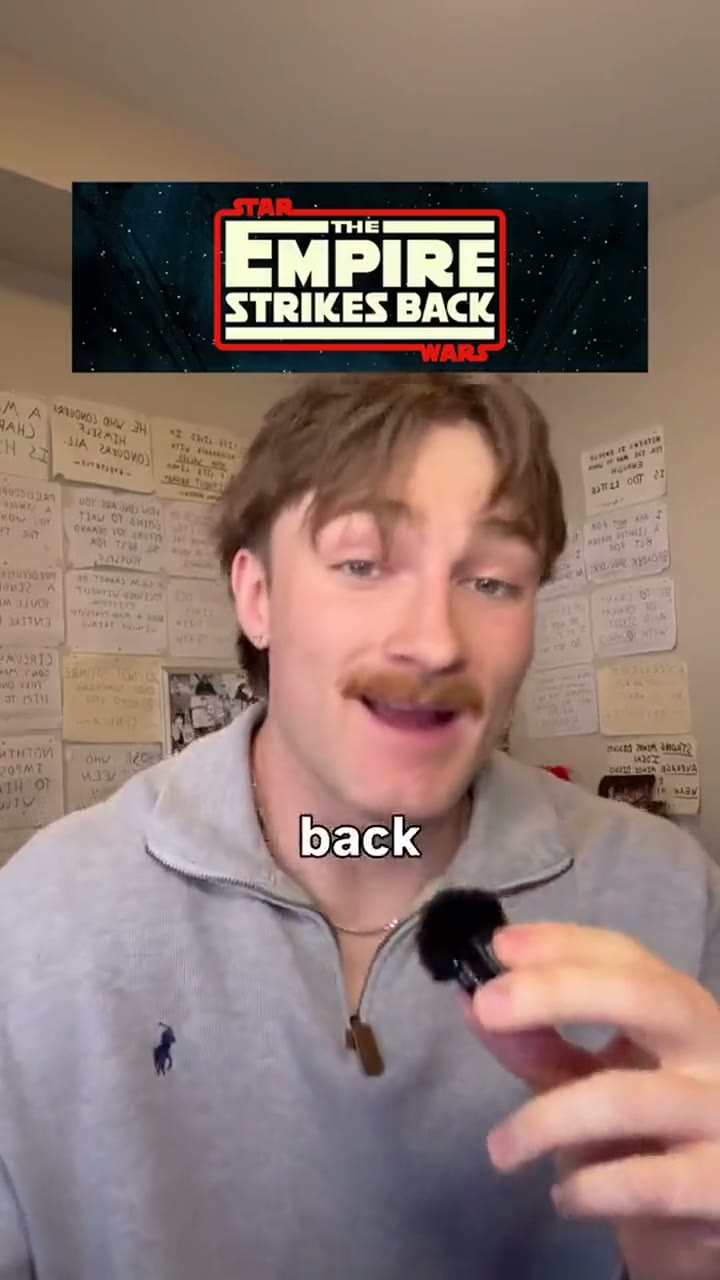
Anchor and Overlay Reel: add B-roll to talking-head video
A talking-head recording goes in, a vertical reel where you stay on screen and a picture pops up for every thing you name comes out.
You stay full-frame the whole time, and small pictures pop in over the top of the screen for each thing you say: a product, a number, a place. One-word captions follow your voice, the odd big word lands in the middle, numbered labels and little asides sit at the top, and something changes about every second. Pauses and earlier takes are cut out, and the music turns up at the pivot.
By Moritz Kremb · Inspired by @nolan_killeen
With FrameJam installed, paste this into your agent and replace the part in brackets with what the video is about and your files:
Make a video with the FrameJam playbook "Anchor and Overlay Reel" (id: anchor-overlay). Call get_playbook("anchor-overlay") and follow it. [Add more context here]You bring
- Your raw recording of you talking to camera, shot vertically or with room to crop to 9:16
- Screenshots, product photos or short clips of the things you talk about (or let the agent find public ones)
- Optional: a music track you may use (the playbook makes a simple one otherwise)
You get
A 30–90 s vertical reel with you always on screen, a picture for every named thing, one-word captions, punch-ins and music
What you need
- Render and check scripts, example plan and fonts
- Python 3 with NumPy and Pillow, and ffmpeg
- Speech to textwhisper on your computer (free), ElevenLabs Scribe (paid), OpenAI (paid)
Works in your existing project, with the tool it already uses.
What your agent does
- Cut the pauses and keep the last take of every line
- Mark every thing you name and pick a picture for it
- Write the plan and check it before rendering
- Make captions and music, then render with ffmpeg
- Check the render, then review each version in FrameJam until it's right
Styles
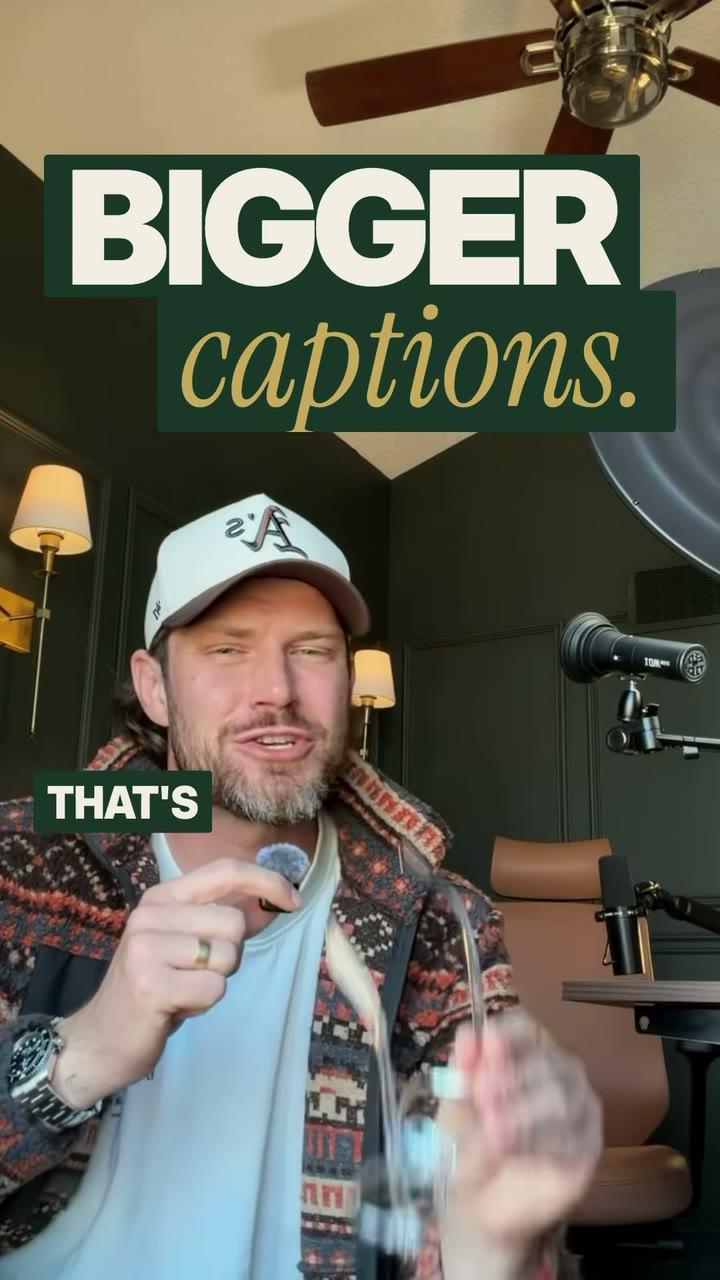
Your style sets the caption, big-word and label fonts and colours, and a border round the pictures.
Pick one in the Styles gallery.
How it works
Add B-roll to a talking-head video without ever cutting away from you. Your agent keeps you full frame the whole time and pops a picture in over the shot for every thing you name: a place, a product, a person, a number.
Bring the raw recording of you talking to camera, plus photos, screenshots or short clips of the things you talk about. Your agent transcribes it for free on your computer, cuts the pauses and keeps the last take of every line.
Then it goes through what you said and marks every thing a picture could show. Each one gets a picture that appears on the first frame of its word and leaves on a hard cut. Small ones sit above your head so your face stays in view; big ones cover the middle but always leave the edges of your shot showing. Your own media comes first. Where a picture is missing, it uses a public screenshot or map, or a punch-in or a big word instead, and never fakes a photo or a result.
Captions show one word at a time in your own words at chest height. The odd big word lands on a claim that matters, numbered labels mark each point if you list things, and something changes about every second. A music bed made on your computer stays quiet until the turn in your story, then lifts.
Everything is rendered with ffmpeg on your computer, with no browser or Node. Before rendering, a script checks the plan: that you stay visible, that each picture lands on its word, that the rhythm holds and that nothing sits under the app's buttons. A second script checks the finished video.
Your agent opens the draft in FrameJam. Click the frame where a picture is wrong or late, and it makes the next version.
The example
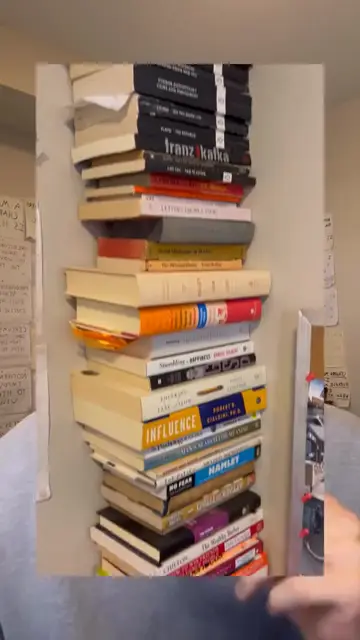
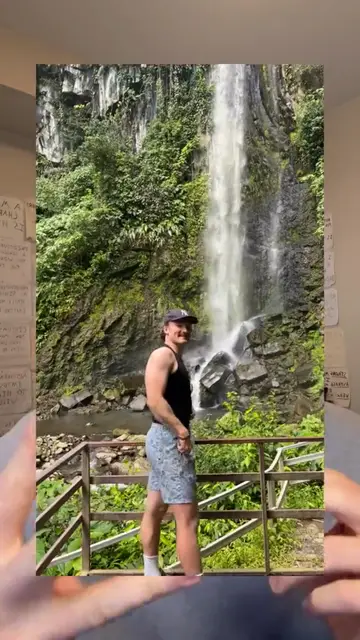
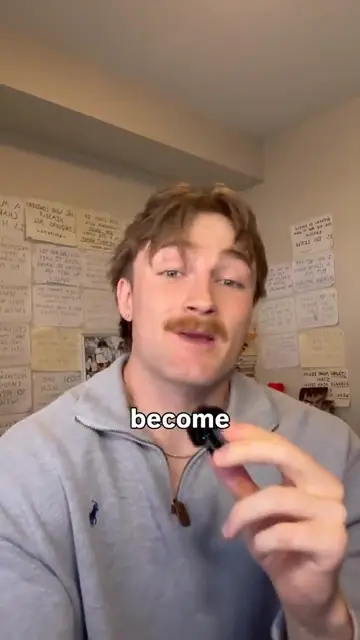
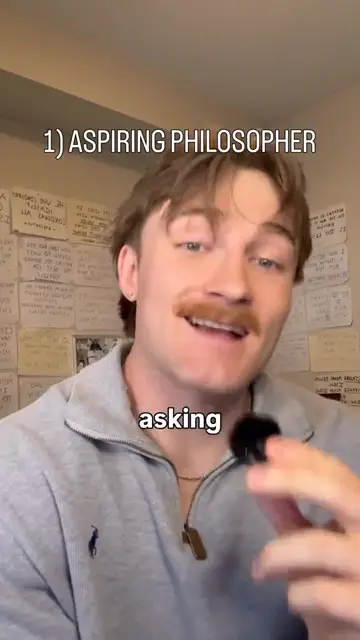
The example is a 10-second clip of the original Instagram reel by @nolan_killeen that this playbook's format comes from. It wasn't made with FrameJam. It shows every layer the playbook builds: the speaker full frame throughout, a small picture above the head, large pictures over the middle with the edges of the shot still showing, one-word captions, big words and a numbered label. The stills show a stack of books and a waterfall photo over the speaker, a bare stretch with a caption, and the first numbered label.
Example prompts
With FrameJam installed, paste one of these into Claude, ChatGPT or Cursor and change the details to yours.
From a phone recording and your photos
Use the Anchor and Overlay Reel playbook on ~/Downloads/my-story.mov. My photos are in ~/Pictures/reel/, one for each place and thing I mention.Without pictures yet
Make an Anchor and Overlay Reel from ~/Videos/intro-take.mp4. Use public screenshots and maps where I don't have a picture, and tell me which photos of mine would help most.With your own music and look
Edit ~/Downloads/reel-raw.mov with the Anchor and Overlay Reel playbook in the Pop Zine style. Use ~/Music/track.mp3 and have it lift when I get to my list.Questions
How is this different from the Dynamic Layout Short and the Editorial Reel?
The Dynamic Layout Short switches between split screens and cut-outs, and the Editorial Reel adds designed motion graphics. This playbook never changes the layout: you stay full frame, and plain pictures of what you mention pop in over you with hard cuts.
What do I need to add B-roll to a talking-head video with this playbook?
Python 3 with NumPy and Pillow, and ffmpeg, on your computer. The render, caption, music and check scripts, an example plan and the fonts come with the playbook. Transcription runs free with whisper.
What if I don't have a picture for everything I say?
Your agent can use public screenshots and maps, and gives the rest of those moments a punch-in or a big word. It never makes up a personal photo, a product screen or a result, and it lists the photos that would help most, so you can send them for the next version.
Do I need music?
No. A script makes a simple music bed on your computer that lifts at the turn in your story, so there's nothing to license. If you have your own track, your agent uses it instead, or leaves music out if you ask.
Does it work for TikTok and YouTube Shorts too?
Yes. It's a 9:16 video at 1080x1920, usually 30 to 90 seconds. Captions, labels and pictures stay clear of where each app puts its buttons.
Related playbooks
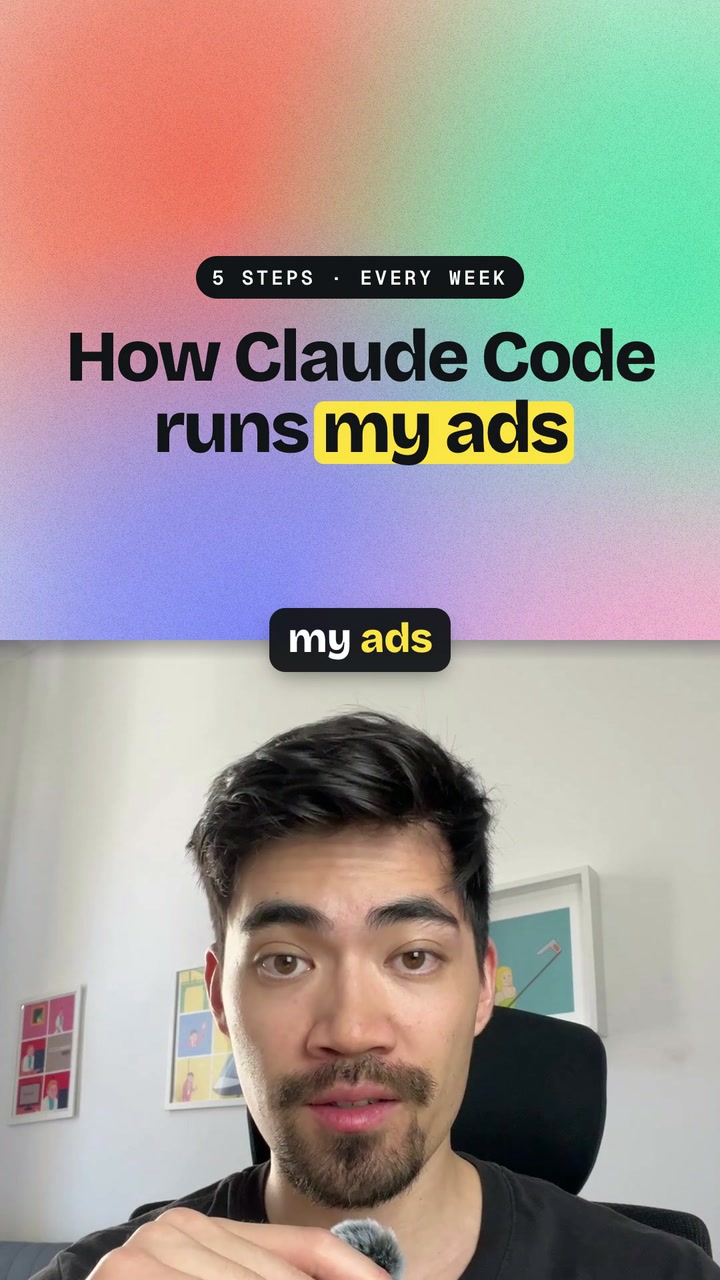
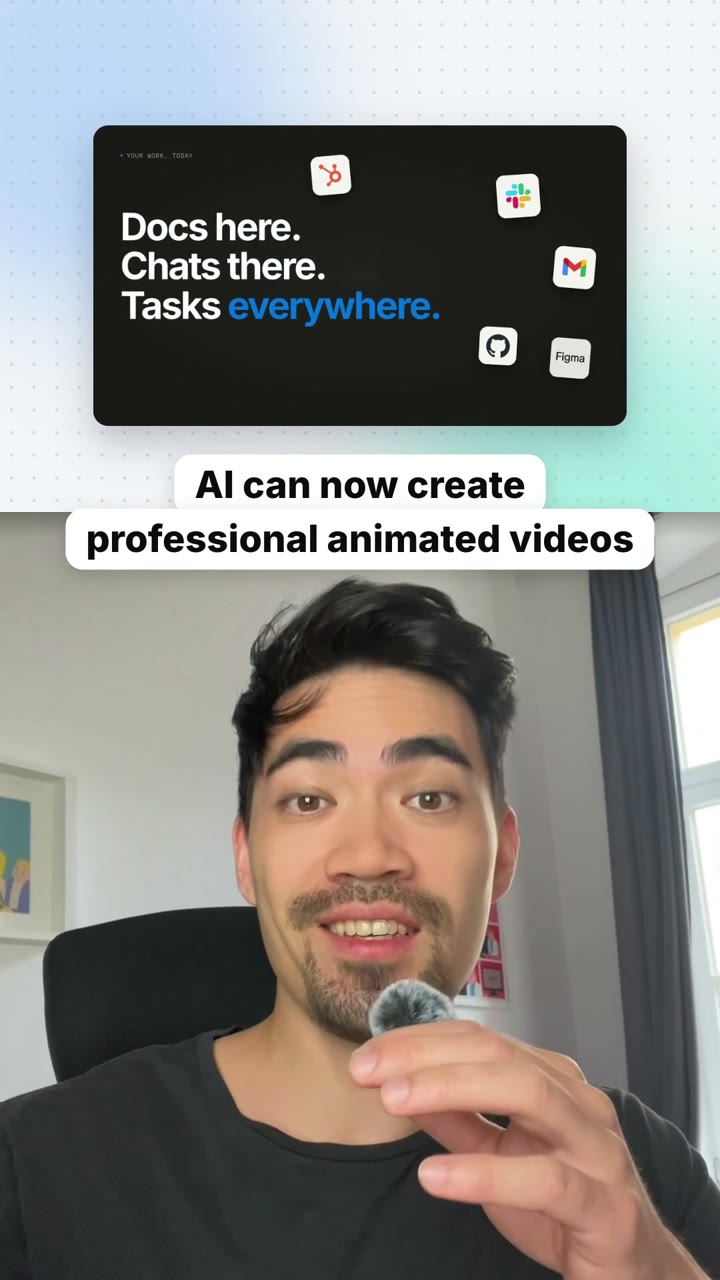
Also try edit shorts with AI, with layouts that switch as you talk, edit Instagram Reels with AI, with serif titles and pop-ups or make YouTube Shorts with AI from talking-head clips.
 Free to run
 Free to run
Style inspired by this reel from @justyn.ai.
 Free to run