
Cream Serif
Warm cream, a chunky serif with one coral italic word, soft paper cards and a highlighter sweep.
Friendly editorial look: warm cream, a big Fraunces headline that de-blurs with one coral italic word, soft paper cards with a warm shadow, a coral highlighter sweep, and a tilted coral number that slams in. The preview is a developer-tool launch: a question, a search demo, a before-and-after comparison and a logo with an install command.
Good for developer tool launches, before-and-after comparisons, product updates and friendly pitch openers. Put exactly one coral italic word in each big serif headline, show the product doing one concrete thing, and prove the claim with a single before-and-after number.
With FrameJam installed, paste this into your agent and say what your video is about:
Use the look of the FrameJam style "cream-serif-launch" for my video, then open it for review. My video: Palette
Type
- Display
- Fraunces 800, 700 italicHeadlines 76–150px tracking -0.02em; one coral italic word per line; stat 260px
- Body
- Inter 400, 500, 600UI text 24–34px, labels 32px, notes 28px muted
- Mono
- JetBrains Mono 500File paths and the install pill, 26–30px
Motion
- Deblur
- power3.out
- Card
- expo.out
- Bars
- expo.out
- Stat
- back.out(2.2)
- Highlight
- power2.inOut
- Average shot
- 2s
Beats of ~2s with hard cuts; headlines resolve from blur in under a second.
Transitions and text
- hard cut between scenes; the next headline rises 30px
- headlines and logos resolve from blur (8–26px) instead of fading
- headline de-blurs from blur(26px) + scale 1.08
- input text types character by character with a coral caret
- result rows rise in sequence, the first gets a coral-tint highlighter sweep
- stat slams in tilted -8° from scale 1.7; the old value is struck through
The look your agent follows
- Look only: build the user's own subject in this visual language; don't reuse the example's scene.
- Cream ground #f3ede2 with a soft radial lightening (#f8f3ea centre → #ebe3d4 edge). Surfaces are #fffaf2 with 26px radius, a #e2d9c9 hairline and a warm low shadow (0 30px 80px rgba(90,60,30,0.14)). Ink #1d1b18, muted #8f877b. No pure white or black backgrounds.
- Headlines in Fraunces 800, 76–150px, tracking -0.02em; exactly one word per headline in coral #ec5b3c Fraunces 700 italic.
- Titles, logos and big words resolve from blur (blur 8–26px and scale 1.08 → sharp, power3.out, ~0.6–0.95s) instead of fading; after a hard cut the next headline rises 30px.
- Show the subject doing one concrete thing rather than abstract decoration: e.g. input typing with a coral caret, results rising in sequence, the key one swept by a coral-tint #fbe3d9 highlighter (power2.inOut).
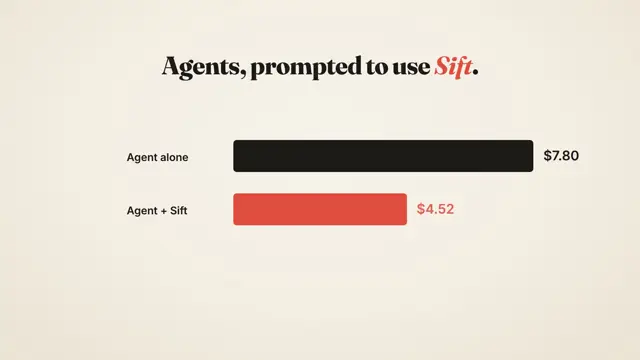
- Prove a claim with one number: a before/after bar pair (ink vs coral, expo.out) and a big coral figure (~260px) that slams in tilted -8° from scale 1.7 with back.out(2.2) while the old value is struck through. Add a small muted note saying what was measured.
- Inter 400–600 for UI text (24–34px); JetBrains Mono 500 (26–30px) for code, paths or commands, set in a dark #1d1b18 pill with cream text.
- Beats of ~2s with hard cuts. A closing line can split in two, with the second half in coral italic.
- Avoid cold greys, neon, heavy gradients and more than one italic word per headline.
The example
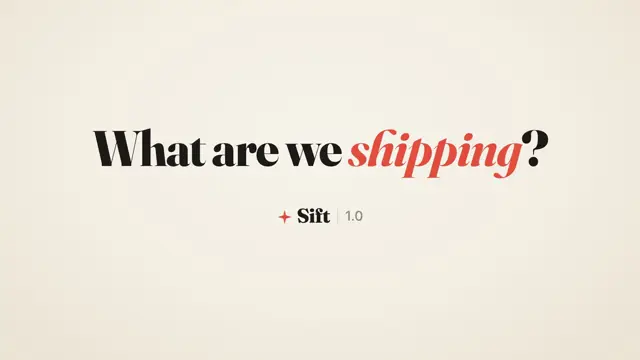
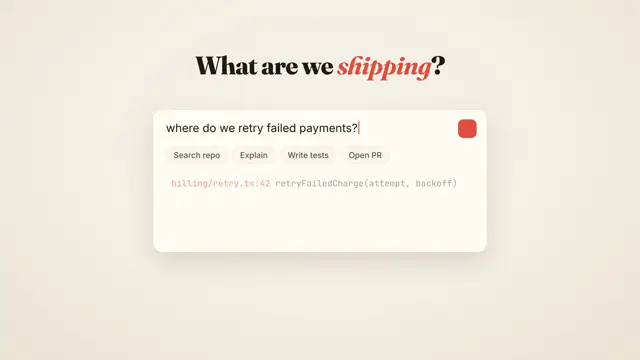
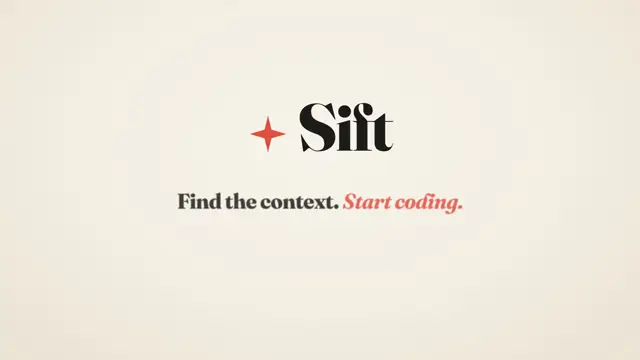
The preview asks 'What are we shipping?', then a search card types a query and finds code files, two bars compare cost before and after with a coral −42%, and it ends on a logo with an install command. Your agent uses the look for your own subject, not this scene.
To make a video like this example, paste this into your agent:
Use the look of the FrameJam style "cream-serif-launch" for my video, then open it for review. My video: an 8-second launch for a developer tool that opens on a question, shows a search finding code files, compares cost before and after, and ends on the logo with an install command.For your own video, use the prompt under Use this style and say what it's about. The custom styles docs show how to change the look or make your own. To pair Cream Serif with a playbook, a length and an aspect ratio, use the AI video prompt generator, or compare it with the other looks in the Remotion templates gallery.
Playbooks to use Cream Serif with
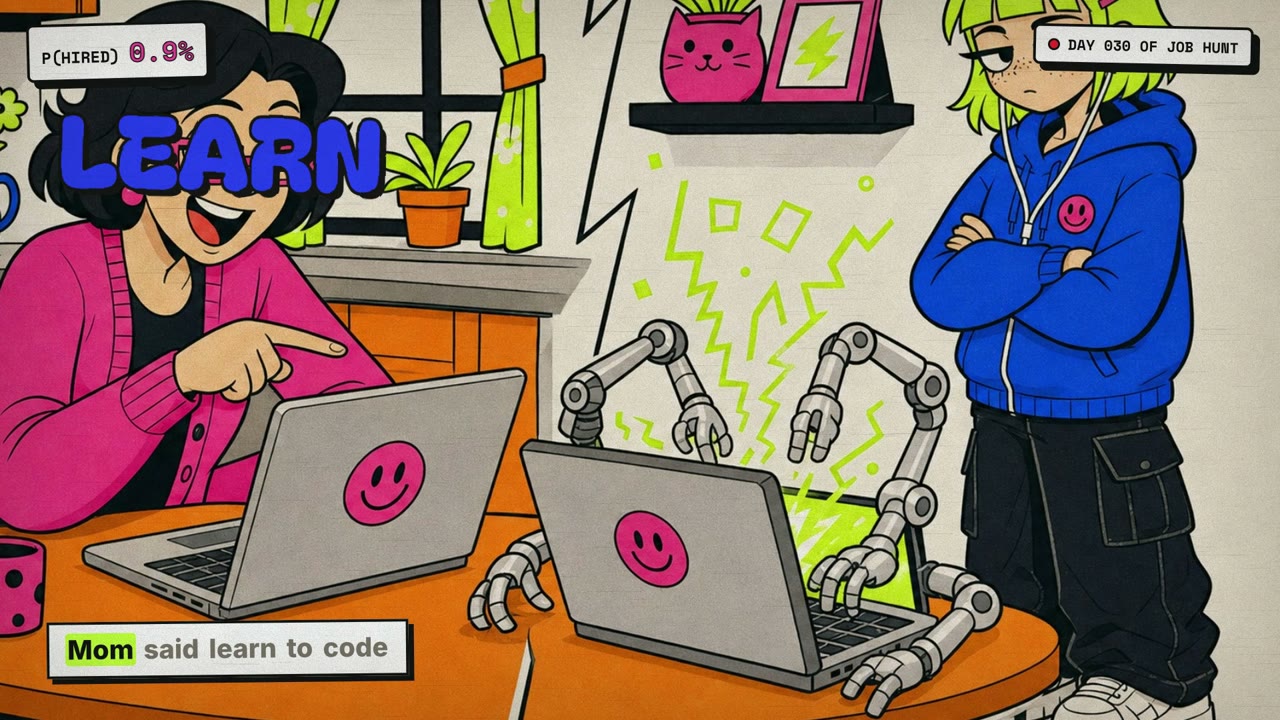
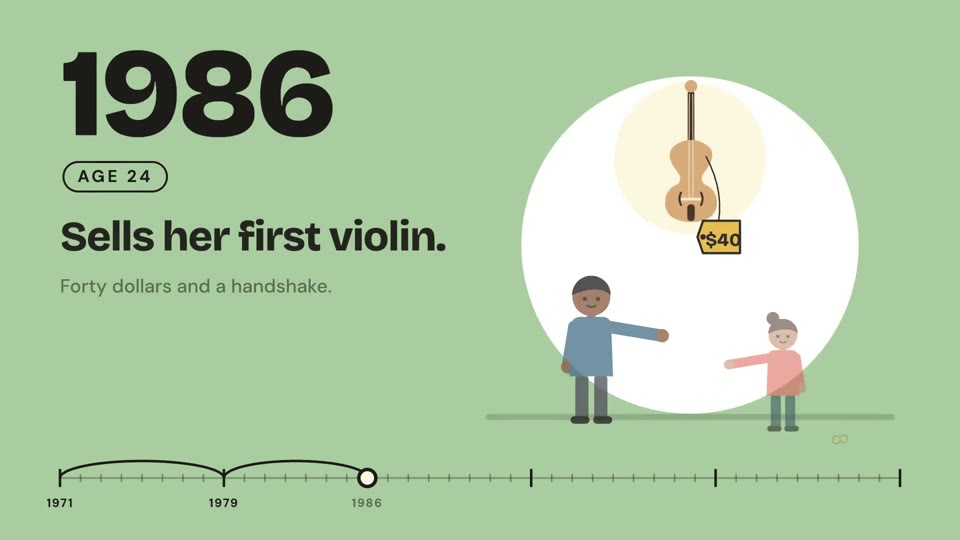
A style sets the look; a playbook sets what you're making and how. Good matches: make a cartoon music video with AI, make a meme music video with AI or make an animated timeline video with AI.
 Needs 1 paid tool
 Needs 2 paid tools
 Free to run
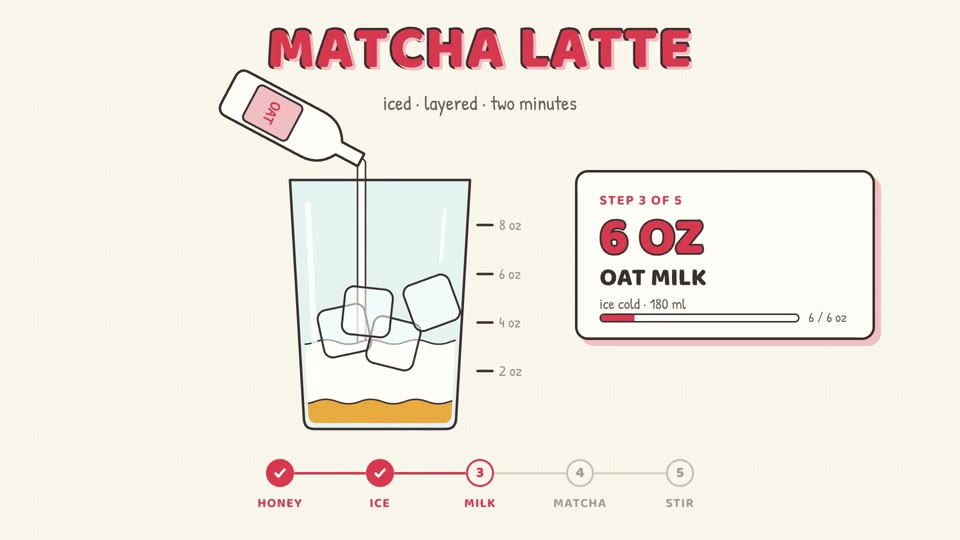
Similar styles
 16:9 · Medium
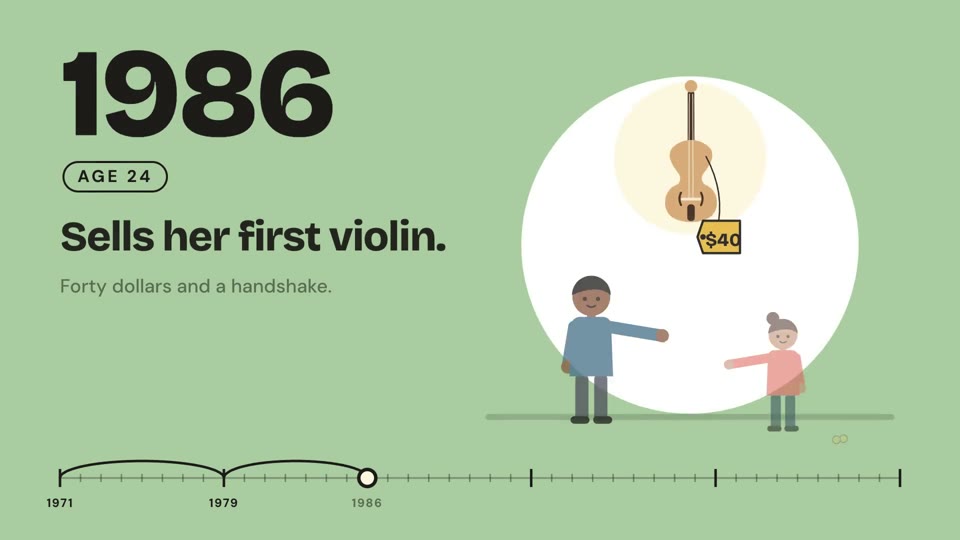 16:9 · Medium
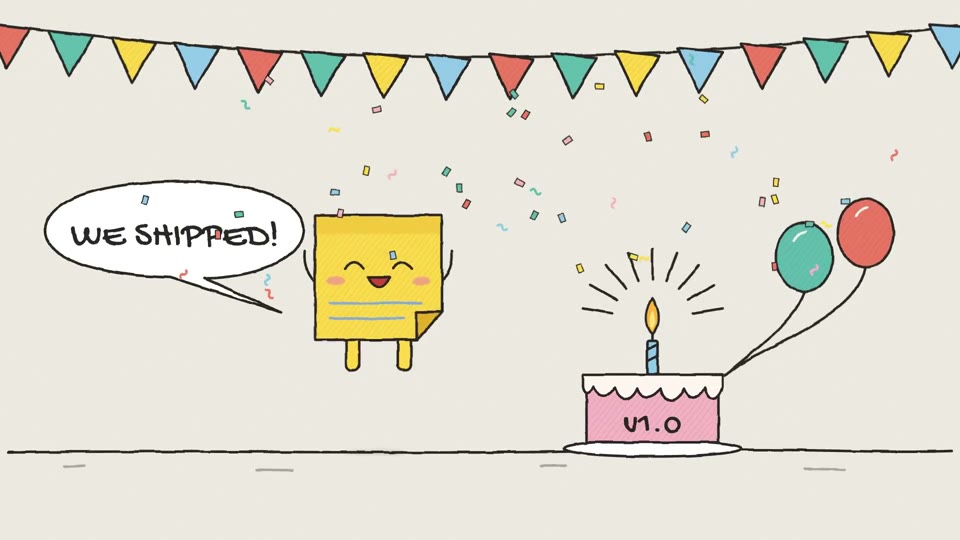 16:9 · Medium
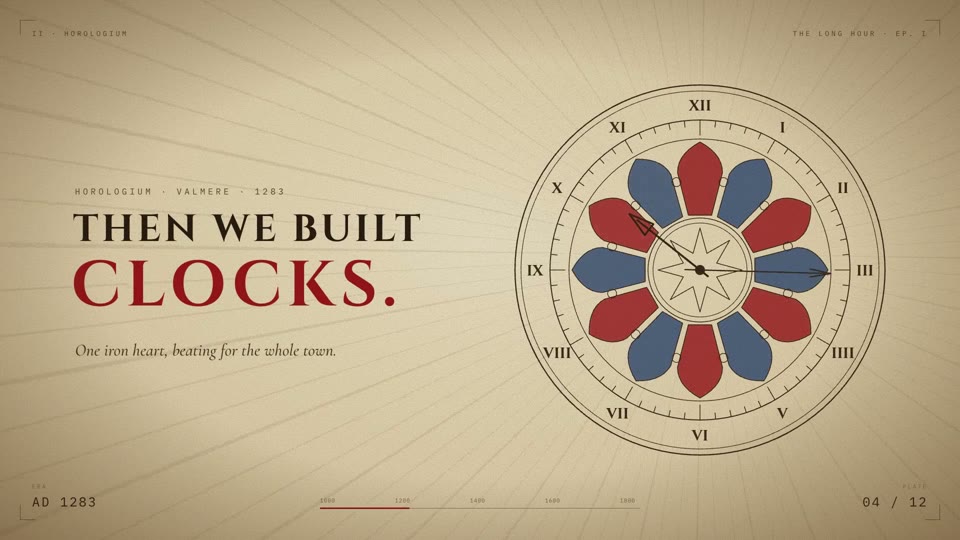 16:9 · Slow