
Color Wipe
A new solid colour wipes in for every beat, with a huge number and springy flat-vector shapes.
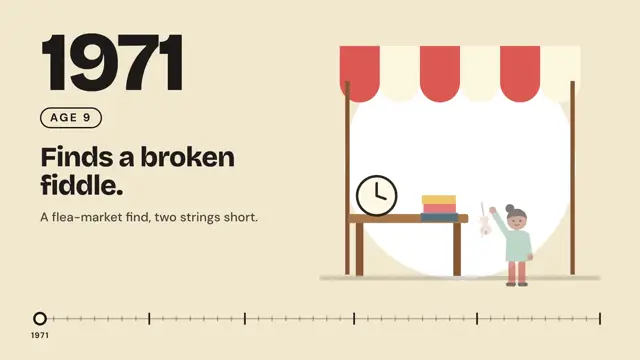
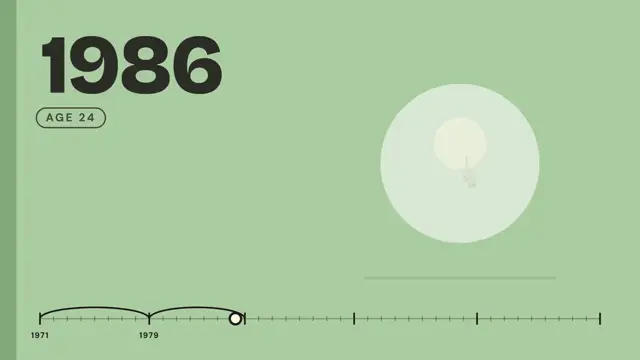
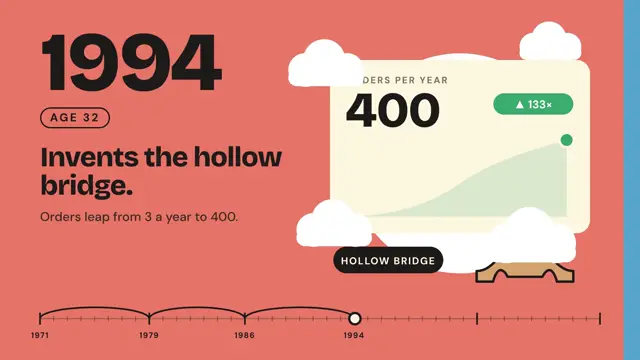
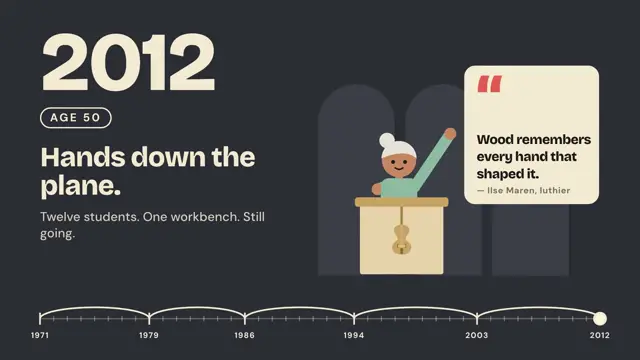
Flat-vector look: a new solid colour wipes in for every beat, a huge number and a short bold headline sit beside a springy illustration built from circles, rectangles and simple people, and a thin progress bar can advance along the bottom. The preview tells one person's life milestone by milestone.
Good for biographies, company history timelines, founder stories and year-by-year recaps. Give every milestone its own solid color that wipes in, put a huge year and a short headline on the left, and pop a flat illustration of that moment on the right.
With FrameJam installed, paste this into your agent and say what your video is about:
Use the look of the FrameJam style "life-timeline" for my video, then open it for review. My video: Palette
Type
- Display
- Bricolage Grotesque 800Year at 250px with -0.04em tracking, headlines 84px, line-height 1.02, max three lines
- Body
- DM Sans 500, 700Captions 38px at 500, AGE pill and bar labels 24–34px at 700 with 0.16em tracking
Motion
- Wipe
- power3.inOut
- Spring
- back.out(1.8)
- TextIn
- expo.out
- Marker
- power3.inOut
- Average shot
- 1.15s
Beats of ~1.15s. Every beat: the wipe, the text cascade, the illustration spring, then one small secondary motion (a plane sliding, a chart line drawing, a ticket swaying).
Transitions and text
- solid background colour wipes in from the right in 0.42s, led by a darker band 0.08s ahead
- the previous scene is hidden only after the wipe covers it
- progress marker travels to the next point in the same 0.6s while an arc draws behind it
- big number rises 80px with expo.out, 0.45s, 0.3s after the wipe starts
- label pill slides in from the left with back.out(2)
- headline then caption rise 40px then 24px, staggered 0.12s
- illustration parts pop from scale 0.15 at the base (transform-origin 50% 100%) with back.out(1.8), 0.06s stagger
The look your agent follows
- Look only: build the user's own subject in this visual language; don't reuse the example's scene.
- Each beat gets its own solid colour field: cream #f3e8cd, mustard #eab43a, sage #a8c69f, coral #f07d66, sky #80c4ea, charcoal #2a2d33; black #0b0b0c for openers. Flat fills only.
- Transition by wipe: a darker band leads, then the next colour, x 1920→0 in 0.42s power3.inOut; keep the old scene underneath until the wipe finishes. Never crossfade.
- Layout: text column on the left (a huge number or year in Bricolage Grotesque 800 ~250px, an outlined label pill in DM Sans 700 34px with 0.16em tracking, an 84px headline of at most three lines, one 38px caption), one flat illustration on the right (~840×780).
- Illustrate the subject from circles, rects and simple paths, no strokes except tiny details; people are a head circle, rounded torso, two leg bars and line arms.
- Motion is springy: illustration parts pop from scale 0.15 at their base (transform-origin 50% 100%) with back.out(1.8), 0.06s stagger; the big number rises 80px with expo.out 0.3s after the wipe starts; headline then caption rise 40px then 24px.
- Optional motif: a thin progress bar along the bottom (4px line, ticks, a circle marker and linking arcs) that advances in the same 0.6s as each wipe.
- Keep beats short (~1.15s) and copy specific: numbers, counts, headlines under six words. Avoid gradients, shadows and photo textures.
The example
The preview is a biography: one person's milestones by year, each on a new colour with an age label and a flat illustration, along a year bar, ending on a quote card. Your agent uses the look for your own subject, not this scene.
To make a video like this example, paste this into your agent:
Use the look of the FrameJam style "life-timeline" for my video, then open it for review. My video: a 9-second biography of one person's life, milestone by milestone, each year on a new color with an age label and a flat illustration, ending on a quote card.For your own video, use the prompt under Use this style and say what it's about. The custom styles docs show how to change the look or make your own. To pair Color Wipe with a playbook, a length and an aspect ratio, use the AI video prompt generator, or compare it with the other looks in the Remotion templates gallery.
Playbooks to use Color Wipe with
A style sets the look; a playbook sets what you're making and how. Good matches: make a SaaS launch video with AI, make a cartoon music video with AI or make a meme music video with AI.
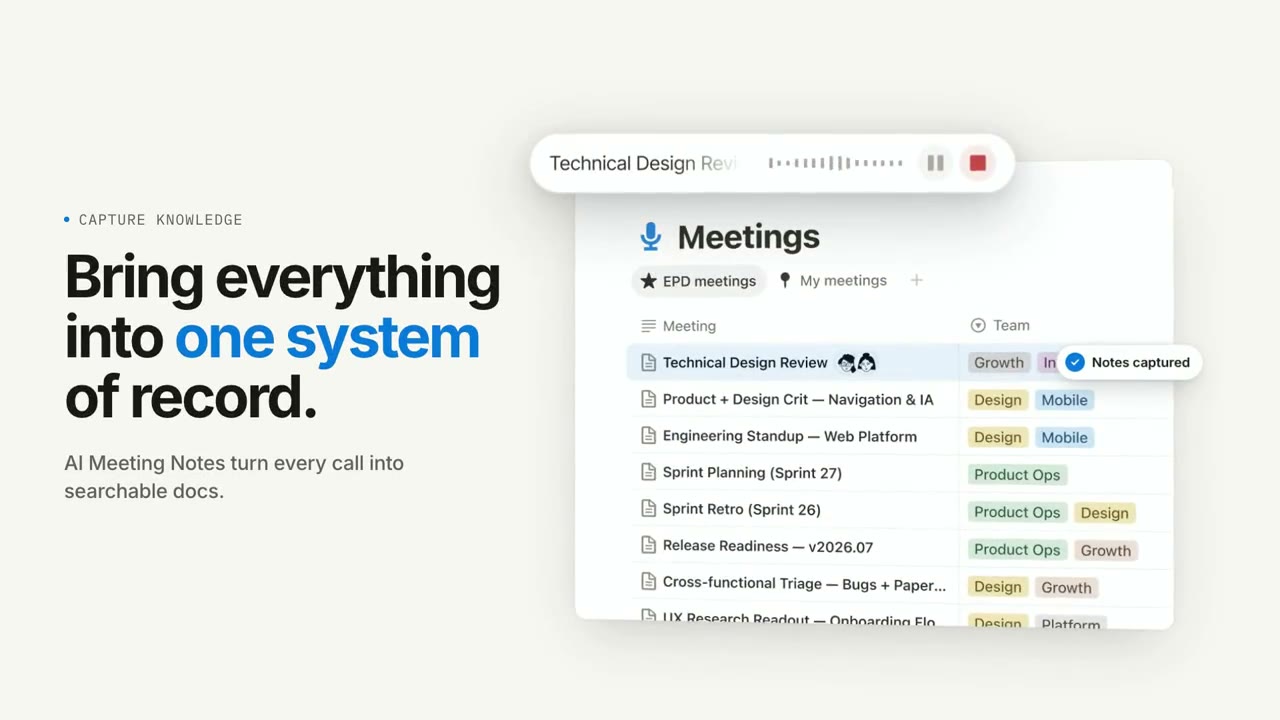 Free to run
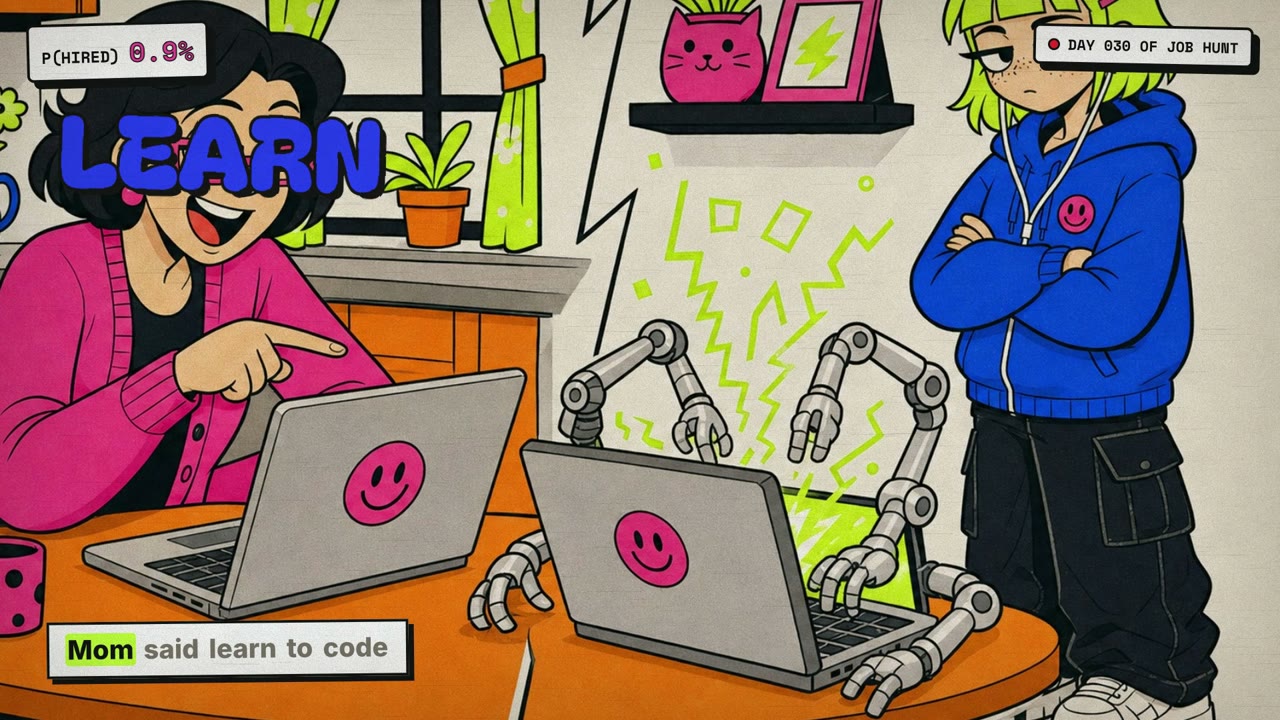 Needs 1 paid tool
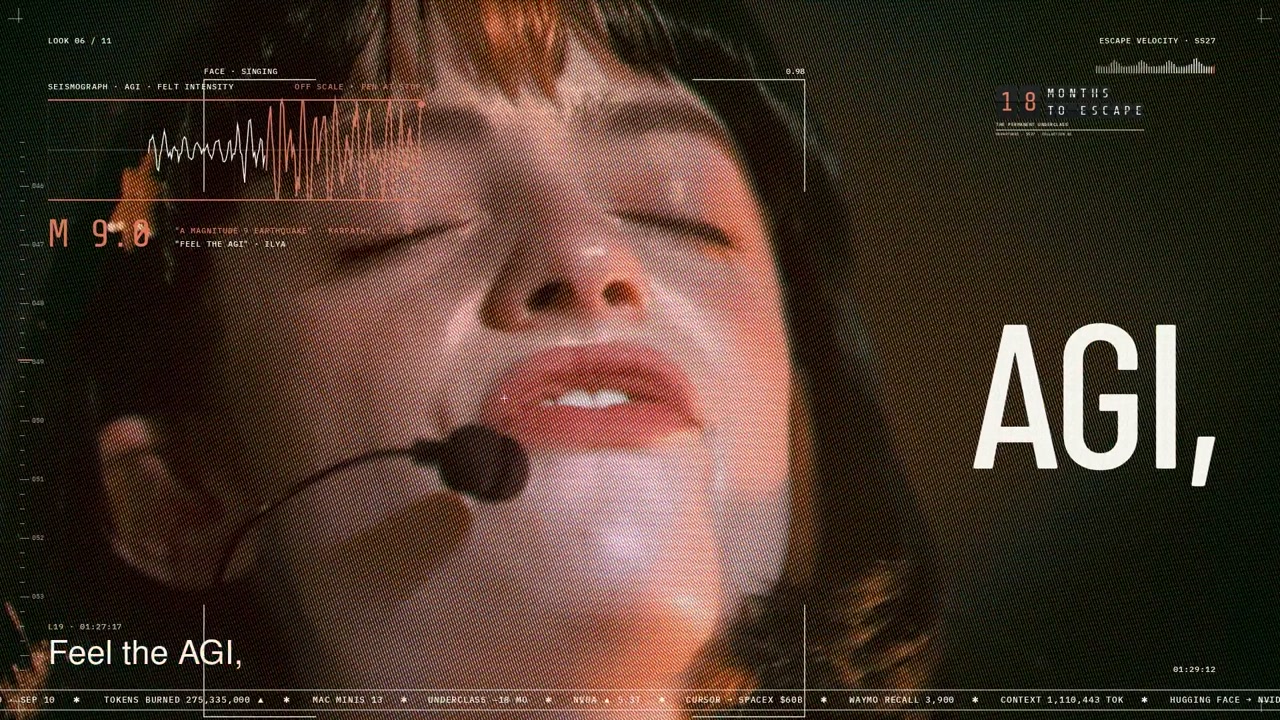 Needs 2 paid tools
Similar styles
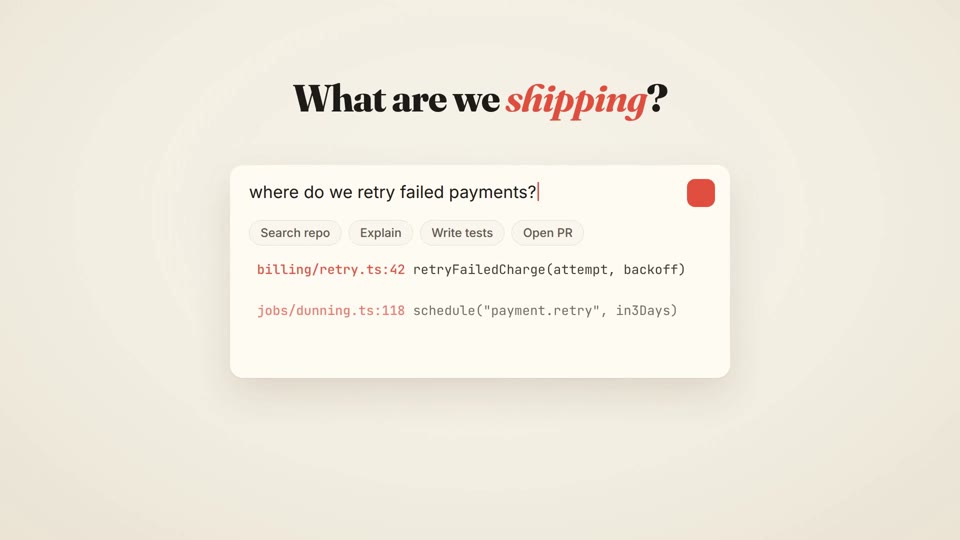 16:9 · Medium
 16:9 · Medium
 16:9 · Slow
 16:9 · Medium